

Help with cover page
I could really use some tips on re-creating a cover page that was originally created in Word. A version of this page is used for seven different manuals for similar products, and I currently have a single book for all seven manuals (using conditional text).
Because some of the information (such as logos, variables, contact info, etc.) doesn't change across manuals, I'm thinking I can just put a lot of it into a "CoverPage" master page. The information that does change (including a couple of jpgs of the product) will go into the body page, with conditional tags.
Does this make sense so far? If I'm making this more difficult than it should be, please let me know! I have learned enough of FrameMaker by now to be at the "knows-enough-to-really-screw-things-up" level.
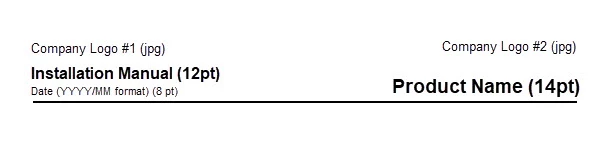
My main question at this point has to do with how I create the "header" text at the top of the cover page. There are logos, plus a line, and the text above that line has several different font sizes (so I can't apply a paragraph style to the whole line).
Should I just be using text frames here? Here is an approximation (from SnagIt, using the Word version) of what the text needs to look like:
Thanks in advance for any insight/help this community can give me.


 AdChoices