
Inspiring
December 4, 2022
Question

How best to save an image to insert in FM

  • December 4, 2022
  • 2 replies
  • 223 views

I am using SnagIt capture to capture a screenshot. But it does not scale correctly. Is it my monitor resolution?


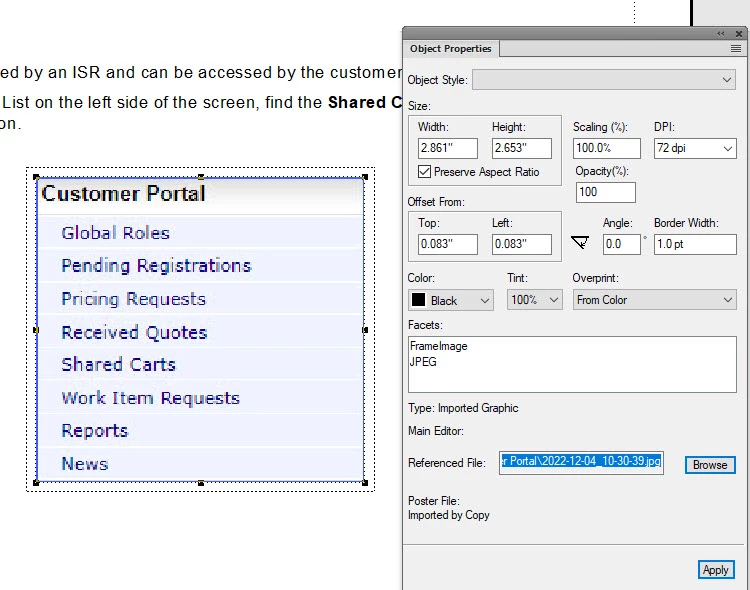
I have existing images like the one attached. Can I fix them or have to recapture them with specific properties? I think the final output will be to PDF.
    This topic has been closed for replies.

    2 replies

    Bob_Niland
    Community Expert
    Community Expert
    December 4, 2022

    As Winfried advises, don't use JPEG for screenshots (nor any other graphics file format that is going to impose curve-matching compression, such as DCT). Use something with repeat-count compression, or even no compression (e.g. BMP).


    Just grab them at native screen res (no scaling). Use the FM graphic object properties to [re]declare the needed size on the logical page. As they are typically 72dpi, FM typically won't [re]compress them on output to PDF.


    Curve-matching compression introduces "ringing" at sharp edges in images.

    Community Expert
    December 4, 2022

    Hi,


    For screenshots you should not use JPG, as JPG can have artifacts when there are high contrasts. Better use PNG! Or EPS or PDF which can be used for pixel graphics and vector graphics.

    You do not need to scale anything before you import into FrameMaker. In FrameMaker you can scale to the size which you need.


    Best regards


    Winfried