

How can I monitor programmatically when a user changes the workspace
Hi all,
I have found a bug with 2020, where a workspace has a floating panel, some docked panels on the left bottom, and a book open and a document open. If the floating panel is dragged to a second monitor that is on the right of the main monitor (so displays extended, not duplicated), the workspace saved by choosing another and exiting FrameMaker, or just exiting FrameMaker. When the workspace is chosen again, FrameMaker crashes silently. This scenario worked okay in 2019 and does also work okay in 2022.
The workaround is to have the second monitor on the left of the main screen. Alternatively the origin setting for the floating panel can be edited to bring it back to the main screen.
I cannot see anywhere in the FDK where I can register for a notification of a user changing the workspace. I can trap session end, and check the .cfws, and edit it, or I could have a thread set to monitor changes to the .cfws files. Is there a simpler approach I can use?
2022 is not an option right how, or at least until Update 1, and I do not want to have the customer go back to 2019!
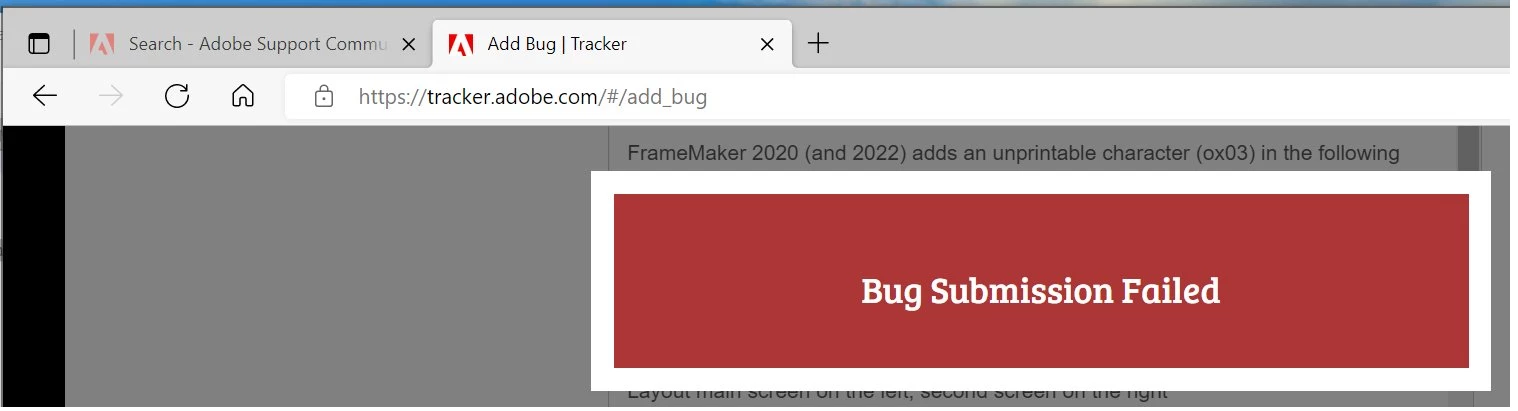
BTW I have spent a not inconsiderable time putting together a the details for a bug report, but the b..y bug track site reports 'Bug Submission Failed' but without a reason why!
TIA
Jon
Now to think about something other than FrameMaker!


 AdChoices