how do I fix the tabs on the master page?
I've got some kind of setting applied that is moving the start position way to the right? How can I fix this as it is showing up on all of the 'right' master pages?
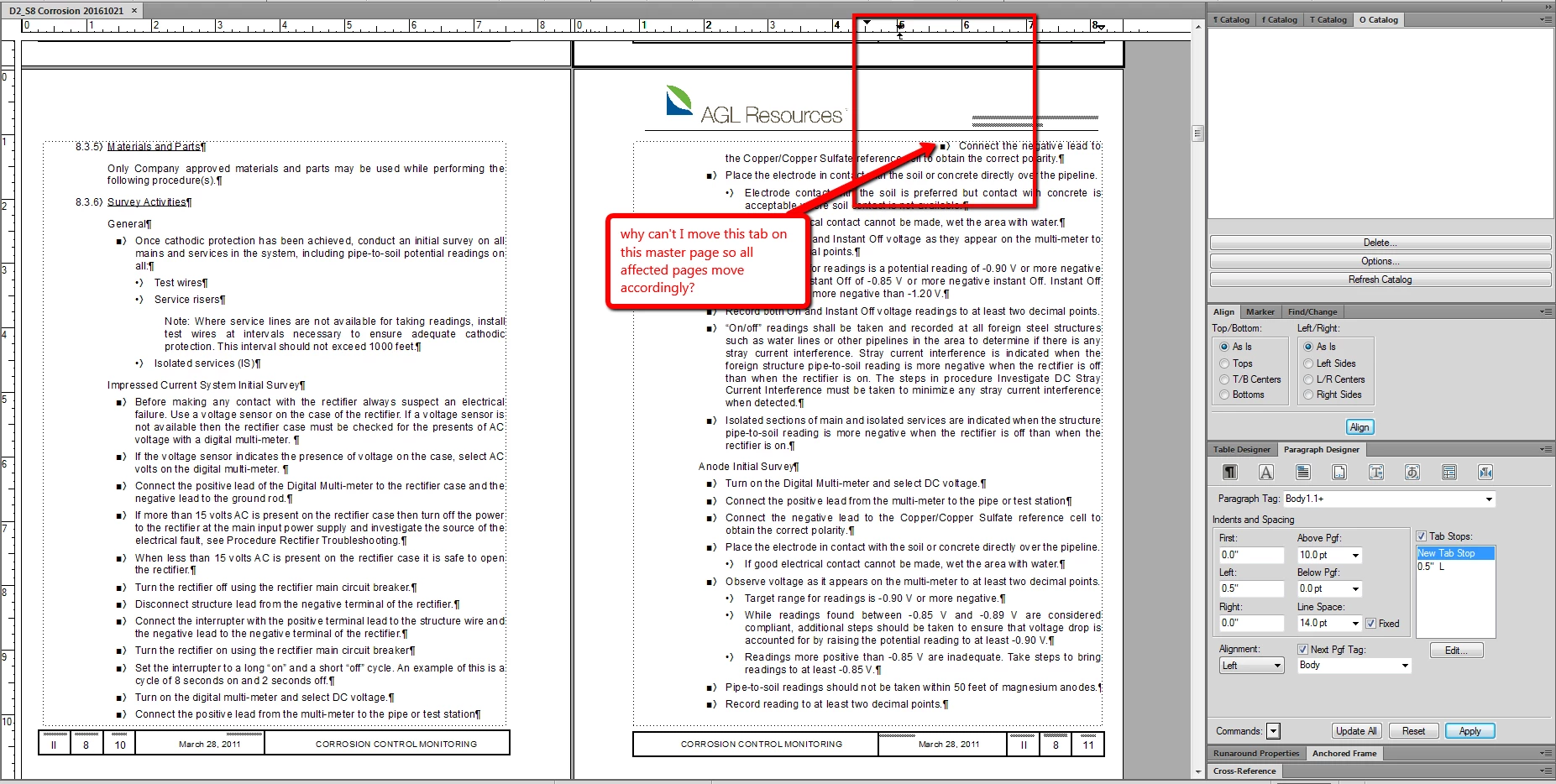

I've got some kind of setting applied that is moving the start position way to the right? How can I fix this as it is showing up on all of the 'right' master pages?

On your master page, you have a graphic in the top left. It's probably hanging too low and you have the runaround property set to Run Around Contour or Run Around Bounding Box.
If it's not in an anchored frame (image is just placed on the page), edit the image and remove the excess white space below the logo .
If it's in an anchored frame, move up the bottom edge of the anchored frame containing the image (since the image is all white space below the logo, it seems. That should do the trick. (Not sure if I'm saying this with the proper terminology, sorry.)
(I think :-)
Already have an account? Login
Enter your E-mail address. We'll send you an e-mail with instructions to reset your password.
