Susan305351693t3o
Inspiring
February 16, 2024
Answered

How do you Import/Graphic AI files without the whole artboard importing?

  • February 16, 2024
  • 2 replies
  • 1293 views

I posted this question also in the Illustrator community, but maybe FrameMaker users will have more insights.

I'm a "reborn" AI user. I used to work with it quite expertly about 10-15 years ago. Now I'm using it again, and it seems a lot has changed.

Back when I was used it in the late 2000's, you could create a drawing in AI, save it, and then import it to Word, InDesign, FrameMaker, etc, and it would ONLY import the content of the artboard, not the entire artboard with all of its white space. Now when I create drawings and try to import them to FrameMaker, I get the entire artboard, and my graphic is just a teeny tiny image in the middle of it! This will not do.

How do I fix this? Is it something I need to do in Illustrator? To import graphics into FrameMaker, it's as simple as Import/Graphic. It doesn't ask you anything like "Import image only" or "import entire artboard."

It seems intuitively obvious that you'd only want the CONTENT of the artboard, not the whole artboard. Not sure why Adobe saw fit to change this.

Thank you for your help

    This topic has been closed for replies.
    Correct answer Matt-Tech Comm Tools

    Hi Susan, you've stumbled upon the "real fix", which is editing the size of the artboard.

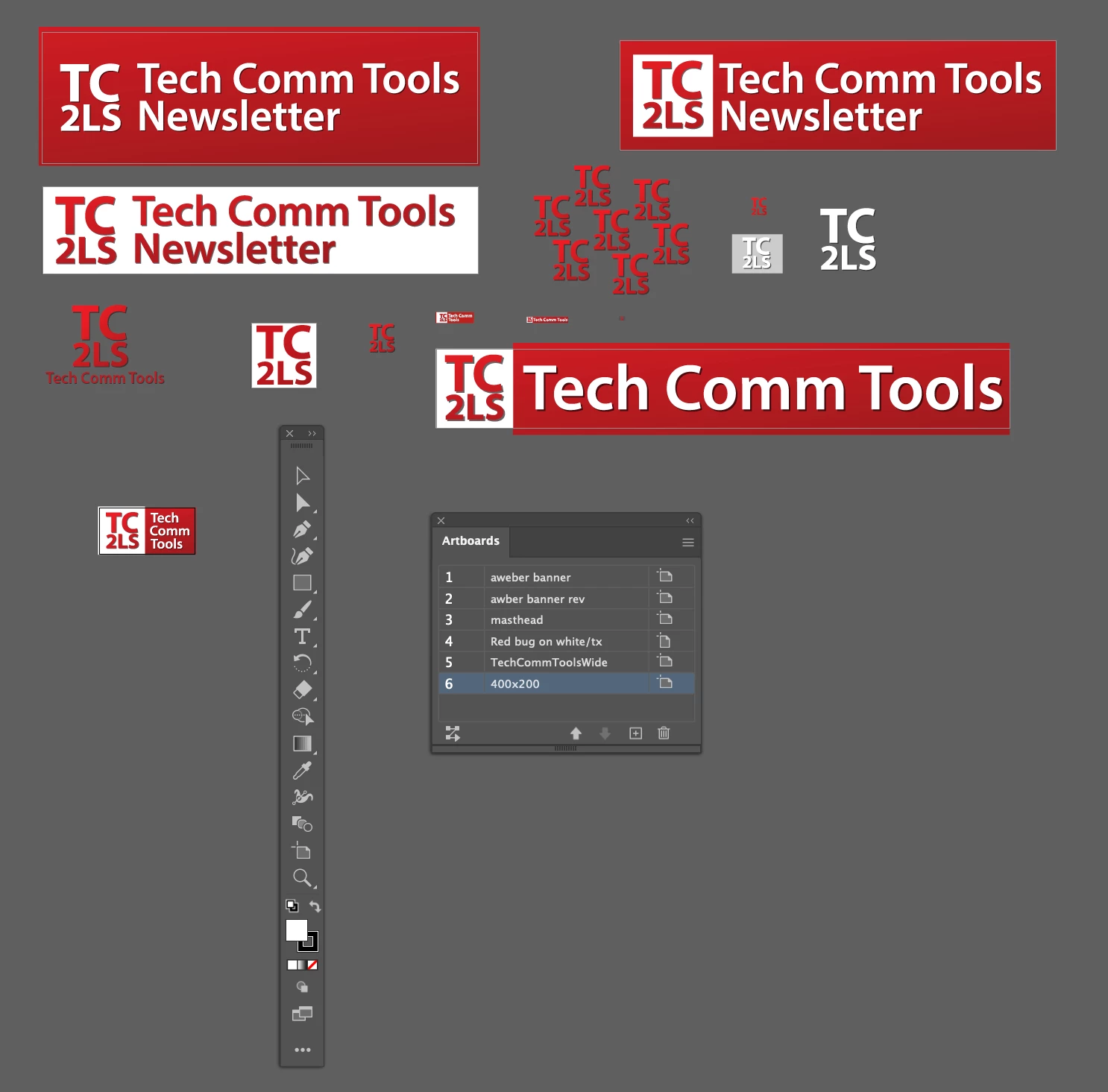
    However, there's an Artboard tool which allows you to quickly resize any of the artboards created in an illustrator file. It's directly above the magnifying glass in the toolbar and looks like this 

    Here's a screen shot of an Illustrator file where I keep a number of different artboards of various sizes for my company logos. Multiple artboards of different sizes let me keep them all in one file and export them as separate files in different formats as needed.

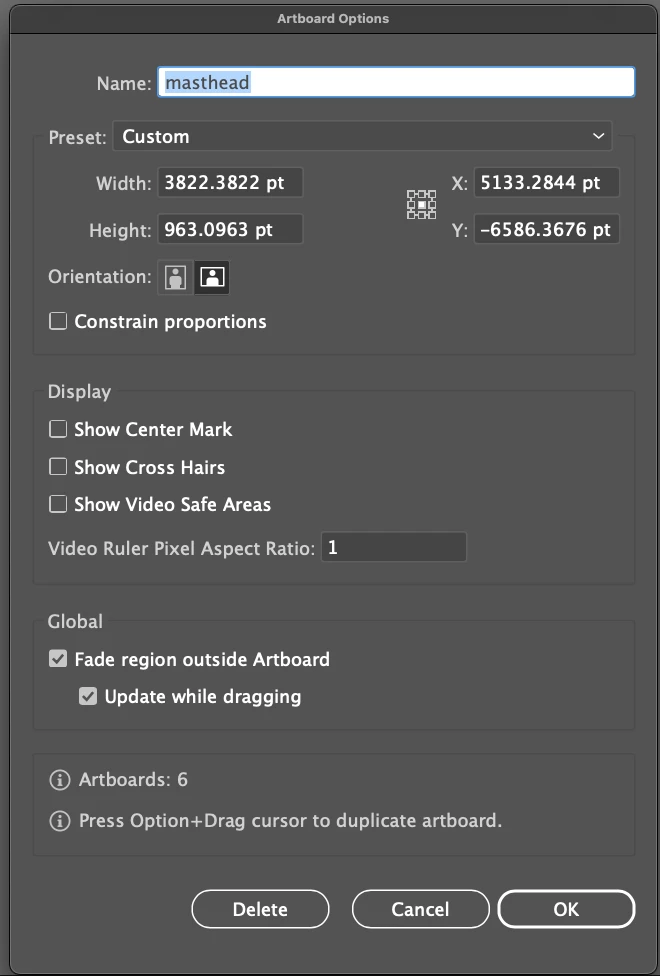
    You can also use the Artboard palette to name and define sizes for your artboards without driving yourself up the wall!

    -Matt


    2 replies

    Bob_Niland
    Community Expert
    Community Expert
    February 16, 2024

    I wonder if in days of yore, the FM import filter really did filter from .ai, and imported only the final visible image, or some subset of the .ai data structures needed to do that. Possibly a newer FM is more ai-aware and grabs the whole thing.

    And that's more than I know about it, because I've made a point of never importing .ai (or .psd). I save off whatever is the most efficient reduction of it from AI, (usually .EPS in the old days) if only to avoid the bloat of all the layers and other metadata.

    In some work I presently do, I'm using SVG to work around a limitation of the web site involved, and these originate via Illustrator. Shinking (actually usually expanding) the artboard to the image extents is part of the process.
    Object 🞃 Artboards » Fit to Artwork Bounds

    Susan305351693t3o
    Inspiring
    February 16, 2024

    Back in the day, I always saved to EPS. Not sure why that went away.

    Matt-Tech Comm Tools
    Community Expert
    Community Expert
    February 16, 2024

    There's nothing wrong with saving and importing EPS, but you will likely have more success with PDF. 

    -Matt Sullivan, FrameMaker Course Creator, Author, Trainer, Consultant
    Susan305351693t3o
    Inspiring
    February 16, 2024

    Thanks for this. This isn't the problem I'm having. The file is importing just fine and appearing, it's just the entire artboard.


    The "fix" I'm working with right now is in Illustrator I go to File/Document Setup/Edit Artboards. From there, the entire artboard is selected, and has "handles" that when clicked on say "intersect." Not sure what "intersect" means in this context but I can grab the handles and shrink the artboard down around the graphic. Then, I save it as an AI file and am able to import it into FrameMaker as an image only.

    Not sure if this is really the fix, but I'm going with it for now. Thanks for your help.

    Jeff_Coatsworth
    Community Expert
    Community Expert
    February 16, 2024

    From Barb's comment it sounded like it was pullimg the image only in FM2015 but in FM2017+ it was grabbing the whole artboard thing.