
How to colorize AFrames
Hi,
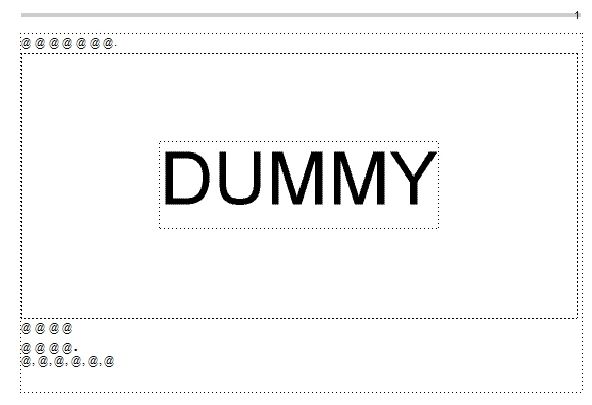
I am trying the automatic processing below.
- Add borders to Aframes
- Colorize Aframes
Before:
After:
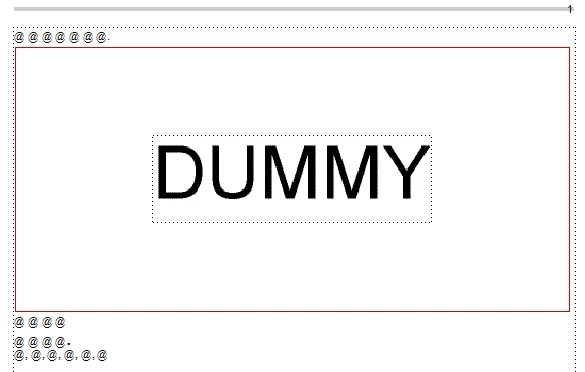
Adding borders succeeded, but I can't add colors to AFrames.
My script is below.
var doc = app.ActiveDoc;
if (doc.ObjectValid() == true) {
var colorFormat = doc.GetNamedObject(Constants.FO_Color, "Red");
var colorProps = colorFormat.GetProps();
var flow = doc.MainFlowInDoc;
var textFrame = flow.FirstTextFrameInFlow;
while (textFrame.ObjectValid()) {
var aFrame = textFrame.FirstAFrame;
while (aFrame.ObjectValid()) {
aFrame.Pen = 0; //=> works!
aFrame.Color.SetProps(colorProps); //=> doesn't work...
aFrame.SetProps(colorProps); //=> doesn't work...
aFrame.Color.Name = "Red"; //=> doesn't work...
aFrame = aFrame.NextAFrame;
}
textFrame = textFrame.NextTextFrameInFlow;
}
}
Please teach me how to handle it.
Thanks,
Koji Koike



 AdChoices