Participating Frequently
April 23, 2025
Question

How to configure Mini TOC

  • April 23, 2025
  • 2 replies
  • 236 views

Hello, everyone!


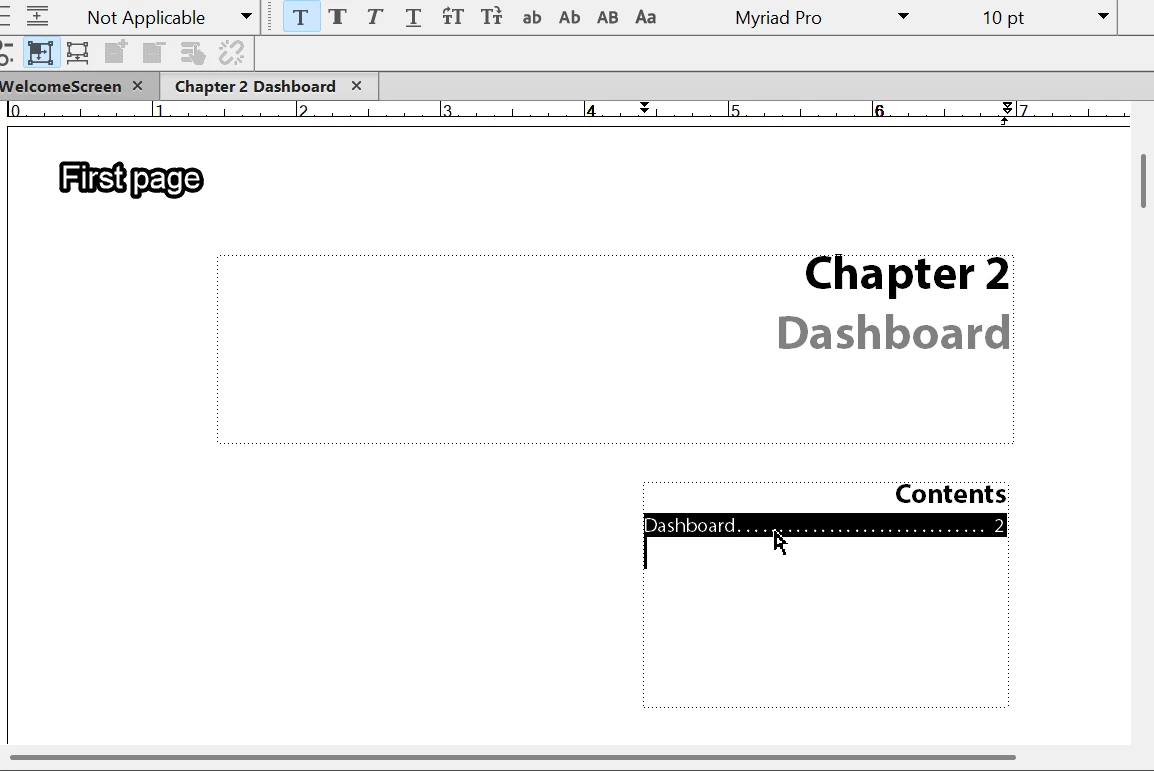
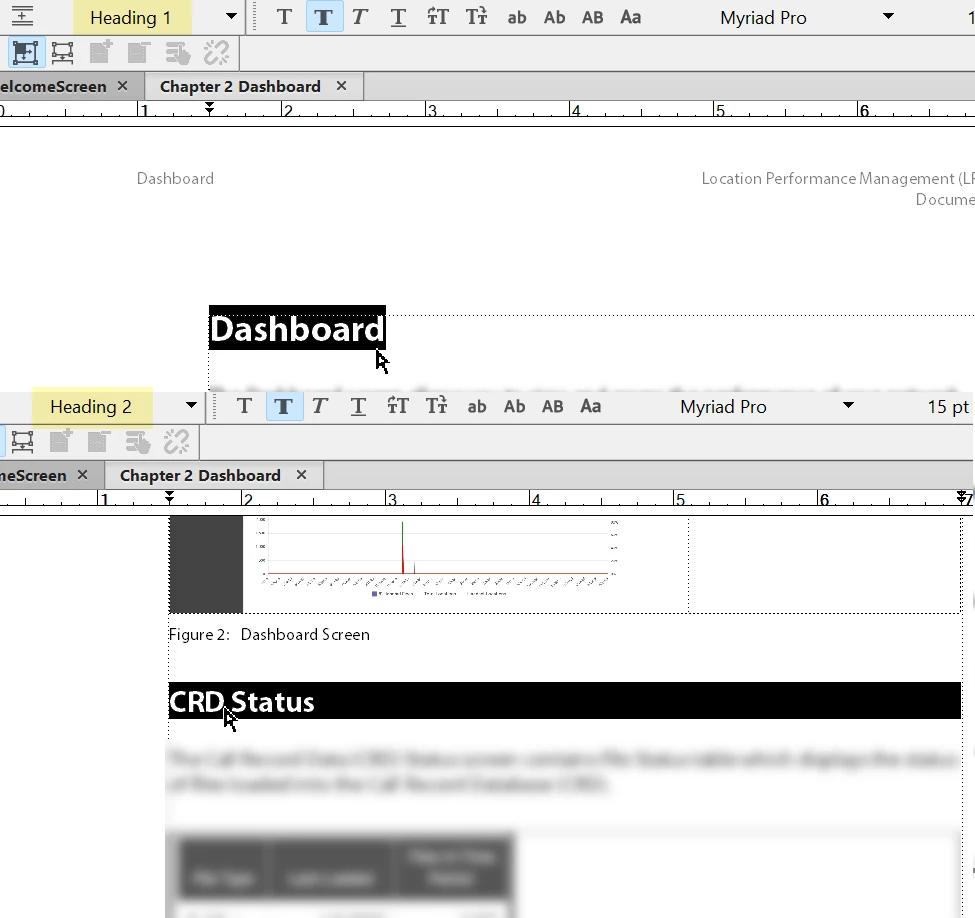
I need assitance with regards to Mini TOCs. I have a document that includes a mini TOC on the first page and as I filled the document file with the necessary content, I updated the book to which the ones with the Heading 2 does not appear on the Mini TOC. I tried to use the "Update Mini TOC" feature but to no avail. I'm not sure where to configure the contents of the Mini TOC, can you please help me? I attached images regarding the issue for reference. Thank you in advance!


    2 replies

    Matt-Tech Comm Tools
    Community Expert
    Community Expert
    April 25, 2025

    If you need to reconfigure what is collected into the MiniTOC, delete the existing and reinsert.

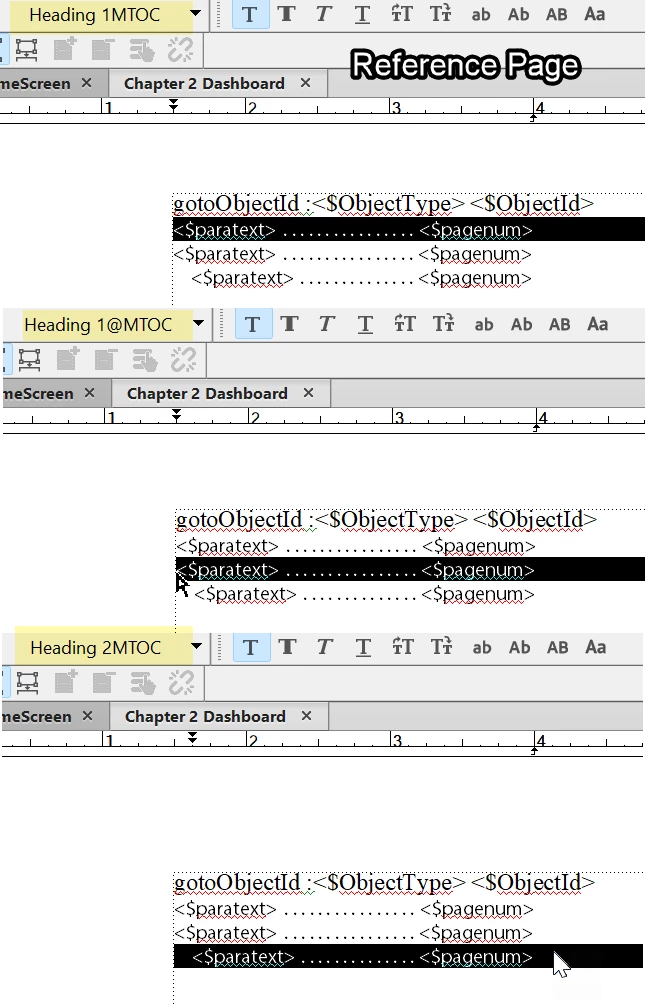
    If you need to configure the formatting of the MiniTOC, go to the reference pages.

    **If edits to the reference pages aren't working as expected, check for an extra MiniTOC page or flow earlier in the reference page sequence (This applies to any TOC/IX/etc. issues with reference page definitions.)


    -Matt Sullivan, FrameMaker Course Creator, Author, Trainer, Consultant
    Jeff_Coatsworth
    Community Expert
    Community Expert
    April 23, 2025
    dana_1216Author
    Participating Frequently
    April 23, 2025

    I haven't, Thank you for haring this!