Daniela Barros
Known Participant
June 22, 2021
Question

How to create/insert a baloon?

  • June 22, 2021
  • 3 replies
  • 245 views

Hello Guys,


Any chance to do this in FM?


    This topic has been closed for replies.

    3 replies

    Bob_Niland
    Community Expert
    Community Expert
    June 23, 2021

    Do you want that to be a pop-up (i.e. hovertext), or always visible?

    As an always-visible, it's just a fancy callout, which is relatively straightforward (although not as trivial as callouts in a modern CAD app).

    As a dynamic, not so simple, plus that then also raises the question of workflow output formats.

    frameexpert
    Community Expert
    Community Expert
    June 23, 2021

    This reminded me of a software tool that was available years (decades) ago that would convert Illustrator 1.1 files to FrameMaker graphics. It was probably a Mac-based tool when FrameMaker had a Mac version. I also think it was possible to ungroup graphics that were imported in a particular format, maybe CGM? Maybe one of the other FrameMaker "senior citizens" remembers.

    Community Expert
    June 23, 2021

    Hi,


    FrameMaker has some graphics tools.

    With Polylines you can create someting like this balloon in an anchored frame. (You can also save such a balloon on your reference pages, so that you can copy the balloon from there, when you need it.)

    Then insert a text frame in the balloon to hold your text.


    I find it very good to keep all text in FrameMaker and not in a graphics file. Then the text is always formatted consistently, and it's easier to get it translated.

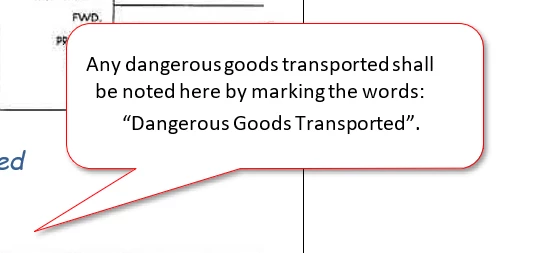
     

    Best regards


    Winfried
