


Inspiring
August 29, 2026
Question

how to display automatically the month in master title

  • August 29, 2026
  • 9 replies
  • 48 views

Hello,

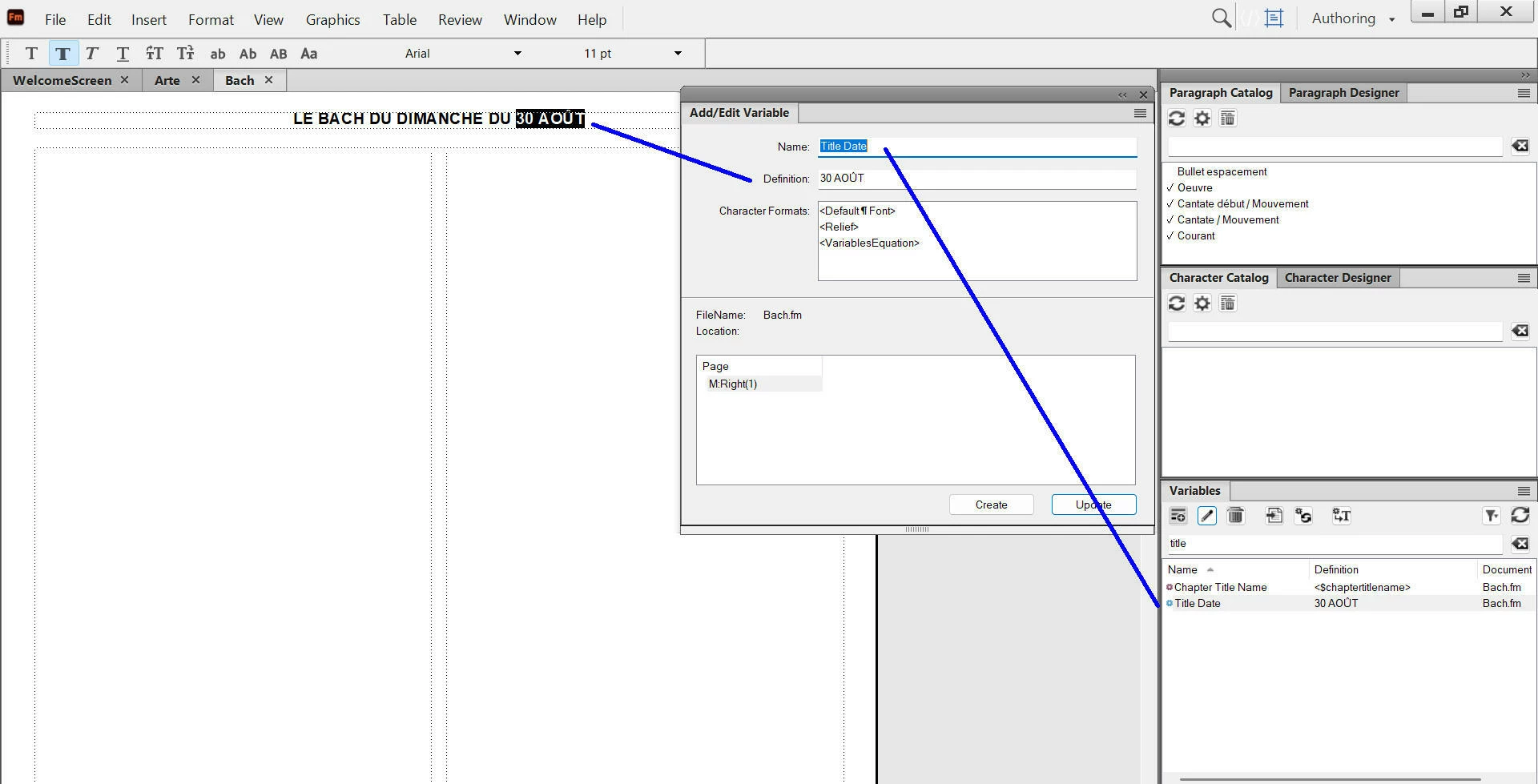
ActualIy, I  have a master page title where I enter the date like this (for 30 august) : I enter manually  “30 août” in a variable.

Now, I would like FM could enter automatically the date of the next sunday, like this : “30 août”.

By example, if I write the document the friday 28 august, I would like FM write automatically in title master page : “30 août” (for 30 august).

How to do it ?
 

    9 replies

    frameexpert
    Community Expert
    Community Expert
    September 1, 2026

    Fun with ExtendScript:

    var nextSunday;

    nextSunday = getNextSunday ();

    alert (nextSunday.getMonth()); // 0 = Jan, 1 = Feb, etc.
    alert (nextSunday.getDate());
    alert (nextSunday.getFullYear());

    function getNextSunday () {

    var today, currentDay, daysTilSunday, sundayDate;

    today = new Date();
    currentDay = today.getDay();

    daysTilSunday = (7 - currentDay) % 7;

    sundayDate = new Date();
    sundayDate.setDate(today.getDate() + daysTilSunday);

    return sundayDate;
    }

    This could be developed into a script to solve the original poster’s issue, but I wouldn’t be able to do it for free.

    www.frameexpert.com
    Inspiring
    September 1, 2026

    @frameexpert 

    Hello Rick,

    Thank you very much for your proposal of making a script for me, but finally I think I will continue to enter manually myself the date in the variable panel in order to be displayed in the master title.

    frameexpert
    Community Expert
    Community Expert
    September 2, 2026

    I understand Pierre, no problem.

    www.frameexpert.com
    Bob_Niland
    Community Expert
    Community Expert
    August 30, 2026

    If your localization settings correctly render the short month name, perhaps insert System Variable
    Current Date (short)
    and edit its Definition to:
    <$daynum> <$shortmonthname>

    Depending on your intent, there are several other similar date variables you might use instead.

    Inspiring
    August 30, 2026

    @Bob_Niland 

    Hi Bob,

    Thank you for your definition, but my goal is to display the next sunday date after the current date.

    By example, if I write my FM document the friday “28 august”, I would like that the master title displays automatically the date (day and month in french) of the next sunday (here : “30 august”).

    How to set it inside the variable panel ?

    Bob_Niland
    Community Expert
    Community Expert
    August 30, 2026

    pierret: …but my goal is to display the next sunday date after the current date.

    My apologies for overlooking that requirement.

    To date, FM cannot apply generalized mathematical operations to Variables. Other approaches might include:

    • Employ a user-defined Variable, where the Definition is a simple text string, so that at least you only have to manually change it in one place per update.
    • Have the date be in an external text file, perhaps Next-Sunday.txt, from which the content is imported to the Master Pages as a Text Inset. Some external tool might be used to automate the content of the external file.
    • Employ an FM script. It might be run automatically when the document is opened.