Answered
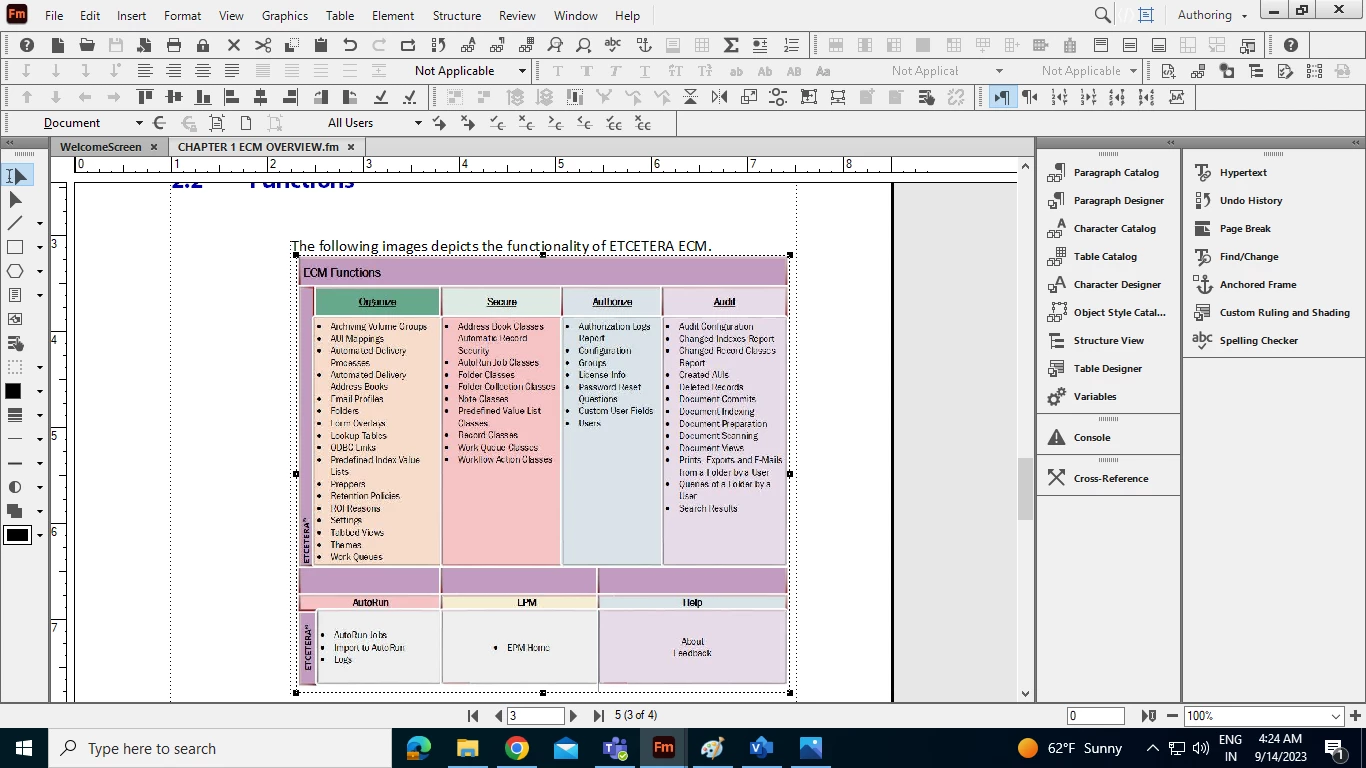
How to insert images across all column and side heads in Adobe Frame Maker book ?
How to insert images across all column and side heads in Adobe Frame Maker book ?

How to insert images across all column and side heads in Adobe Frame Maker book ?
Amit, An image uses an anchor paragraph. Give this paragraph the attribute "across all columns and side head". Then the anchored image can span the full width of your text frame. Study the compendium ...
Already have an account? Login
Enter your E-mail address. We'll send you an e-mail with instructions to reset your password.


 AdChoices