Inspiring
August 29, 2026
Answered

how to remove blank lines

  • August 29, 2026
  • 8 replies
  • 52 views

Hello,

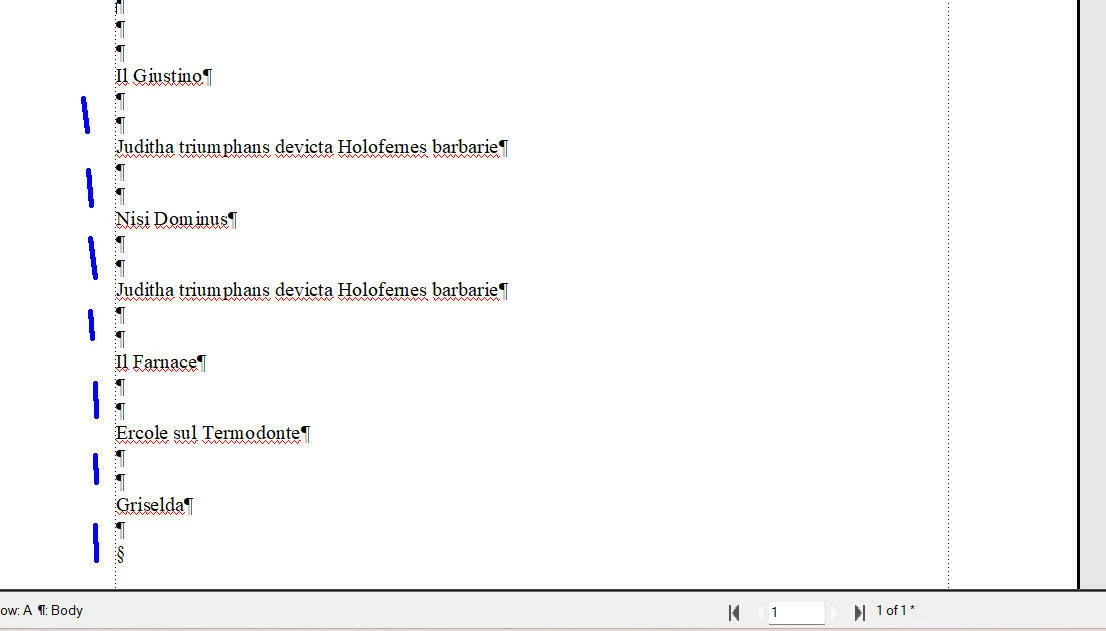
In this example I would like to delete all the blank lines between the lines of text, or after the last line of text. How to do it ?



    Correct answer Dave Creamer of IDEAS

    The first paragraph return will need to be manually deleted. 


    8 replies

    Dave Creamer of IDEAS
    Community Expert
    Dave Creamer of IDEASCommunity ExpertCorrect answer
    Community Expert
    August 30, 2026

    The first paragraph return will need to be manually deleted. 


    David Creamer: Community Expert (ACI and ACE 1995-2023)
    Inspiring
    August 30, 2026

    @Dave Creamer of IDEAS 

    Thank you Dave for the video. It helped me how to do.

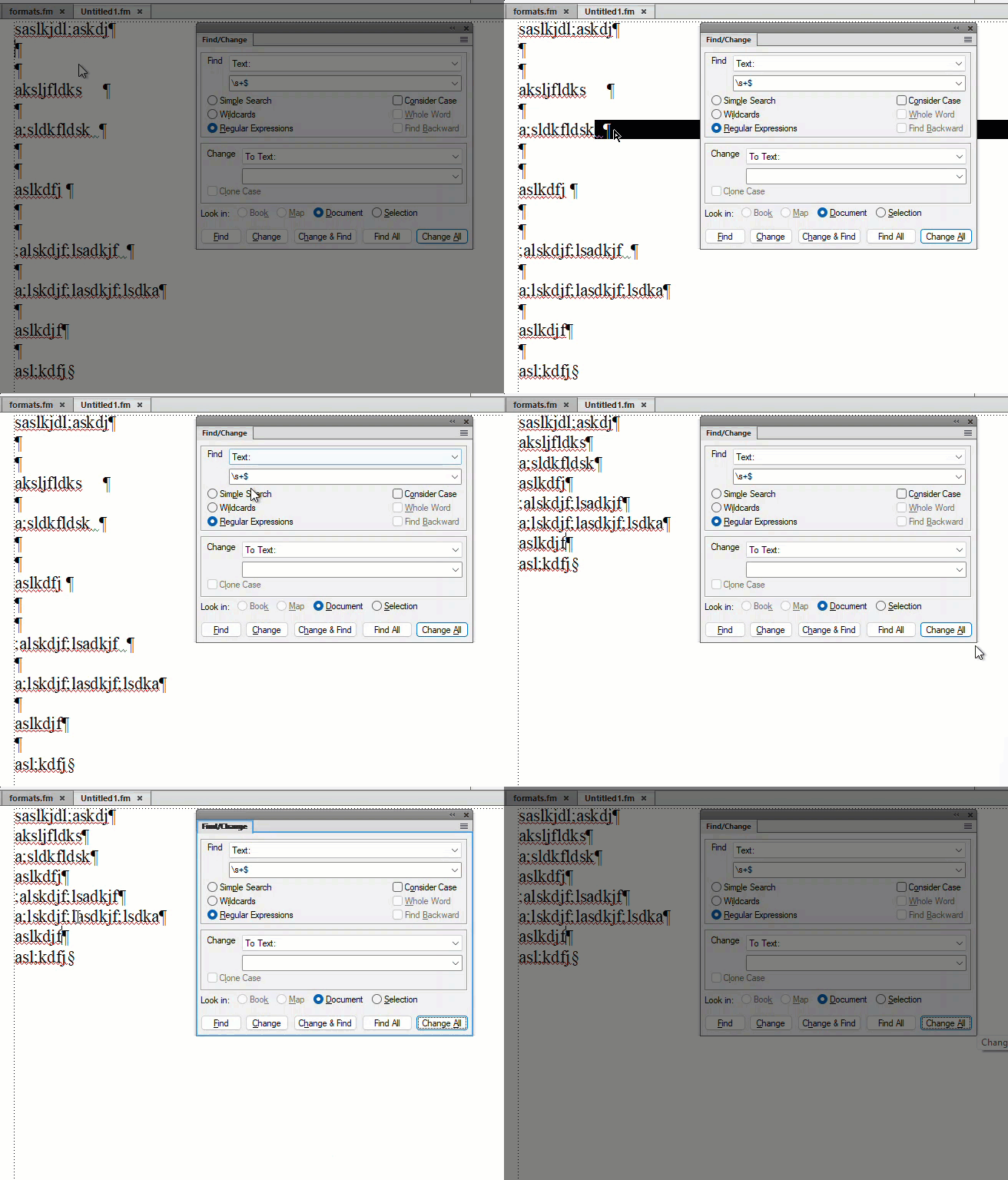
    I understand that instead of using the “find” button, you use several times the “change all” button. So I have simply used several times the button “change all” and it worked (without doing anything else).


    Dave Creamer of IDEAS
    Community Expert
    Community Expert
    August 29, 2026

    What exactly is happening? It looks like it selected to paragraph symbols. Did you continually press Change All?

    David Creamer: Community Expert (ACI and ACE 1995-2023)
    Inspiring
    August 29, 2026

    @Dave Creamer of IDEAS 

    Here is a video showing the problem : it does not select the 2 paragraph symbols after each line of text.

    Dave Creamer of IDEAS
    Community Expert
    Community Expert
    August 29, 2026

    You are not pressing the Change All button multiple times.

    David Creamer: Community Expert (ACI and ACE 1995-2023)
    Dave Creamer of IDEAS
    Community Expert
    Community Expert
    August 29, 2026

    You can use a regular expression for find/change. 

    In GREP, it would be find: \r\r+

    Replace with: \r

    Note: the default in the find regular expression is Perl, not GREP, so it would need to be changed. 


    For an easier method, you can use the standard find option.

    Find: \p\p

    Change: \p

    Repeat change all until it can’t find anymore.

    David Creamer: Community Expert (ACI and ACE 1995-2023)
    Inspiring
    August 29, 2026

    @Dave Creamer of IDEAS 

    Hi Dave,

    I have just tried to use your second solution (with \p\p), but it does not works. Why ?