How to switch the table to look normal when editing a table?
Why the table is different when editing? Need to change to preview final only can see clearly on the table design.
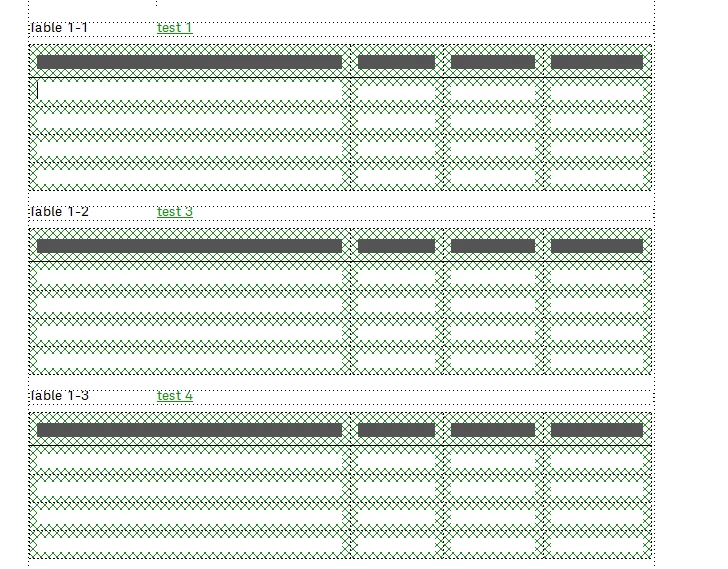
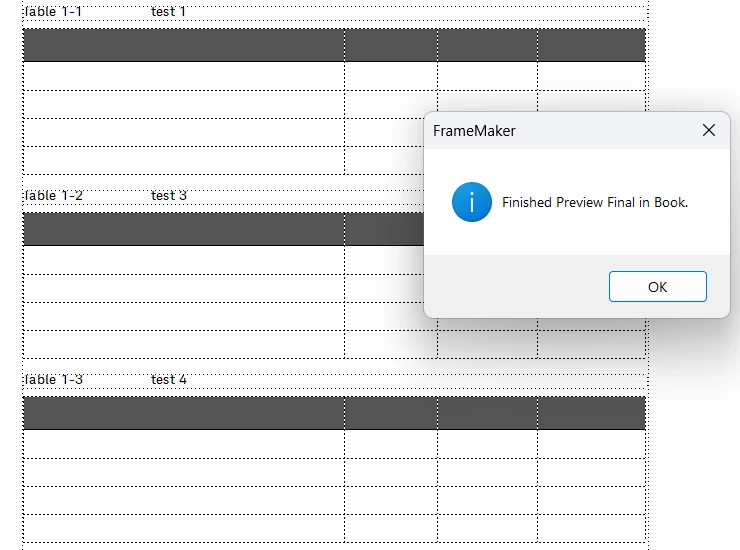

Why the table is different when editing? Need to change to preview final only can see clearly on the table design.


Hi,
The green lines around the table come from Track Text Edit. When you have this activated, when you insert a table, FrameMaker adds this green lines.
You can hide this, when you click the Preview button of the Track Text Edit toolbar. Or use the commands in the Edit menu in Track Text Edit.
You can also permanently accept the changes. Either click the Accept All button or click this command in the Edit menu in Track Text Edit.
Or select the table anchor (or the whole paragraph with the table anchor, better) and click Accept Edit.
Best regards, Winfried
Already have an account? Login
Enter your E-mail address. We'll send you an e-mail with instructions to reset your password.