
Participating Frequently
February 6, 2017
Question

HTML5 table formatting bug in Frame 2017?

  • February 6, 2017
  • 1 reply
  • 751 views

I'm testing the HTML5 output of Frame 2017 and it is messing up my table formats. The tables formatted fine in HTML5 output for both Frame 12 and 2015 and I did not have to change any table mapping styles in either version. Here's a nicely formatted sample table in HTML5 from 2015:

And here's how it renders in 2017. Again, I did not change any table settings in the 2017 fm files nor in the table style mapping.
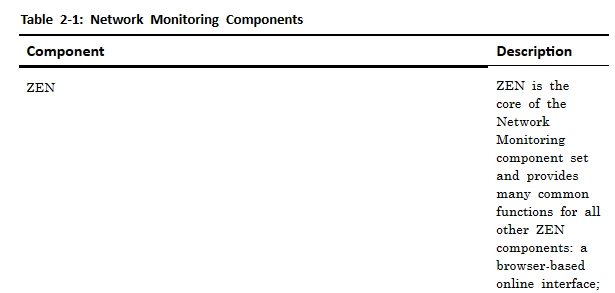
The other strange thing, is that the 2017 tables render correctly if I publish individual files, but look like the one above when I publish the book.

This topic has been closed for replies.

1 reply

Legend
February 7, 2017

Are you using the same settings file (*.sts) in FM 12, 2015 and 2017? That is, did you open your older FM 12 / 2015 settings file in FM 2017? Or are you using FrameMaker's "Default.sts" file shipped with each of these versions? Also, which layout are you using? FM 2017 ships with four default layouts (Azure, Charcoal, Indigo and Ocean).

Participating Frequently
February 7, 2017

Hi - I imported my 2015 Settings.sts into 2017 because I've made a lot of paragraph mapping changes in 2015 to get those to behave in HTML and didn't want to redo them. So I just republished the book using the Default.sts in /fminit/Publisher without changing any settings and the table columns are still compressed as in my 2nd screenshot. I also just tried the Indigo and Ocean layouts, but they generated the same table formatting results.

Adobe Employee
February 9, 2017

Hi , We have looked into the problem and are working on providing a solution for that.Thanks!