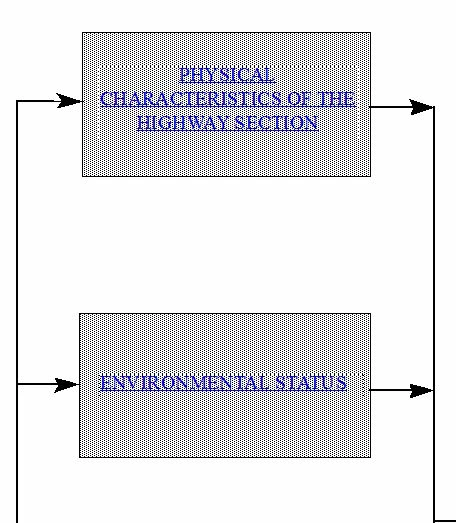
There's one option that has been missed. If we look at the original post it can be seen that the main flow chart box is separate from the text frame. In this case the easiest way to add a link is to make either the background box or the text frame into a HotSpot. This gives you a larger catchment area for the click which makes it easier for the user to click onto.
- To add a Hotspot first select the text frame or rectangle (or any other suitable object.
- Select Graphic > Hotspot > Hotspot Properties...
- You will see this dialog:
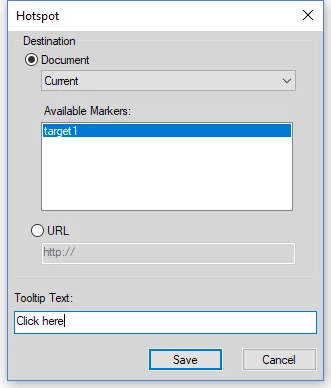
- Add the relevant link information. In this example I had previously created a Named destination marker 'target1'.
Save the changes and your hotspot will work perfectly in View Only mode and will transfer very well to PDF.
Hotspots can be any shape to suit your requirements.

Ian




 AdChoices