
Inspiring
June 30, 2017
Question

I'm having trouble installing the update from 12.0.2 to 12.0.3

  • June 30, 2017
  • 1 reply
  • 372 views

Help! I need to get to 12.0.3 to be able to use SharePoint 2013 with FrameMaker 12, but here's what I'm getting:
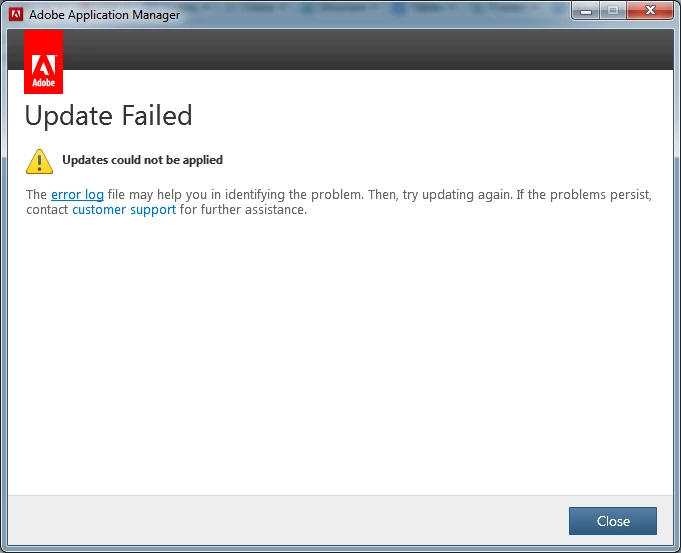
The error log has this:

Adobe FrameMaker 12.0.3 Update

Installation failed. Error Code: U44M2P7

Support options aren't apparent. What's the next step here?

    This topic has been closed for replies.

    1 reply

    Jeff_Coatsworth
    Community Expert
    Community Expert
    June 30, 2017

    Were you able to roll the 12.0.4 version back or did you have uninstall & reinstall FM completely? Did you reboot between operations? Have you tried using the direct upgrade path - Adobe - FrameMaker : For Windows 

    Suzy2001Author
    Inspiring
    June 30, 2017

    I had to uninstall/reinstall the whole TCS package which got me back to 12.0.2. Then I updated 12.0.3, which works with SharePoint 2013. It’s unclear if 12.0.4 works with SharePoint 2013; Adobe support (who walked me through this) says it should (it’s supposed to include everything from earlier updates, which is what I was expecting), but I am out of time to experiment.

    Matt-Tech Comm Tools
    Community Expert
    Community Expert
    July 3, 2017

    For anyone finding this thread at a future date...

    Whenever I have trouble uninstalling Adobe software, I use the CC Cleaner tool. As with many dev tools, it has the power to do more than you wish, but it is quick, and has yet to let me down.

    Don't rush through the options, and you'll be ok.

    Using CC cleaner tool

    -Matt Sullivan, FrameMaker Course Creator, Author, Trainer, Consultant