Answered
Image Background color changed in Adobe framemaker document
When I save file as PDF the image background changed automatically from grey to white in Adobe Frame Maker Document. Please suggest me how to resolve it.

When I save file as PDF the image background changed automatically from grey to white in Adobe Frame Maker Document. Please suggest me how to resolve it.
Hi Amit
You are using a 30+ year old format for the logo: Windows Metafile (WMF) is an image file format originally designed for Microsoft Windows in the 1990s.
Logos should be designed in Illustrator. When you import an .ai file (not copy/paste) you will see a white background in FrameMaker (because FrameMaker is also 30+ years old), but it will not appear in the PDF or in print.
Adobe Illustrator logo in FrameMaker
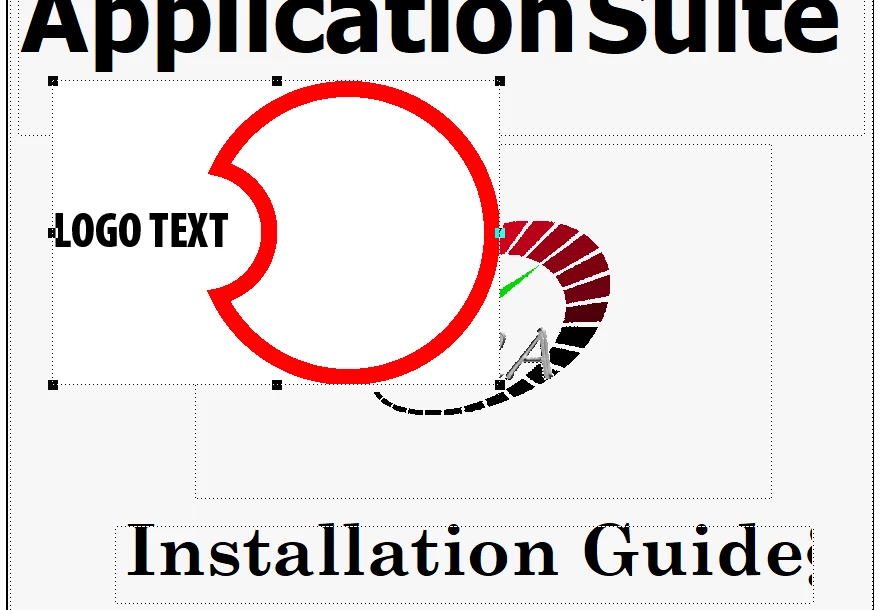
After publishing to PDF

~Barb
Already have an account? Login
Enter your E-mail address. We'll send you an e-mail with instructions to reset your password.


 AdChoices