
Known Participant
October 1, 2019
Question

Importing PDF to FrameMaker 2019 Structured

  • October 1, 2019
  • 3 replies
  • 627 views

Hello.


We have strange problem when importing PDF to structured FM files. This applies to FM2019. In FM12 it works normally.

Attached is gen0-2_2019.fm file (I cannot attach it here. it says vnd.framemaker extension doesn't match or whatever...). Link is here: GEN 0.2 FM document

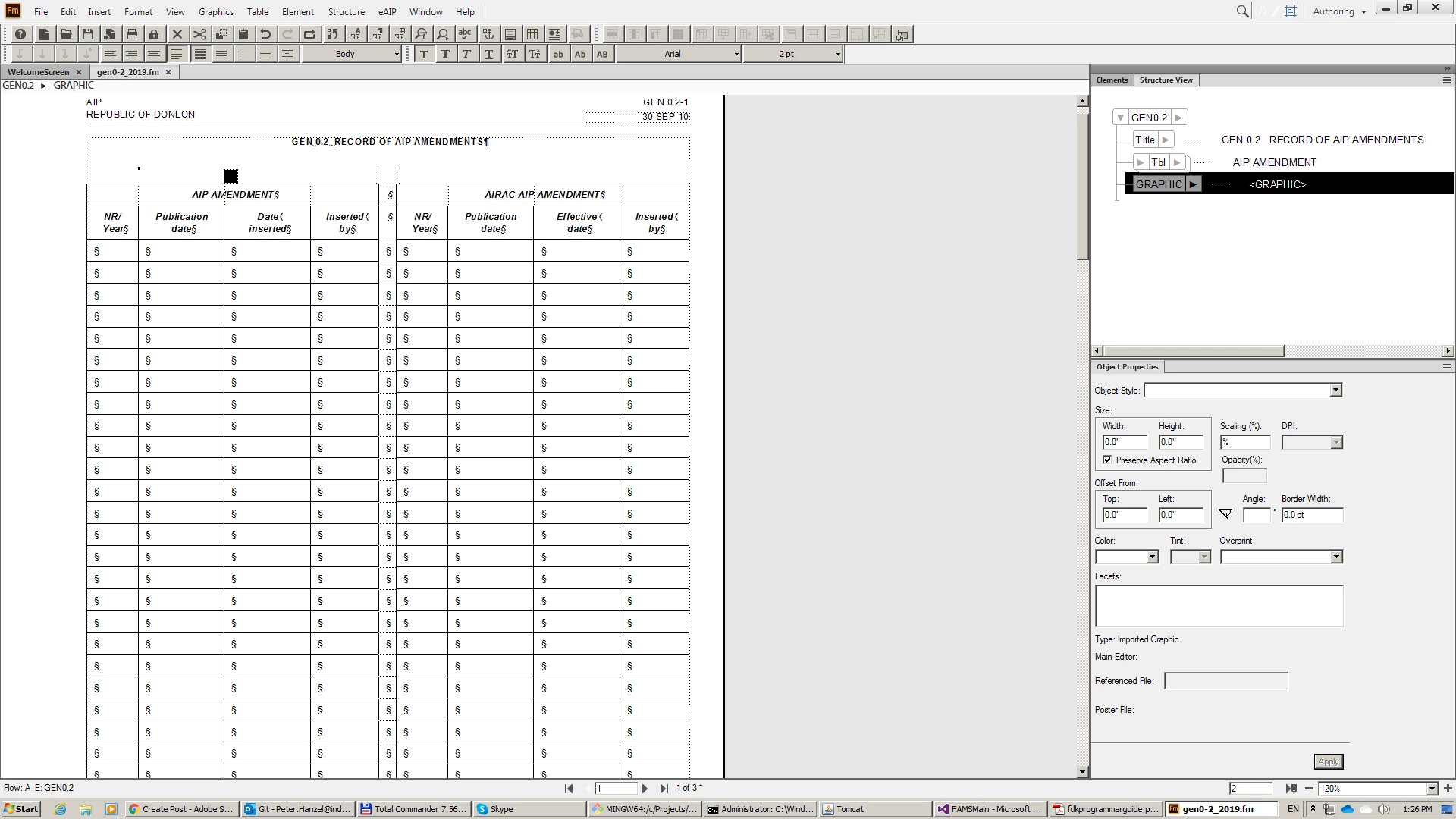
When we import PDF after table it will not show imported PDF. See this:
 

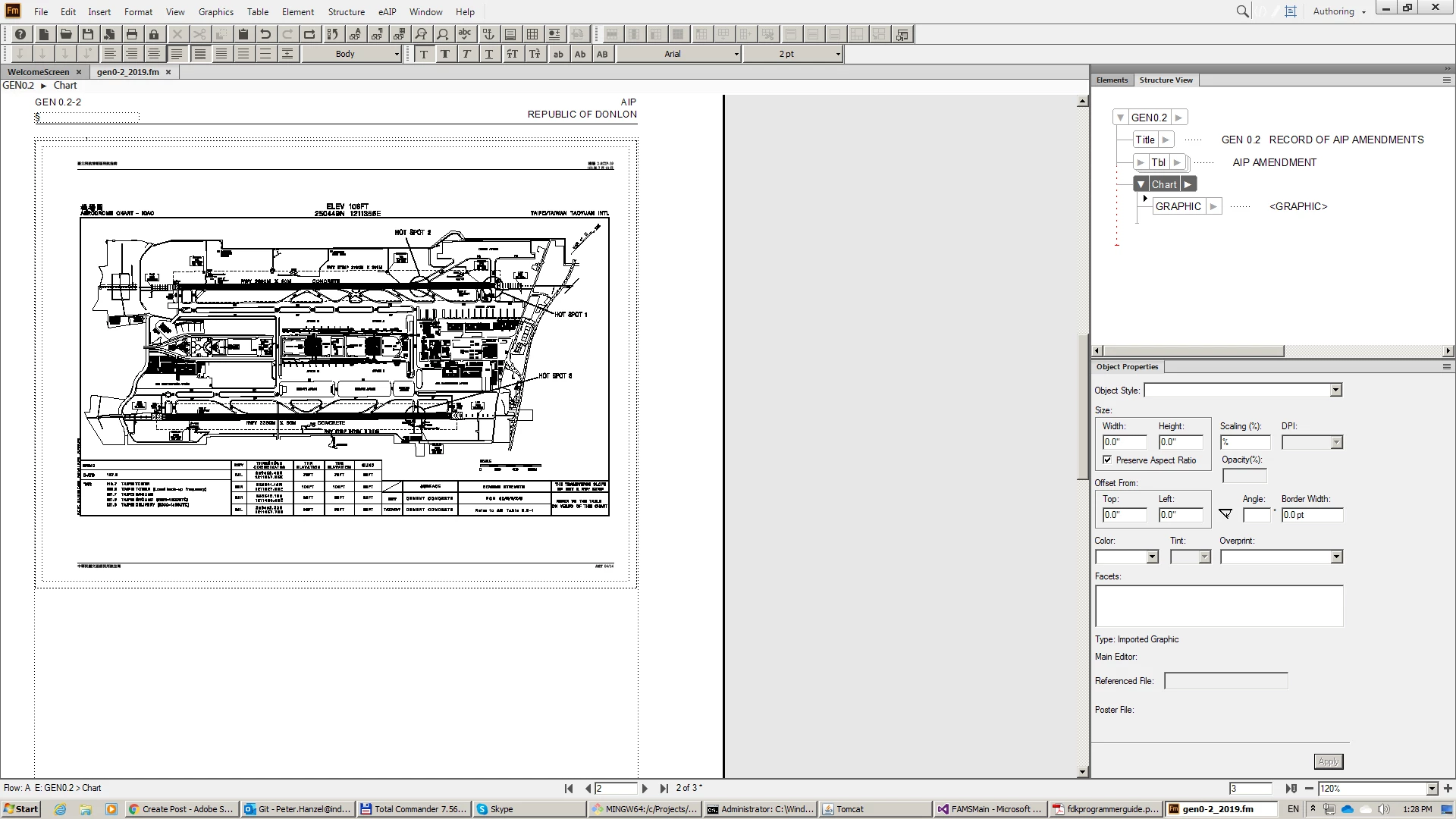
When I insert Chart element (which is pgf container). The imported PDF looks normally. See this:
For some documents even creating Chart element doesn't help and PDF is displayed like this small square. If I delete the table in gen0-2 document I can insert PDF without Chart element. It is not important what PDF contains. It happens with every PDF.

What is funny that when I save FM document with PDF to MIF the link is there looking PDF was succesfully imported.


What can this be for a problem?

Thanks.


This topic has been closed for replies.

3 replies

pulkitn
Adobe Employee
Adobe Employee
October 11, 2019

Hi,

I tried with your files,
I suggest you to try first by inserting an Anchored frame (ChangeBar) and then importing Pdf into it.

You can utilize FitToFrame functionality if you want to fit this pdf inside your anchored frame.

This worked for me.

-Pulkit


Adobe Employee
October 9, 2019


I just tried the same by inserting a changebar or any logical element and inserting an anchored frame and then importing PDF inside anchored frame. it seems to be coming correctly. If possible can you share a short video of the steps you are following.


Thanks

Amitoj Singh

Email: amisingh@adobe.com

Adobe Employee
October 2, 2019

Kindly confirm the FM vesion you have installed (Help -> version )  FM2019.0.X? 


Thanks

Amitoj Singh

Adobe Inc.

hanzelkoAuthor
Known Participant
October 2, 2019

Hello.The FrameMaker version in FM2019 15.0.4.751