


Participant
Sep 24, 2018 11:12 PM UTC
Answered

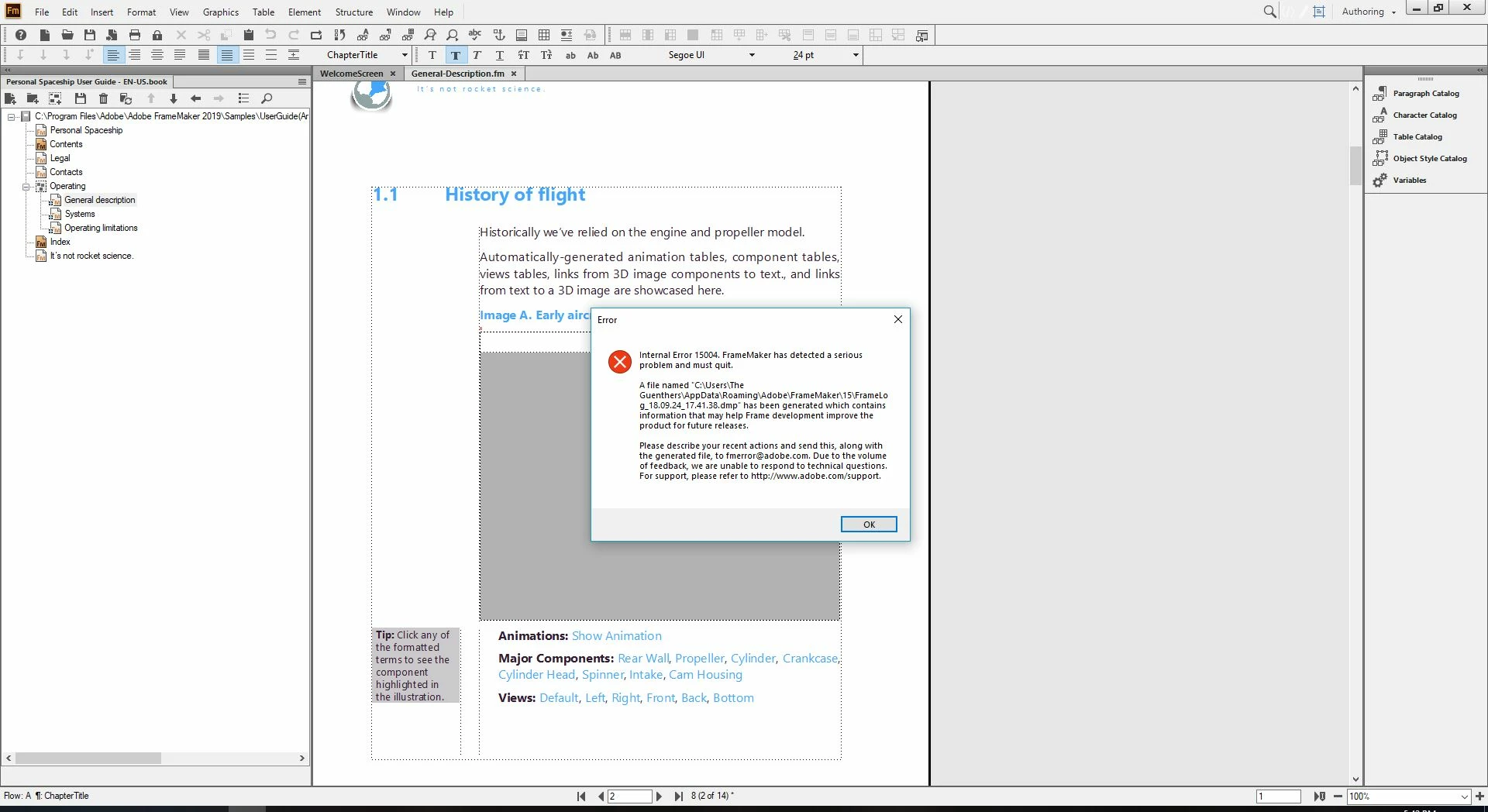
Internal Error 15004

Hello, I'm trying to explore the sample files and opened the user guide sample and when opening the "general description" page 2 I get this error (screenshot attached) and then the program crashes. If I scroll down to page 2 of "general description" it also crashes, however if I skip it and type in to go directly to page 3, than it works fine but if I scroll up to page 2 it crashes again. I am very new to Framemaker so sorry if this is a dumb question. Thanks for any help!
    This topic is closed to new replies. Start a new post to keep the conversation going.
    AmitojCorrect answer
    Adobe Employee
    Sep 25, 2018 4:42 AM UTC

    Thanks for sharing the details. This is a bug with 64bit with u3d image files and comes on certain systems. we are in process of finalizing a fix for this and should be released for 64-bit in an update in coming few days. You could try using 32-bit in the interim or try with filesets not containing u3d files.

    Regards

    Amitoj Singh

    8 replies

    AmitojCorrect answer
    Adobe Employee
    Sep 25, 2018 4:42 AM UTC

    Thanks for sharing the details. This is a bug with 64bit with u3d image files and comes on certain systems. we are in process of finalizing a fix for this and should be released for 64-bit in an update in coming few days. You could try using 32-bit in the interim or try with filesets not containing u3d files.

    Regards

    Amitoj Singh

    Translate
    Participant
    Sep 25, 2018 1:52 PM UTC

    Thank you very much for the quick reply.

    Translate