Hi Winfried,
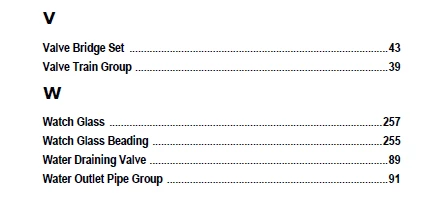
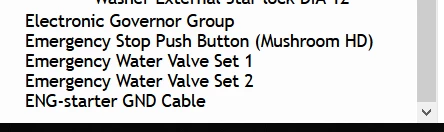
I have deleted the browser cache and run the HTML5 output on all the browsers on my computer, with similar results. Based on your advise, I am now testing the output using a new .sts file on Azure Blue theme. Will know the outcome after 3-4 hours.
And yes, the FM version is 15.0.5.838, updated only today. Now, if I could request you to try and remember what you did so that all index items showed up in your document...
Regards
Apurva
Hi All,
Problem solved. Our book had similar paragraph styles to most files but the identical style wasn't applied to all the files. While this is a sloppy method of editing, the discrepancies didn't cause any problems with the PDF generation. However, the HTML5 engine is more strict in the application of paragraph styles while creating an online output. And that was the root of the problem.
Solution: We made a template file that had all the correct paragraph styles. We applied this template file to all the other files in the book [Select all the files in the book: File > Import > Formats from the template file]. After applying the identical style to all the files, the book produced perfect HTML5 outputs, including the complete set of index entries.
Hope this procedure is of help to someone in a similar situation.
Regards
Apurva




 AdChoices