

Cagataytech
Known Participant
November 18, 2021
Answered

Is there a way to recreate the template text frames on a TOC master page?

  • November 18, 2021
  • 4 replies
  • 436 views

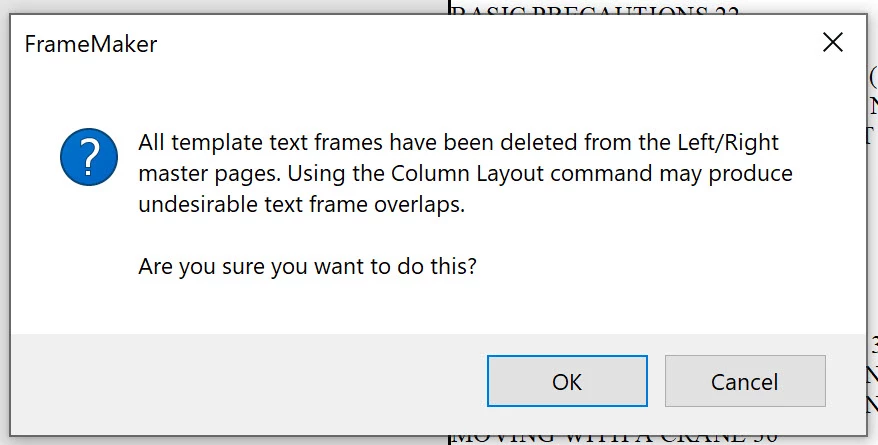
I've accidentally managed to delete the initial (template) text frames on the TOC master page of one of my manual projects. After finding out that copy pasting the text frames from another TOC master page of another manual project into this TOC master page does not put the created paragraphs into the pasted text frames but rather put them all over the page, I've tried to delete and recreate the TOC thinking that this action would solve the problem. Unfortunately this did create the same problematic TOC with the missing template text frames one more time (and then a third time). What is the best way to get out of this mess?
 

This topic has been closed for replies.
Correct answer Barb Binder

As I reread your post—recreating the TOC should also work but you need to delete the existing "bad" TOC from the project folder (and the book window) first. Otherwise, Fm will see it sitting in the folder and will use that automatically. 


~Barb

4 replies

Barb Binder
Community Expert
Community Expert
November 18, 2021

Remember, you can import the paragraph formats from an existing TOC and you will have a clean and beautiful TOC! 😊


~Barb

~Barb at Rocky Mountain Training
Barb Binder
Community Expert
Barb BinderCommunity ExpertCorrect answer
Community Expert
November 18, 2021

As I reread your post—recreating the TOC should also work but you need to delete the existing "bad" TOC from the project folder (and the book window) first. Otherwise, Fm will see it sitting in the folder and will use that automatically. 


~Barb

~Barb at Rocky Mountain Training
Cagataytech
Known Participant
November 18, 2021

Thanks to both Barb and Bob but this was the fastest way to solve my problem. I've totally forgotten to also delete the TOC file from the project folder. Right now I have a clean and ugly TOC again with its template text frames in it 🙂

Bob_Niland
Community Expert
Community Expert
November 18, 2021

With the damaged document, and a suitable donor document both open, does:
File » Import » Formats…
Import from Document [Donor.fm]
[Deselect All]
☑ Page Layouts
do what you need?

Barb Binder
Community Expert
Community Expert
November 18, 2021

Hi @Cagataytech:


Is there a toc.backup file that you can use to restore the template frames? I always keep that feature on, even though I've only needed a backup file a handful of times over the years. 


Otherwise,

  1. File > Import > Formats and only enable the Page Layouts category from the good TOC into the one with the missing template frames, or
  2. Note the size and position of the template frames on the good TOC (Object Properties) and then draw them back on the master pages of the one with the missing frames using the Text Frame tool. Adjust size and the position using Object Properties. 


The key is that both template frames should be using Flow A and Autoconnect should be enabled.


Then update the book. And always, make a backup first.


~Barb

~Barb at Rocky Mountain Training