

Lion_techpub
Known Participant
November 18, 2020
Question

Korean language: Hanging punctuation issue
  • November 18, 2020
  • 2 replies
  • 484 views

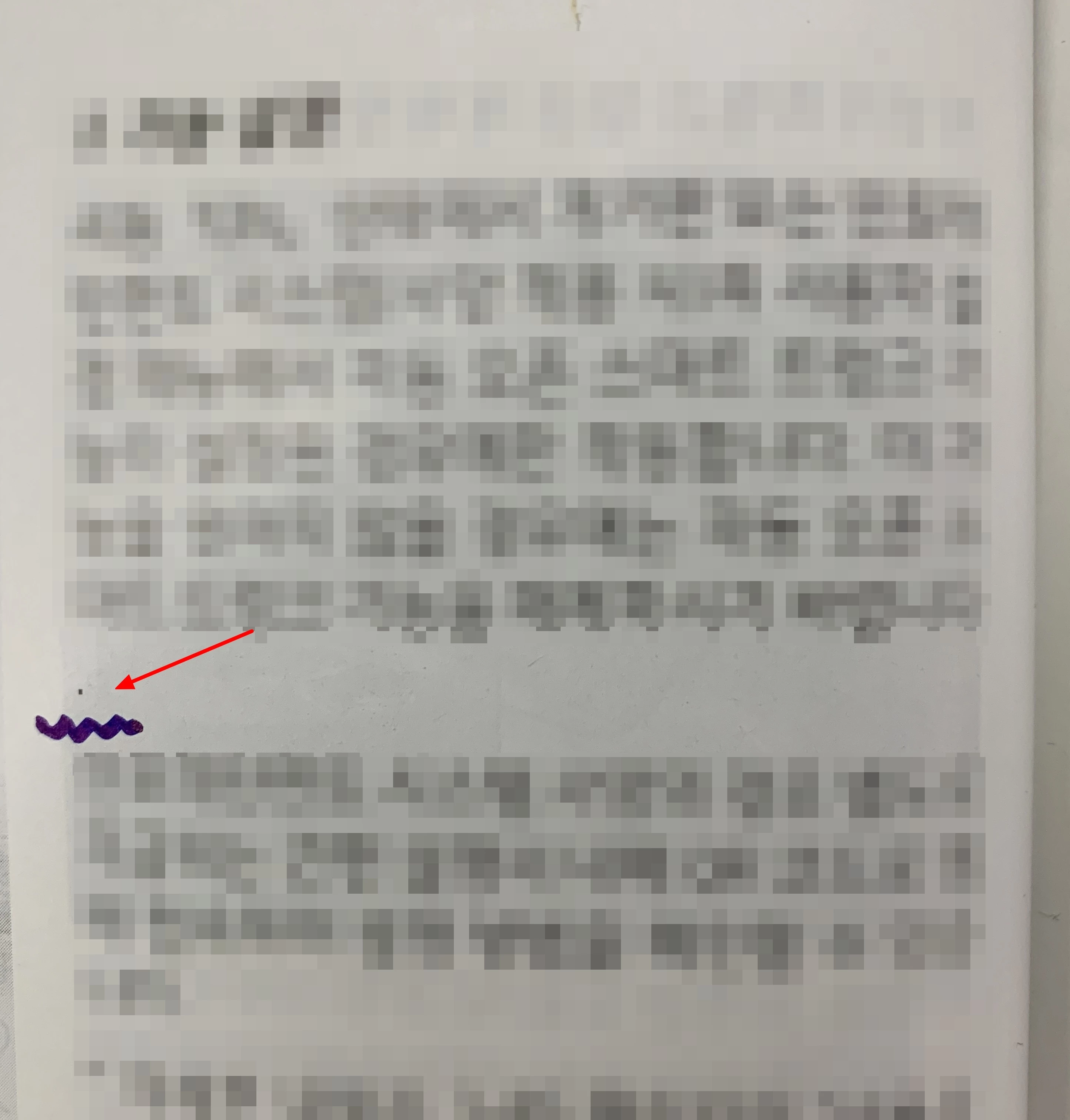
As you can see the above image, a period mark moves to the next line.

Can you give a hint how to solve this problem (hanging punctuation mark: period, comma, closing parenthesis)?


For your information: Korean language, Korean font, FM 2019

    This topic has been closed for replies.

    2 replies

    Jeff_Coatsworth
    Community Expert
    Community Expert
    November 18, 2020

    Is it happening in other documents? If not, then it's got to be something about this doc; if so, then I'd suspect something in the font used.

    Lion_techpub
    Known Participant
    November 18, 2020

    Regarding Korean language (additionally Chinese and Japanese languages as well), of course, regardless of fonts used, is there any way to handle Kumihan table?

    Adobe Employee
    November 18, 2020

    Please refer to the following guide

    http://www.frameusers.com/uploads/2016/02/FM6_MIF_Reference.pdf

    Pg 231


    Hope this helps.


    Thanks

    Amitoj Singh

    Community Manager
    November 18, 2020

    Have you also set the paragraph language to Korean (tab "Font" in the "Paragraph Designer") and activated the "Use Asian Composer" (tab "Asian" in the "Paragraph Designer") and updated the Paragraph Style with this?

    Lion_techpub
    Known Participant
    November 18, 2020

    Yes, I activated "Use Asian Composer" (tab "Asian" in the "Paragraph Designer") and updated the Paragraph style.

    But, not solved.