

Newbie confusion re: how do I read the FM interface & marquees?
Framemaker 2015, Windows 10
I'm attempting to update old FM documentation. The file has been updated several times by various people, most of whom are long gone from the company that owns the docs.
I'm used to an interface where, when you click on a graphic, the object property information gives all the info on that graphic.
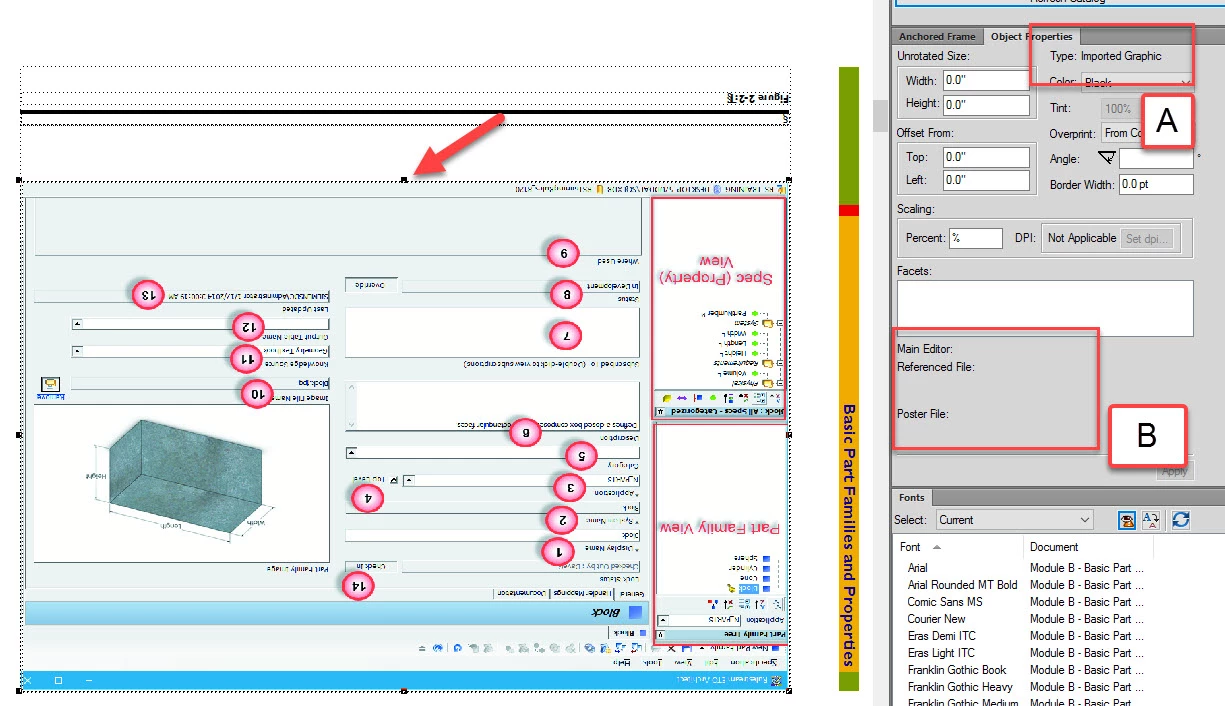
Below, I've clicked on the graphic. The marquee has lit up tight around the graphic and re-sizing handles have appeared (arrow). The Object Properties readout tells me it's an imported graphic (A), but gives no clue to the source of the graphic (B).
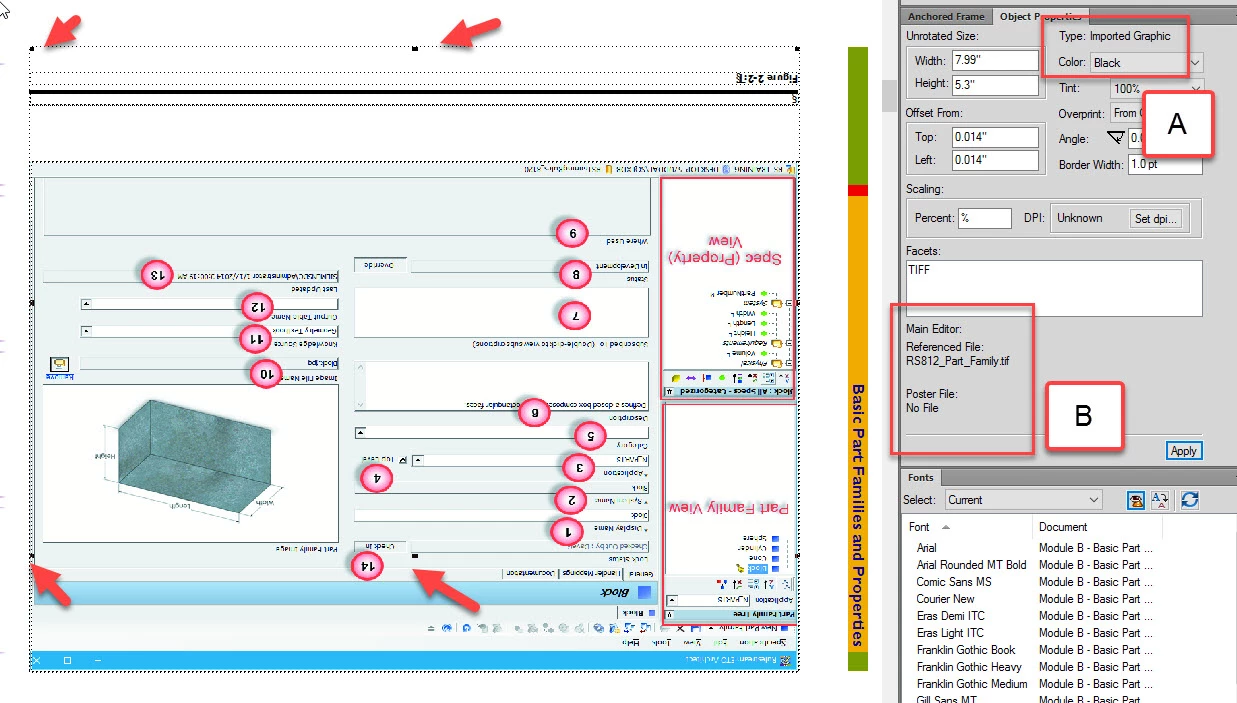
Below, I've right-clicked on the selected graphic and moused to "Select All in frame." The marquee has jumped up AND is for the most part is not connected to the graphic (arrows). But now the Object Properties readout tells me not only is it imported (A), but also the name of the referenced source file (B).
This puzzles me.
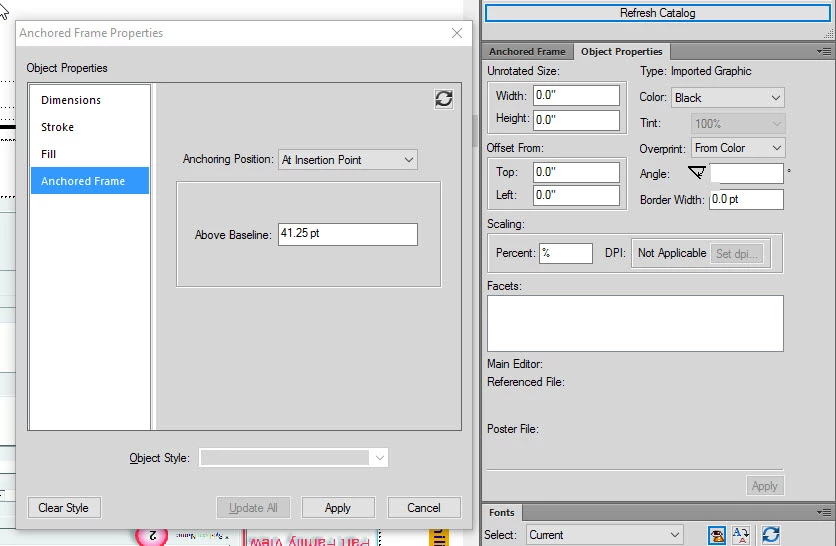
It also puzzles me that, when I right-click on the graphic and mouse to "Object Properties," (below) an Object Properties dialog (left) pops up that is completely different from the Object Properties readout to the right. Why are there object properties that don't show up in the right-hand Object Properties readout?


 AdChoices