Participating Frequently
February 14, 2021
Answered

No hyperlink for figures in epub or mobi (PDF is ok)

  • February 14, 2021
  • 4 replies
  • 848 views

Hi all,

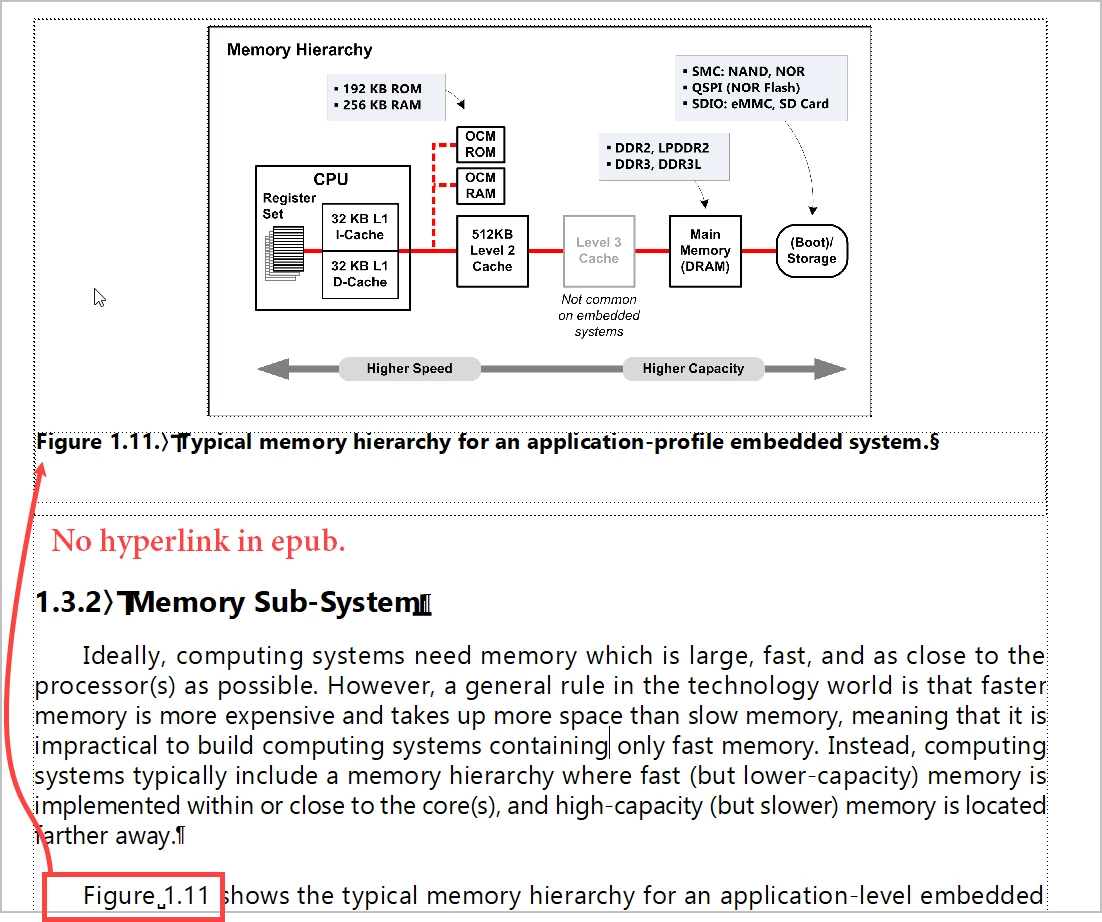
I have quite a large document in FM2019 (> 500 pages, unstructured format), and when I generate the epub or mobi outputs, there are no hyperlinks between any figures and associated references in the text. The screen grab below should show what I mean. I'm guessing the reason is because I use a frame (within the figure frame) for the figure title, but I'm not sure. Note that the generated PDF is fine (links are generated as expected).

Can anyone say for sure what I'm doing wrong here, and possibly suggest a better approach?

Thanks.

    This topic has been closed for replies.
    Correct answer Matt-Tech Comm Tools

    Just some feedback, this is not a simple solution at all. There is too much weird stuff going on to be even able to summarise it. Possibly I'm doing something fundamantally wrong, so a couple of quick questions:

    1. When I move the title frames back into the main flow, should they be reconnected to the that flow (i.e. given the "A" Tag)?

    2. Or should the title frames be given a new flow tag (e.g. "B"), or left with no flow  tag.


    Here's a simple checklist to knock it down to less than a minute per graphic:

    1. Select the title text, including the xref marker
    2. Create a new, blank paragraph preceding the anchored frame
    3. Paste the title into the new paragraph
    4. Tag it with the correct para style (probably not needed...)
    5. Select the graphic itself, copy to clipboard
    6. Position your cursor at the end of the title
    7. Paste your graphic at that cursor position. A new frame will be created, below current baseline and centered on column
    8. Delete the previous anchored frame and any empty paragraphs

    Any hyperlinks to the xref will place the text at top of window, with graphic following below (not above and out of sight).

    NOTE: This really isn't 8 separarate steps...just trying to be thorough.

    Since the existing xref marker is in position, it'll still link to the xrefs you've created.

    4 replies

    Matt-Tech Comm Tools
    Community Expert
    Community Expert
    March 11, 2021

    Hi Derek, I realized that I gave you a solution, but didn't qualify what was causing the underlying problem, hence the extra response...

    You are hyperlinking to something that's not in your text flow (a text frame inside an anchored frame)

    Nesting things inside anchored frames and inside of text insets can cause issues with linking, numbering, and ability to update content.

    I'm pretty sure you're already clear on why the linking in some formats isn't working, but for others that find this thread, just wanted to point out that the best practice is to keep things in the main flow, especially for things that go to digital formats other than PDF. 

    -Matt Sullivan, FrameMaker Course Creator, Author, Trainer, Consultant
    Matt-Tech Comm Tools
    Community Expert
    Community Expert
    March 10, 2021

    Hi Derek, 

    Yes, I believe you've nailed it...the xref is to a text frame within an anchored frame. 

    Is there a reason you can't have the Fig Title reside outside of the anchored frame?

    Side note: by having your titles below the fig, the hyperlink will push the figure above the edge of your screen. Have you considered placing the title in the text flow, and then placing the anchor for the figure in the title paragraph? That should ease entry, maintenance, and link functionality.


    -Matt 

    -Matt Sullivan, FrameMaker Course Creator, Author, Trainer, Consultant
    Participating Frequently
    March 10, 2021

    Thanks for the quick replies, guys.


    Matt, I placed the Fig Title inside the graphics frame because I found I had much more control over the book layout (in terms of the print version) doing it this way. And I now have the print version exactly as I like it, so adding the titles to the text flow like you suggest seems like a massive job at this stage (550 pages, and about 250 figures). Before I start doing that, do you know of any other trick I can try to just relink the figures?


    In fact at this point, I would almost rather edit the epub in Sigil to get the links working properly than mess with the layout (not something I want to do either!).


    Matt-Tech Comm Tools
    Community Expert
    Community Expert
    March 10, 2021

    Sorry, I think you've got a handle on the available options.

    However, I suspect that editing even 250 titles shouldn't take long, as you're basically doing a cut/paste (might even be able to select and drag) on each title and using the existing xref marker.

    As incentive, moving the titles above in particular is going to dramatically improve the UX for your users.

    -Matt Sullivan, FrameMaker Course Creator, Author, Trainer, Consultant
    Jeff_Coatsworth
    Community Expert
    Community Expert
    March 10, 2021

    Since not too many of us work with ePUB or mobi, if you've already updated your FM2019 install to the last patch and it's still not working, I suggest you give the FM folks a buzz. See https://helpx.adobe.com/contact/enterprise-support.other.html#framemaker for your support contact options.
    ps - you might also experiment on another machine with a trial copy of FM2020 (all patched up too) with a copy of your FM2019 content & see if it works better in there.

    Bob_Niland
    Community Expert
    Community Expert
    February 14, 2021

    Is it just the caption hypertext at issue, or are there also issues with HT from elements in the actual art?

    If the latter, how are the HTs being implemented in FM?
    • FM Cross-Reference
    • Hotspots in art (and to what)
    • FM Hypertext Markers (and to what, e.g. Named Destinations)
    • … now for something, completely different …

    I don't have any epub or mobi experience, but anyone who does might need to know the above.

    Participating Frequently
    February 14, 2021

    Thanks for the reply. I use cross-references for all my links, as shown in screen-grab below. Because the PDF copy is fine, I assumed that I was doing things correctly, but there is obviously something else missing in my understanding.


    Any other information I need to give, please let me know.

    Participating Frequently
    February 15, 2021

    Also, just one more thing I failed to mention: I'm not using hot-spots or anything like that anywhere in my figures (or the document in gerneral), just cross-references everywhere.