Participant
September 27, 2019
Answered

Object Properties dialog box will not open--How do I open it?

  • September 27, 2019
  • 3 replies
  • 891 views

Hi,

I'm new to FrameMaker and going through the 3-hour course that Adobe offers. I have been unable to open the Object  Properties dialog window however. I click on View, Toolbars, and then Object Properties, but it only gives me a tool bar, not the Object Properties box.

Can anyone help? 

Thanks!

Dave
This topic has been closed for replies.
Correct answer Barb Binder

Hi Dave, 


Can you post the link to the exact lesson and the time in the video where you are stuck) for example, at 1 minute 30 seconds in), so that I can take a look? I’m a FrameMaker trainer, but I teach with my own materials so I’m not familiar with Adobe’s online courses.


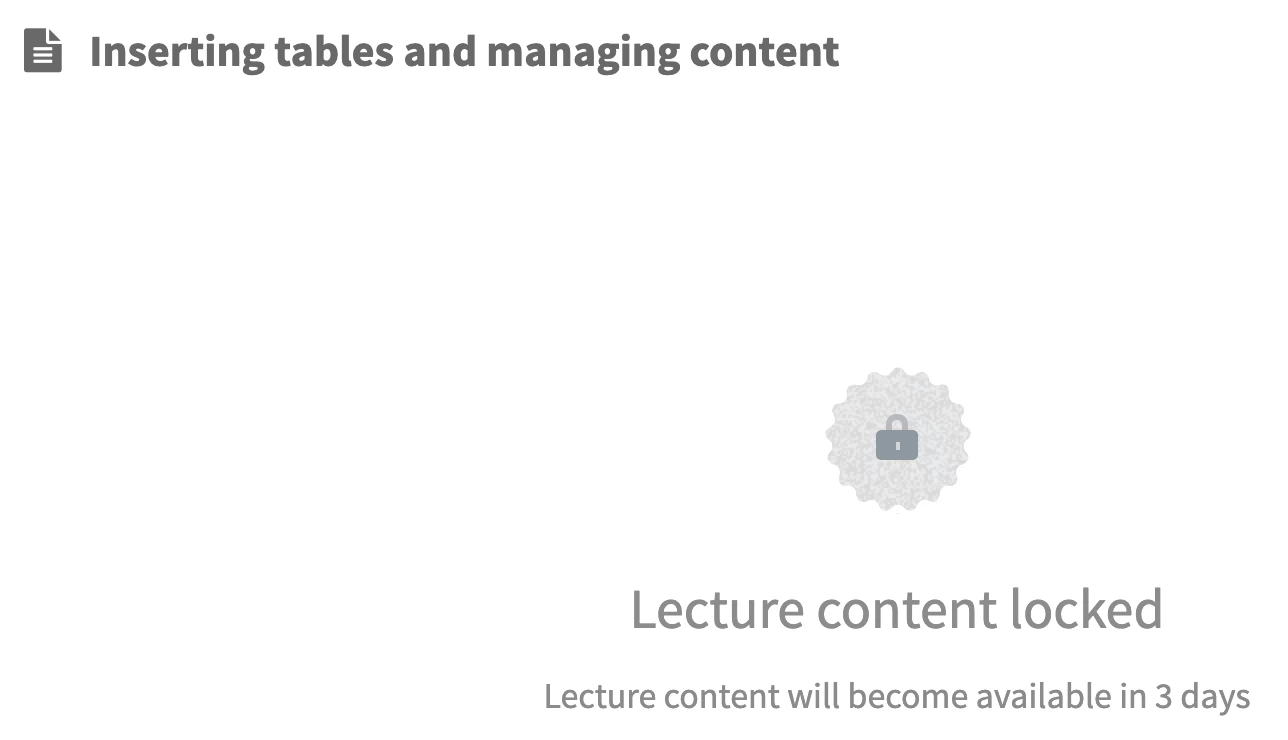
EDIT: I found it online but the content is not available to me for three days. I don't know why. 🤷🏼‍

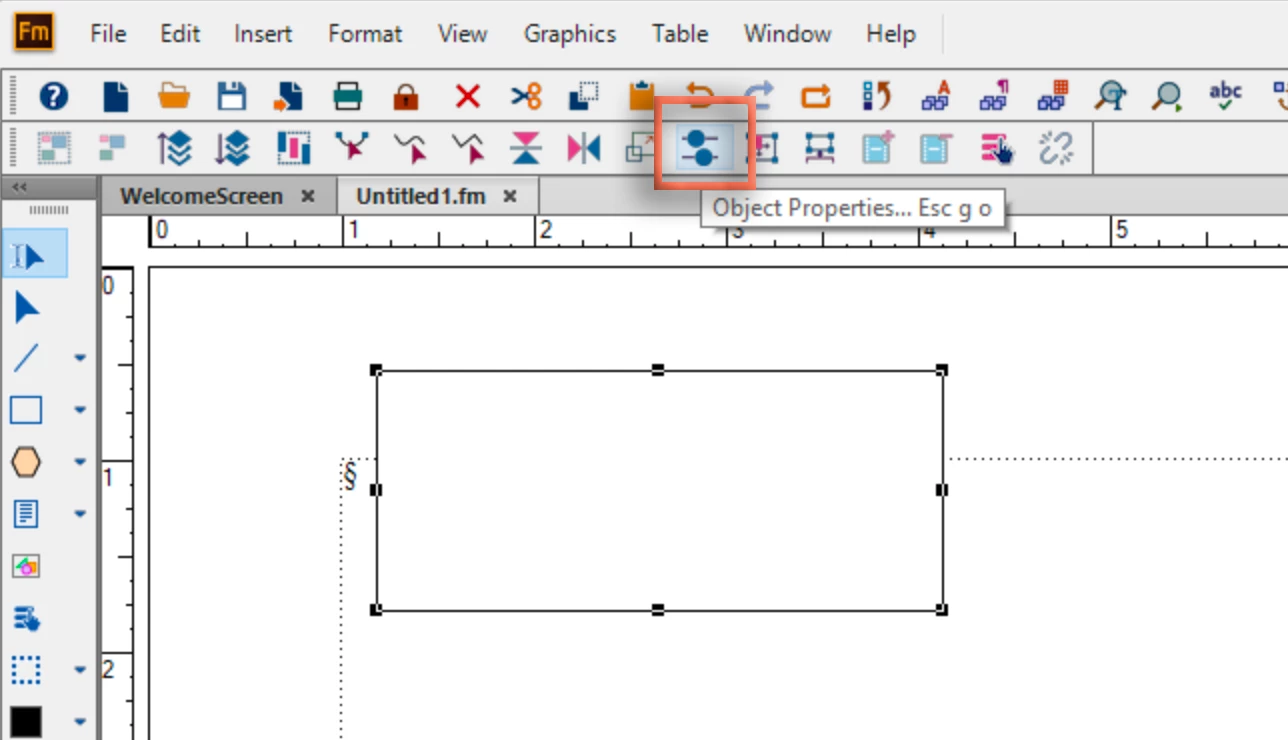
So, all I can say is that you must select the object you want to work on before chosing Graphics > Object Properties. If the instructor wants you to open the dialog box from the Object Properties toolbar, it would look something like this—select the specified object, then click the button.

~Barb

3 replies

Barb Binder
Community Expert
Community Expert
October 1, 2019

Hi Dave:


Yes, that was the button I outlined in the orange box in my second response. The button is just a shortcut for choosing the Graphics menu > Object Properties


As for adding an inline image, but sure to reply with the blue post button at the top of a post and not the gray one so that you get the forum's formatting toolbar. Then you can drag and drop an image into the post, or just paste it.


~Barb

~Barb at Rocky Mountain Training
Barb Binder
Community Expert
Barb BinderCommunity ExpertCorrect answer
Community Expert
September 27, 2019

Hi Dave, 


Can you post the link to the exact lesson and the time in the video where you are stuck) for example, at 1 minute 30 seconds in), so that I can take a look? I’m a FrameMaker trainer, but I teach with my own materials so I’m not familiar with Adobe’s online courses.


EDIT: I found it online but the content is not available to me for three days. I don't know why. 🤷🏼‍

So, all I can say is that you must select the object you want to work on before chosing Graphics > Object Properties. If the instructor wants you to open the dialog box from the Object Properties toolbar, it would look something like this—select the specified object, then click the button.

~Barb

~Barb at Rocky Mountain Training
Participant
October 1, 2019
Sorry I haven't gotten back to you. I had to go out of town. The lesson "Beyond Formatting Basics", 33 seconds in, the Object Properties window is show, but the lesson never shows how it is opened up. I'll try to paste a copy of it into this message.
Participant
October 1, 2019
How do I paste a copy?
Barb Binder
Community Expert
Community Expert
September 27, 2019

Hi Dave:


Object Properties is context-sensitive, which means it displays entirely different information depending on what you have selected. What are you trying to modify? Be sure to select it first.


~Barb


EDIT: I just re-read your post. Graphics > Object Properties is what I was referring to. View > Toolbars > Object Properties will just open a toolbar. What is the lesson that you are working on, and what are you trying to do? I'm guessing you want Graphics > Object Properties.

~Barb at Rocky Mountain Training
Participant
September 27, 2019

I'm working on the "Inserting tables and managing content" lesson. The instructor has the window open before he even gets going on the lesson. But I sure can't find a way to open it.


Thanks so much!


Dave