Participant
March 27, 2015
Question

oversized windows
  • March 27, 2015
  • 1 reply
  • 248 views

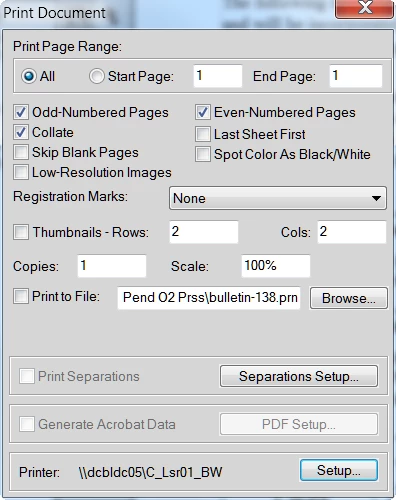
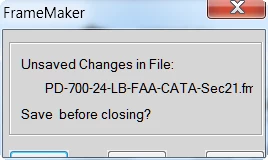
Function window (i.e., print, save) open over sized so cannot select final options (i.e., save, cancel, print) at bottom of windows in FM12 structured.   How can reduce the view inside the window to allow my entry? See bottom of images for example of missing final options buttons for each window.

This topic has been closed for replies.

1 reply

Participating Frequently
March 30, 2015

This looks like you've set a larger font size for Windows, but FM isn't coping. Try setting the font size back to its default value. On Windows 7 you'd do the following:

  1. Go to Control Panel > Appearance and Personalization > Display
  2. Select Smaller - 100% (default)
  3. Logout, and login again.

If you need the procedure for another version of Windows, use a search engine.

Participant
March 30, 2015

Mike, Thank you for your assistance. It was Windows 7 and it now works in the sense that I can access the functions now but it is not displaying as should be. See pic.  The window is still not correct. Small icons are not ideal for me so I hope this issue gets fixed.