


Painless collaboration using Adobe Acrobat
Getting a document reviewed is an integral part of the document creation process. Generating a PDF and creating a shared review is a very common workflow adopted by many organizations across the world. You can easily create a Review PDF directly from FrameMaker and share it with your reviewers.
If you are a subscription user of Adobe Technical Communication Suite, then creating Review PDFs is made even more simpler now. The latest release of FrameMaker integrates with Adobe Document Cloud. You can create a Review PDF, host it in your Document Cloud account, and share it with your internal or external Subject Matter Experts for review. They just need to have their credentials to be able to access the PDF under review from Adobe's Document Cloud.
Once the review is complete, you can import the review comments directly into the source document. That’s not all, the new Review panel gives you an one unified view of all comments received on your document. You can also accept, reject, or reply to comments from the Review panel itself.
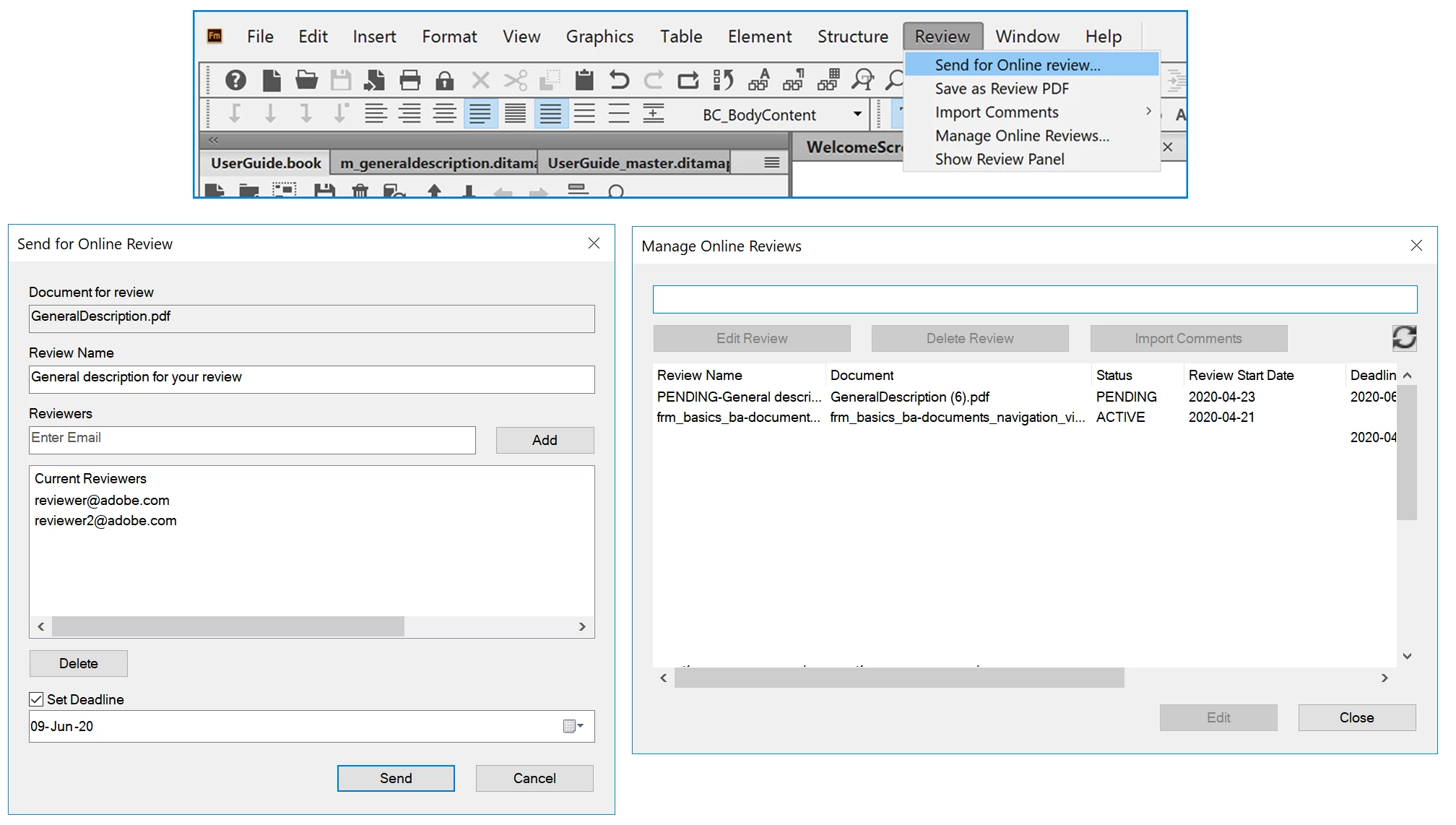
For more information, see Set up an online PDF review.
See a video on Painless collaboration using Adobe Acrobat.


 AdChoices