

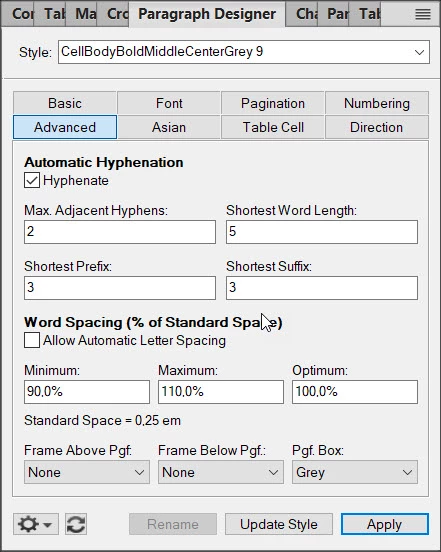
Pgf box color not applied to entire cell when font size is different then other cells in row
Framemaker is the latest 2020 version with the latest update.
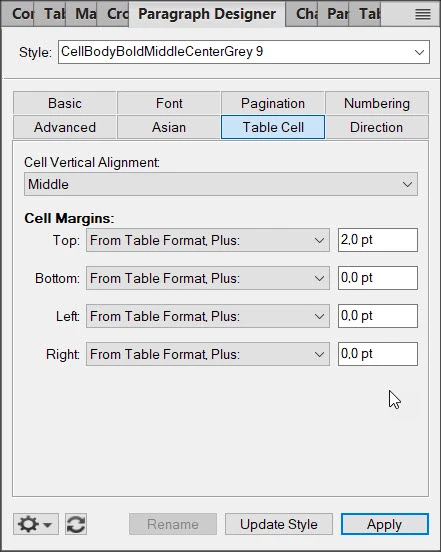
I had this same issue on the second row of the table but I was able to get rid of this white banding at the top and bottom of the cells by playing with the "Cell Margins" settings on the "Table Cell" section of the applied paragraph style. I think that the reason for being able to get rid of the white bands in those cells was that their font size was the same as the first row and also the same as the straddled cells in the first 2 columns.
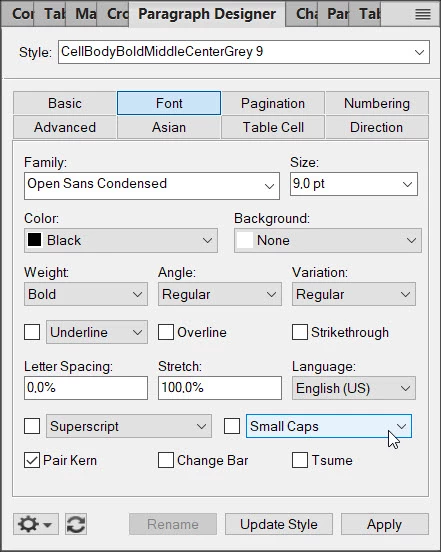
In this case, the font size in the second column which have these white bands is 9 points whereas the rest of the row has styles with 11 points sized fonts.
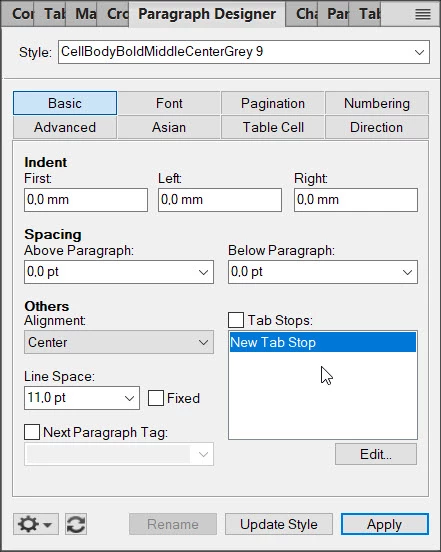
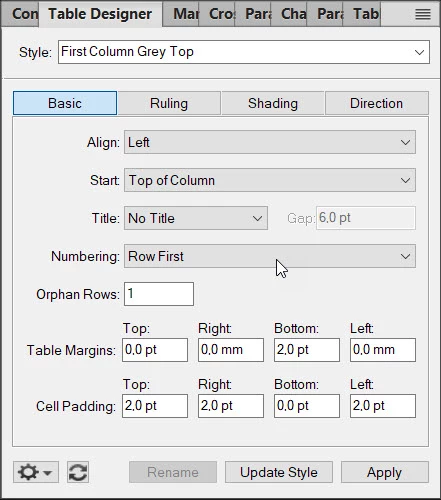
I've played with the "Cell Margins" settings in the "Table Cell" section of the paragraph style but had no success. I've even have entered negative values but the white bands always do appear. I've also tried playing with the "Cell Padding" settings in the table style and again I had no success. Also playing with the table style does affect other tables so I rather don't want to solve this problem via the table style settings.
Is there a way to solve this issue or should I give up on using the paragraph box coloring method?



 AdChoices