

Question
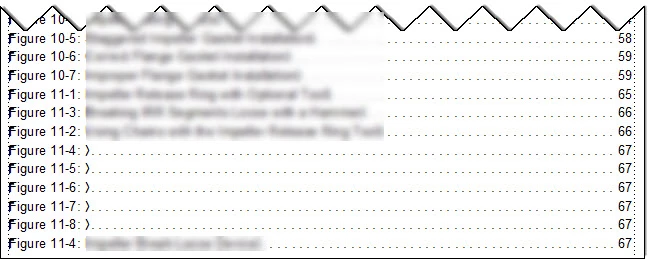
Phantom entries in Table of Figures
I am using FrameMaker 2019, version 15.0.6.956.
My Table of Figures is showing five "phantom figures," and I can't figure out why. (It also has Figs. 2 and 3 out of order ... I'm not sure why that is, either.)
The table references all instances of the FigureCaption style. I only have four instances of FigureCaption in Section 11 (see attachment), including in hidden conditional text.
The text of this section was copied and pasted from another FrameMaker document, so I'm wondering if there are some hidden tags in there somewhere. I can't find them though ... but it's possible I'm not looking in the right place, or using the right approach. Would appreciate any advice.


 AdChoices