
Inspiring
August 31, 2023
Question

Pictures appearing off the page in a PDF

  • August 31, 2023
  • 1 reply
  • 438 views

Hello,


I just generated two PDFs using Structured FrameMaker Version 17.0.2.031.  In my first PDF my assembly drawings looked a little small.
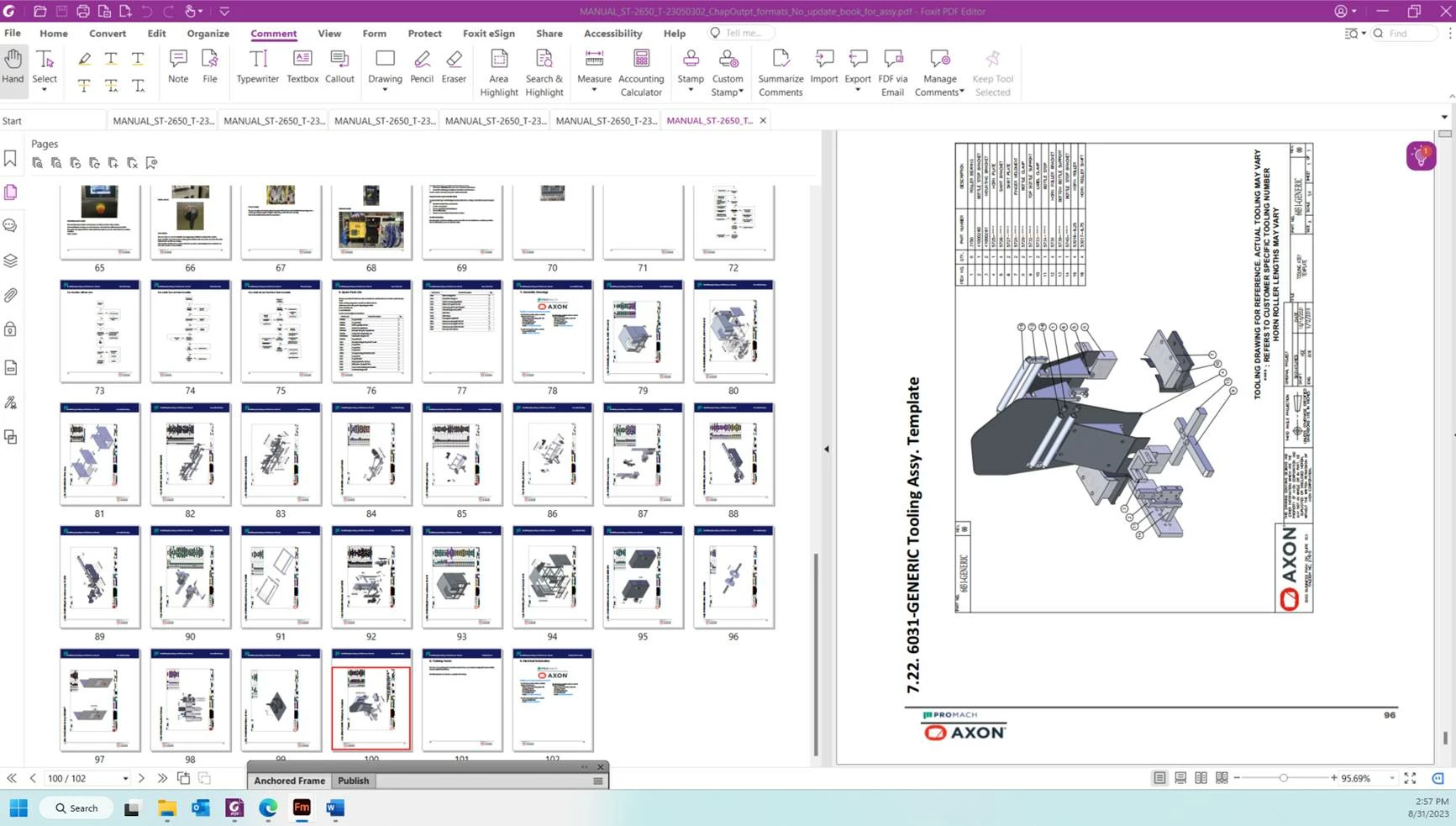
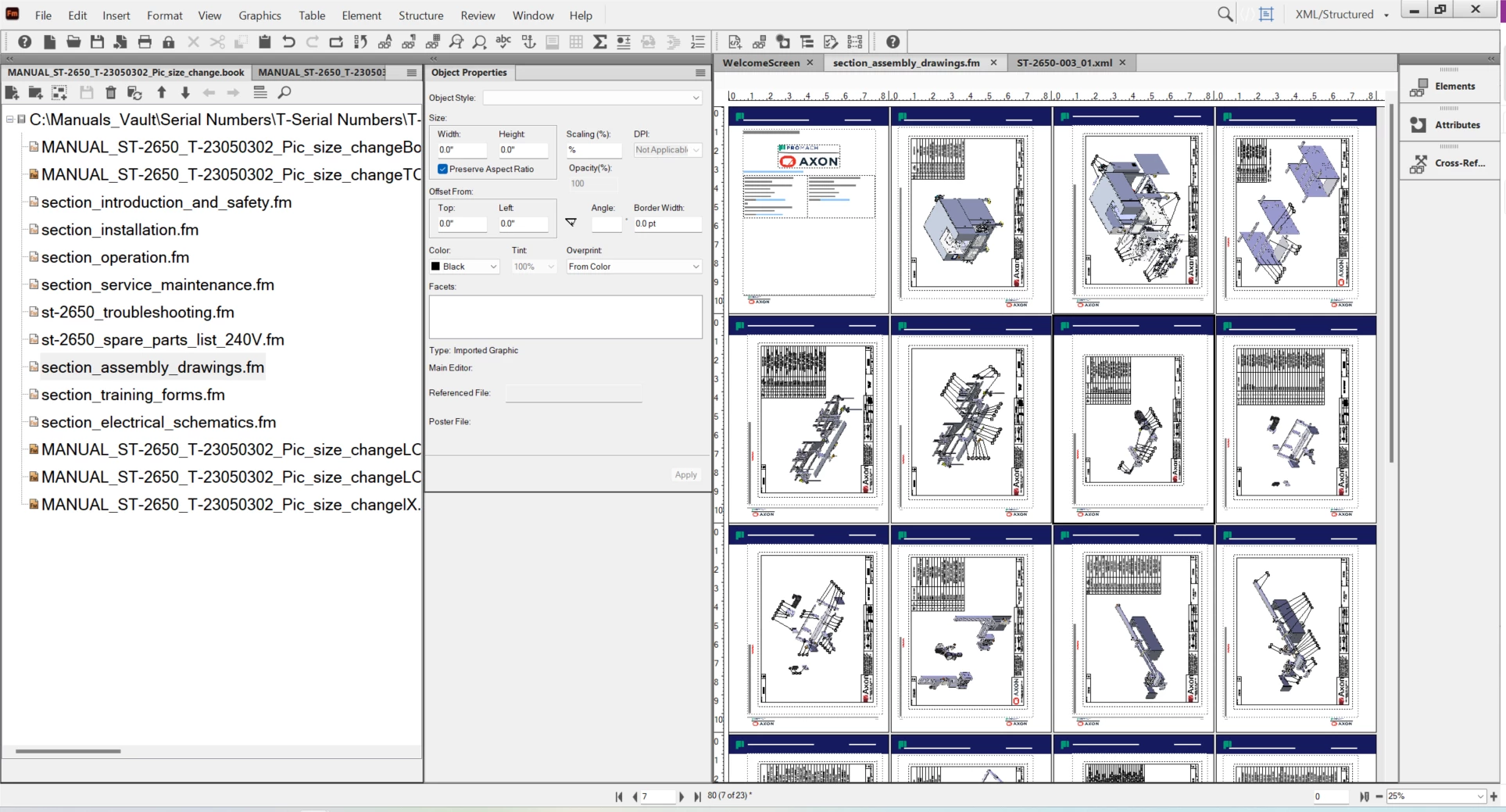
So I went into the framemaker file that contained these drawings and, one-by-one, changed the sizes to 75% via object properties.  They were originally 60-something percent.
Now these pictures and others in the PDF are moving OFF the page at the top.
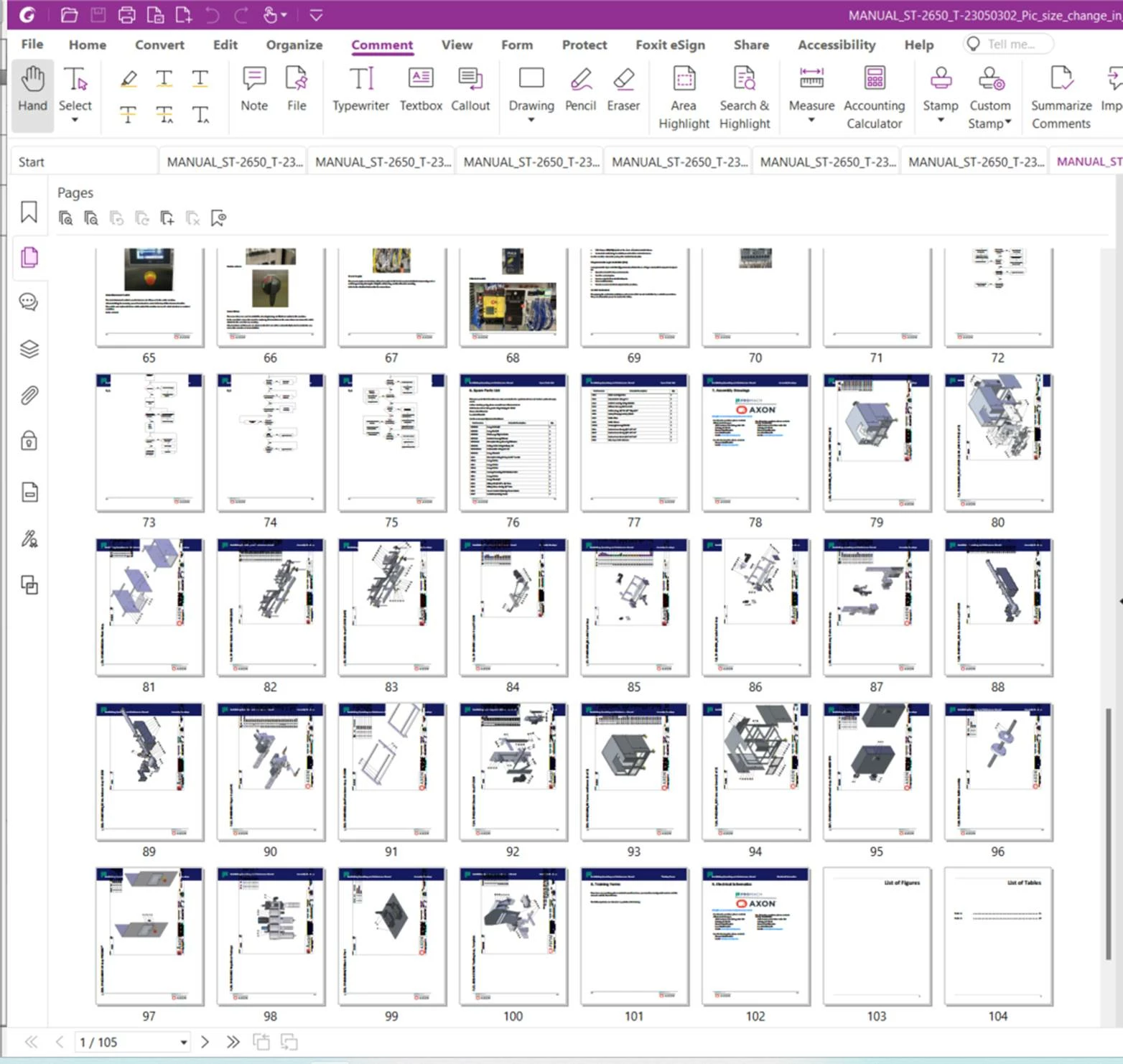
Why? What I can do to fix it?  I just want these pictures to fit on the PDF pages at a good size.   Please let me know.  Thanks and have a great day!

Brian

    This topic has been closed for replies.

    1 reply

    Community Expert
    September 1, 2023

    If those drawings are svg's the issue - may - be related to this error: https://tracker.adobe.com/#/view/FRMAKER-13409


    Bjørn Smalbro - FrameMaker.dk
    Inspiring
    September 8, 2023

    Thank you.  They are not SVGs.  They are either PDFs, JPEGs, or TIFs.  It seems to occur mostly with PDFs.

    Community Expert
    September 11, 2023

    How do you create the print/pdf? Are you using distiller or do you rely on Save as PDF without distiller? Are you using the Acrobat PDF printer driver? Have you tried experimenting with Microsoft PDF? If you are not using eps files you may be able to use another PDF printer option which may give you better results.

    Bjørn Smalbro - FrameMaker.dk