
Known Participant
June 27, 2024
Question

Re: Remove Template Name

  • June 27, 2024
  • 3 replies
  • 311 views

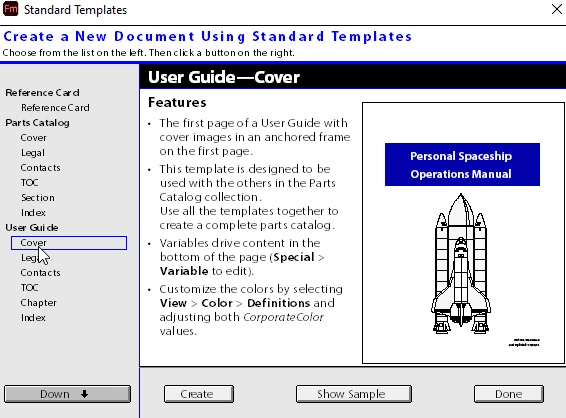
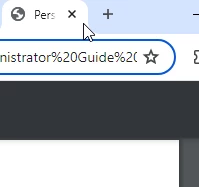
Hi, I am using framemaker 2022, and I can't see the option 'Window>Layer'. I am using an standard template 'personal spaceship operation manual' and I want to remove this name from generated PDF. Please suggest me the soliution. Below are the screenshots:
 

    This topic has been closed for replies.

    3 replies

    Barb Binder
    Community Expert
    Community Expert
    July 6, 2024

    Hi Amit:


    FrameMaker doesn't have a Layers feature, so unclear what that is referring to.


    As per both @Jeff_Coatsworth and @FrameMaker-dk, you are looking for File > Info to remove/edit the Title metadata field from the template, and from each of the files created using that template that are already in your book.


    ~Barb

    ~Barb at Rocky Mountain Training
    Community Expert
    July 6, 2024

    When you create a new template based cover file using the command "New Document -> Explore Standard Templates ->  Cover - Create" you will get a new template document with some design elements already there. But ALSO some meta data which can be found going to "File->Info". In this instance you will get this:

    Delete all the info in the "Info" box or replace it with information that is relevant for you.

    Metadata shouldn't really pop up outside of "meta data places" but it does, sometimes in HTML5 if there is no proper heading levels..


    Bjørn Smalbro - FrameMaker.dk
    Jeff_Coatsworth
    Community Expert
    Community Expert
    July 5, 2024