
Answered
Right Aligning Page Numbers in TOC
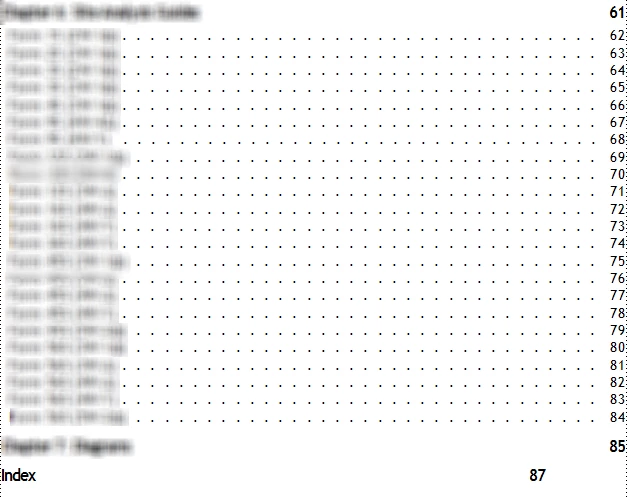
Hello,
Above is a screenshot of a TOC file. I added the Index to the TOC, and now the numbers do not line up on the right. I've tried clicking in the "Index" line, clicking "Right Tab" on the Paragraph Formatting toolbar (3rd arrow below), and then clicking below the ruler across the top directly underneath the rightmost triangle (shown below). The page number lines up and looks great until I update the book. When I update the book, the Index page number moves back to the left. Should I be editing something on the Reference Pages?





 AdChoices