Participant
July 5, 2024
Answered

Ruler in Adobe Framemaker

  • July 5, 2024
  • 3 replies
  • 302 views

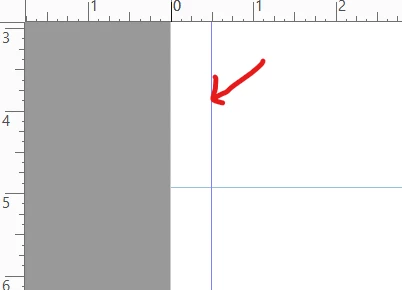
Is there any rulers line like in adobe acrobat to draw for measurement in adobe framemaker? 
    This topic has been closed for replies.
    Correct answer frameexpert

    FrameMaker doesn't have Ruler Guides that you can drag out like InDesign does.

    3 replies

    frameexpert
    Community Expert
    frameexpertCommunity ExpertCorrect answer
    Community Expert
    July 5, 2024

    FrameMaker doesn't have Ruler Guides that you can drag out like InDesign does.

    Community Expert
    July 5, 2024

    You can also draw a rectangle outside of any text frame (not with the graphics tool, just with the mouse, as if you would want to select something).

    FrameMaker always shows the dimensions in the lower left corner of the FrameMaker window. I use this sometimes to check, if a paragraph might fit on the previous page.

    Community Expert
    July 5, 2024

    Hi,

    There are grid lines with snap which you can activate and configure:

    View | Options

    View | Grid Lines

    And you can draw regular lines and move them where you need them. Of course without snap. And they would get printed, if you do not delete them.

    Best regards, Winfried

