



Running headers do not work, automatic numbering cannot be changed
Hi there,
I have received a FM 10 document from a translating agency. They claim it is the only file they received from their client. Here are few things I am fighting to solve:
A. The document is supposed to have running headers.They are defined as Variables (<$elemtextonly[Heading(GraphicsPage),Heading(Intro),Heading(Chapter),Heading(Index),Heading(Appendix),Heading(Notes),Heading(Glossary)]>)
The only problem is that when I look at the paragraph designer or catalog there are no styles such as Heading(Intro), heading(Chapter) etc. etc. etc.
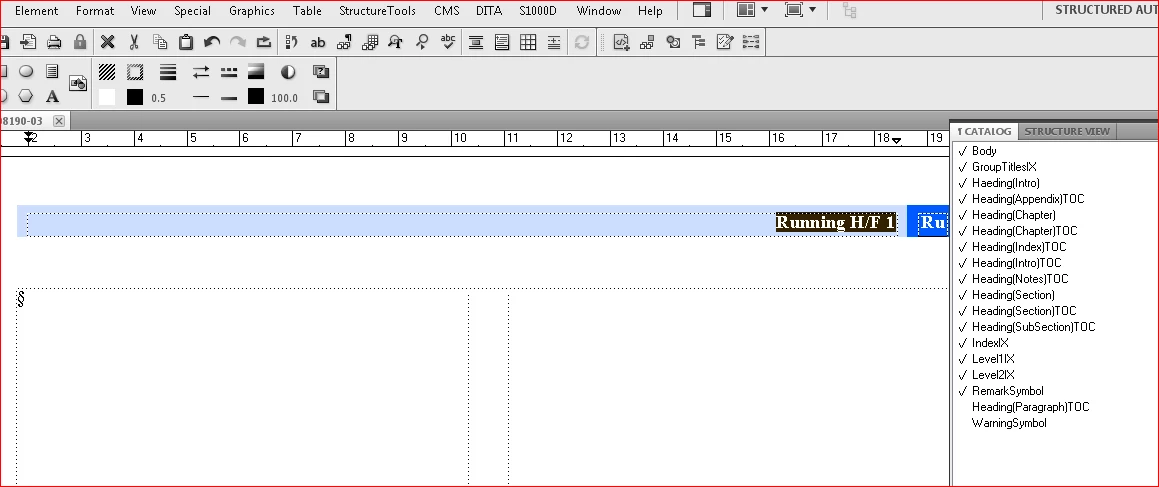
Despite the fact that I've created those styles the running headers do not update. Any idea? In fact, entire document is set to use a single paragraph style: Body. In different font sizes and Cases, but all document it is set to use Body, except for TOC.
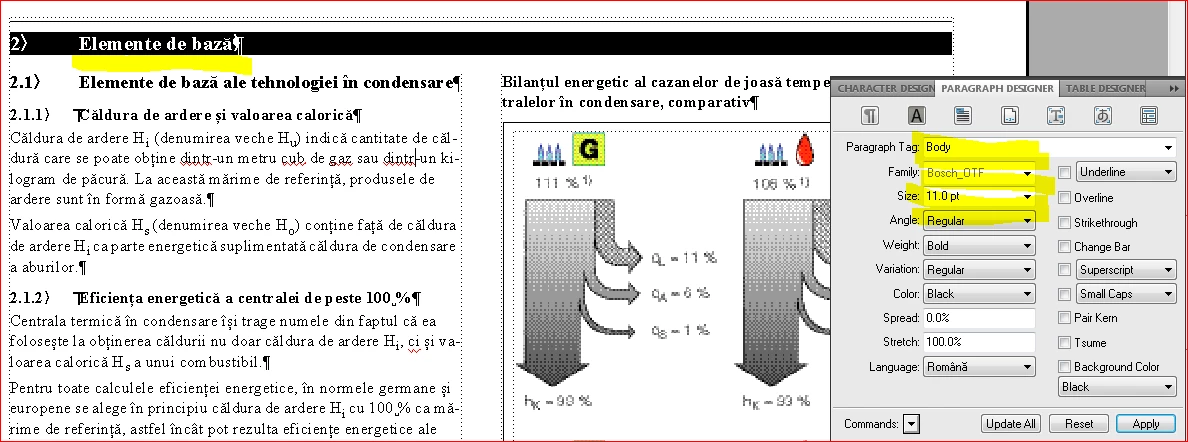
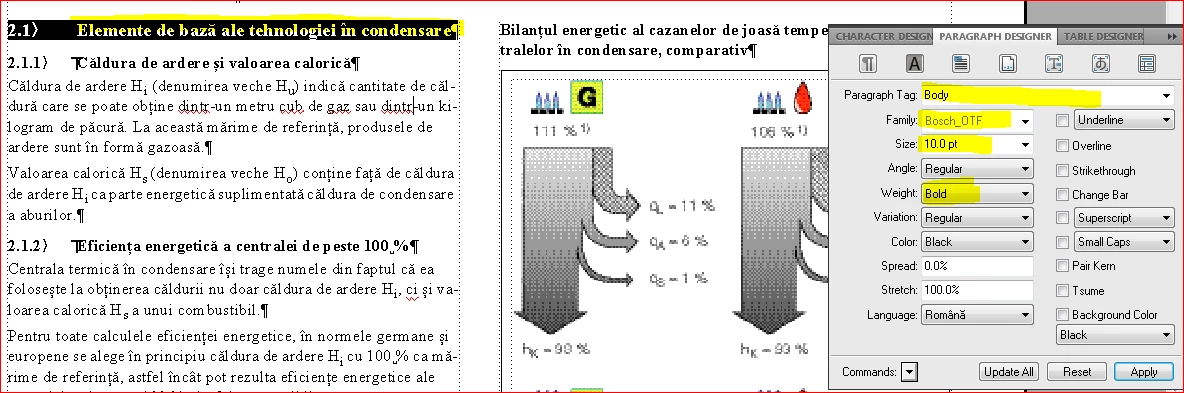
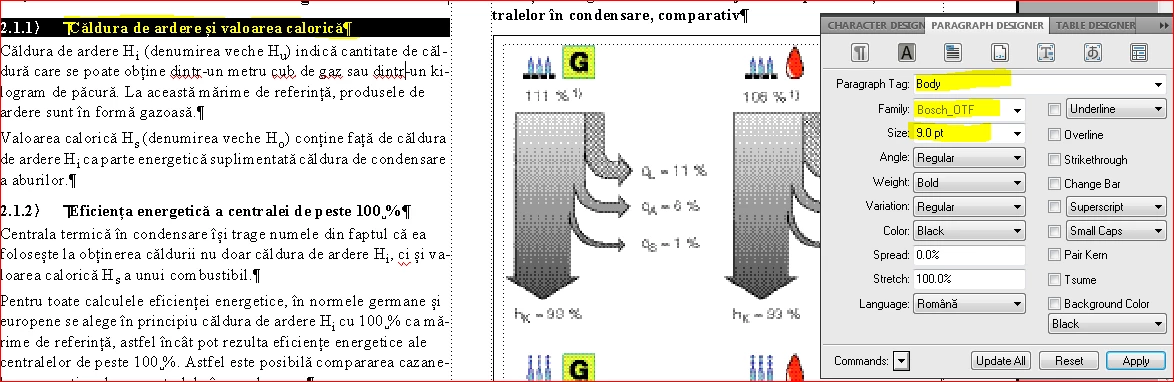
This fact brings me to my second question. Is there a way to Find/Replace a variable (an autonumbering variable) all over the document so I do not have to do it manually? That's why. Since all text is set as Body, Image caption is also a Body style with autonumbering:
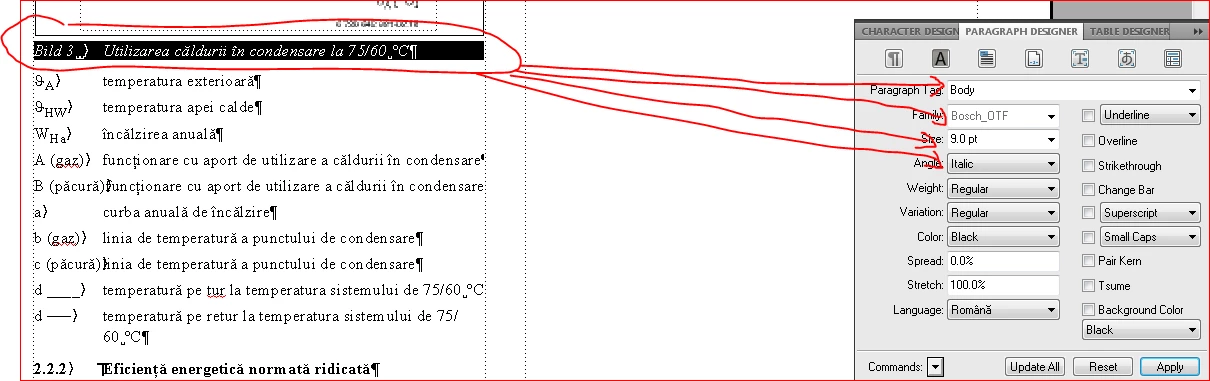
Now, I want to change BUILD to IMAGINE. I know where to look for it and how to change it:
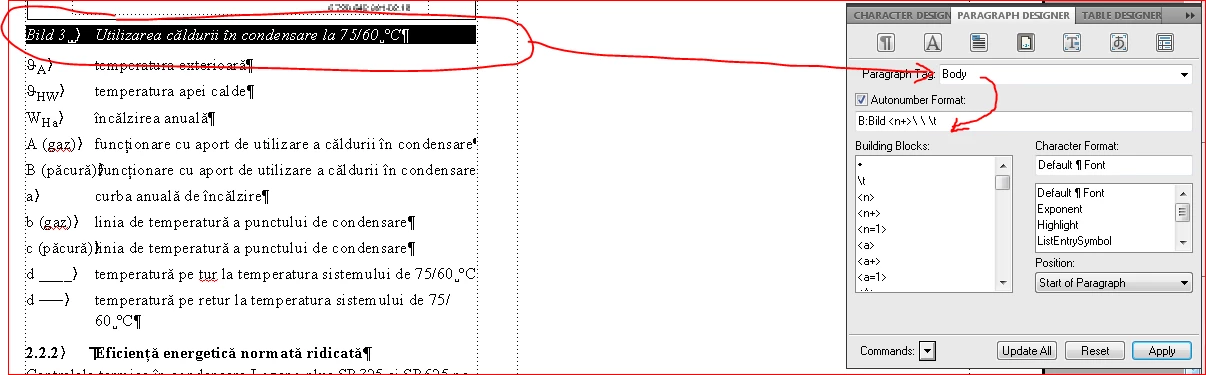
The only problem is that when I click on Update All, the entire paragraphs, sections chapters etc. will have IMAGINE in front of them.
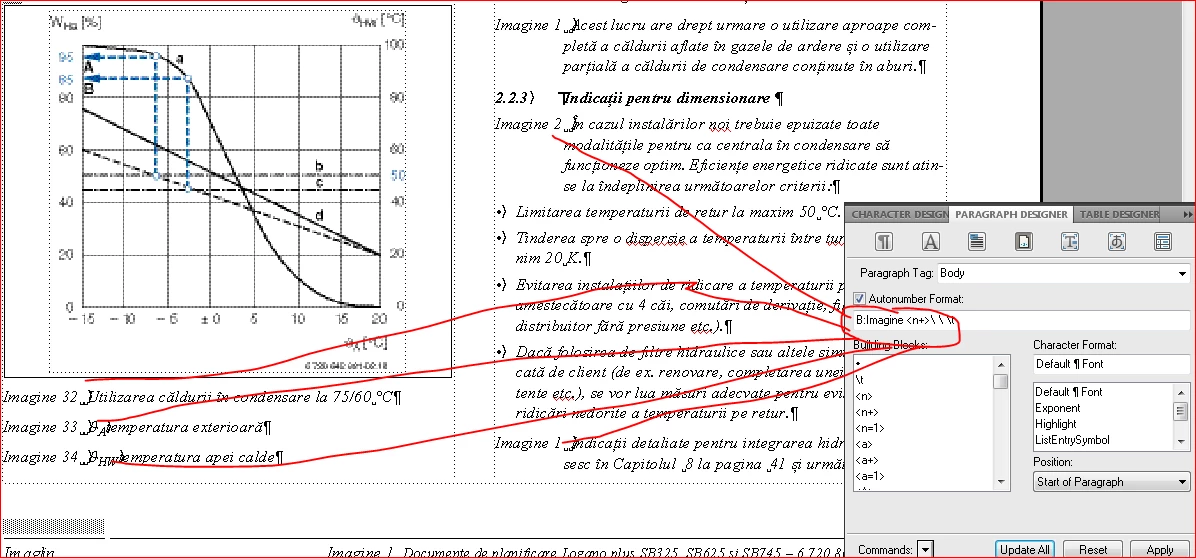
Any options?
I never encountered such an interesting document, to say the least.
The client sent the original document as well, but as VIEW ONLY frame maker file. I do not have access to any of the menus except for navigation.
Thank you for your help.
Best regards,
Sebastian
 AdChoices