Inspiring
March 6, 2021
Answered

Setting up numbering for figures to recognize Heading 1

  • March 6, 2021
  • 3 replies
  • 667 views

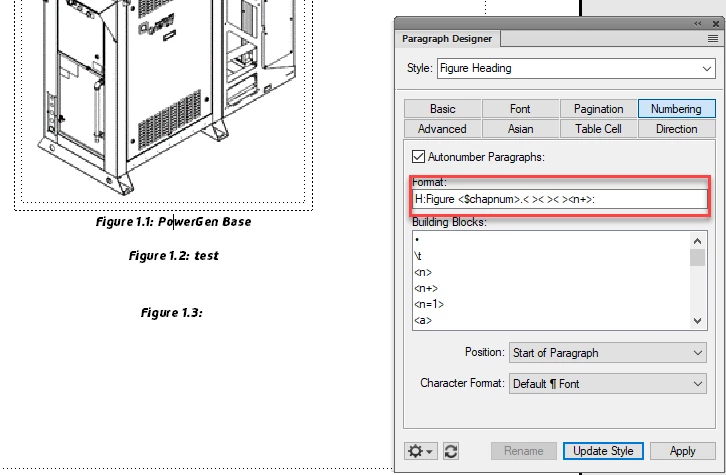
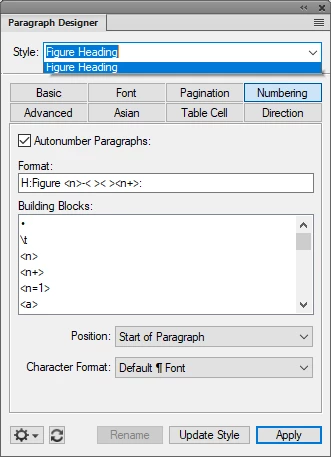
My sections are based on Heading 1. The image attached shows a figure under the third time a Heading 1 appears. So I want the figure tag to increment accordingly. 3-1, 3-2, etc. How do I get the figure tag to recognize the section by Heading 1 (and also reset when the next heading comes along?
    This topic has been closed for replies.
    Correct answer K.Daube


    Maybe https://www.daube.ch/docu/files/compendium.pdf#page119 can help here...

    Klaus

    3 replies

    K.Daube
    Community Expert
    Community Expert
    March 7, 2021

    IMHO the definition for your figure numbering should be

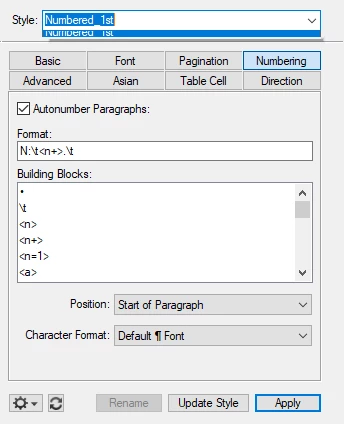
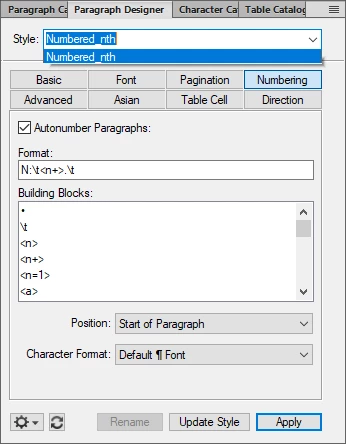
    H:Figure <n>.< >< ><n+>:

     Klaus


    Inspiring
    March 7, 2021

    Klaus, you nailed it! Thank you!


    Bob, I APPRECIATE all your thoughts and efforts very much!

    Inspiring
    March 7, 2021

    Well I spoke too soon.


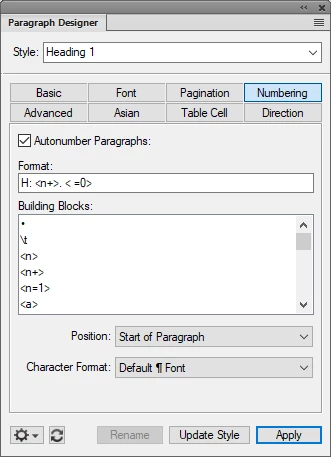
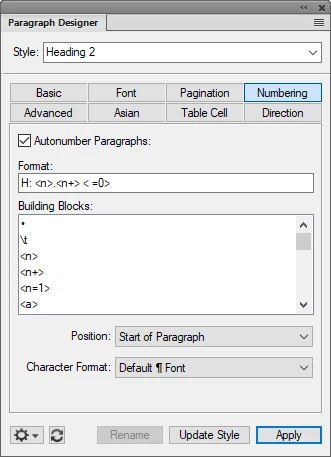
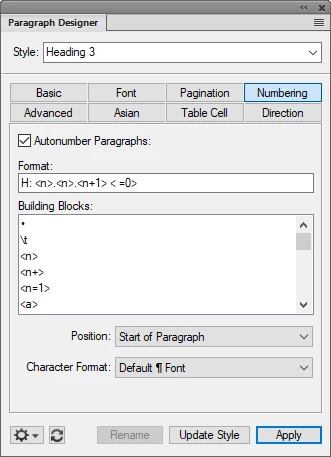
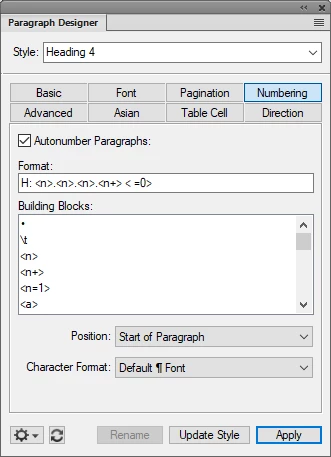
    It seems the Heading 2, 3, 4 affects the Figure numbering.


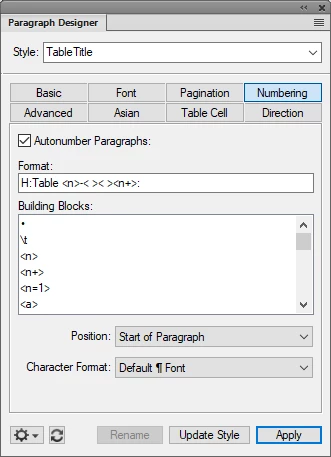
    I also have tables to autonumber but when I have a 3-1 figure, the first table after that gets its cue from the figure and makes the first table to be 3-2. 😞


    So I know we are closer.

    Inspiring
    March 6, 2021

    Your answer sounded logical but still no luck.

    Inspiring
    March 6, 2021

    I realize I left off the "only" but did not make a difference.

    Inspiring
    March 6, 2021

    BTW this is a single FM file for all of those Heading 1's.

    Bob_Niland
    Community Expert
    Community Expert
    March 6, 2021

    nrvphotography: My sections are based on Heading 1

    Is H1 auto-numbered?
    If so, and I understand the question, perhaps change the key <> to <$paranumonly[Heading1]>