
Inspiring
December 9, 2019
Answered

Text not cycling to next page

  • December 9, 2019
  • 1 reply
  • 460 views

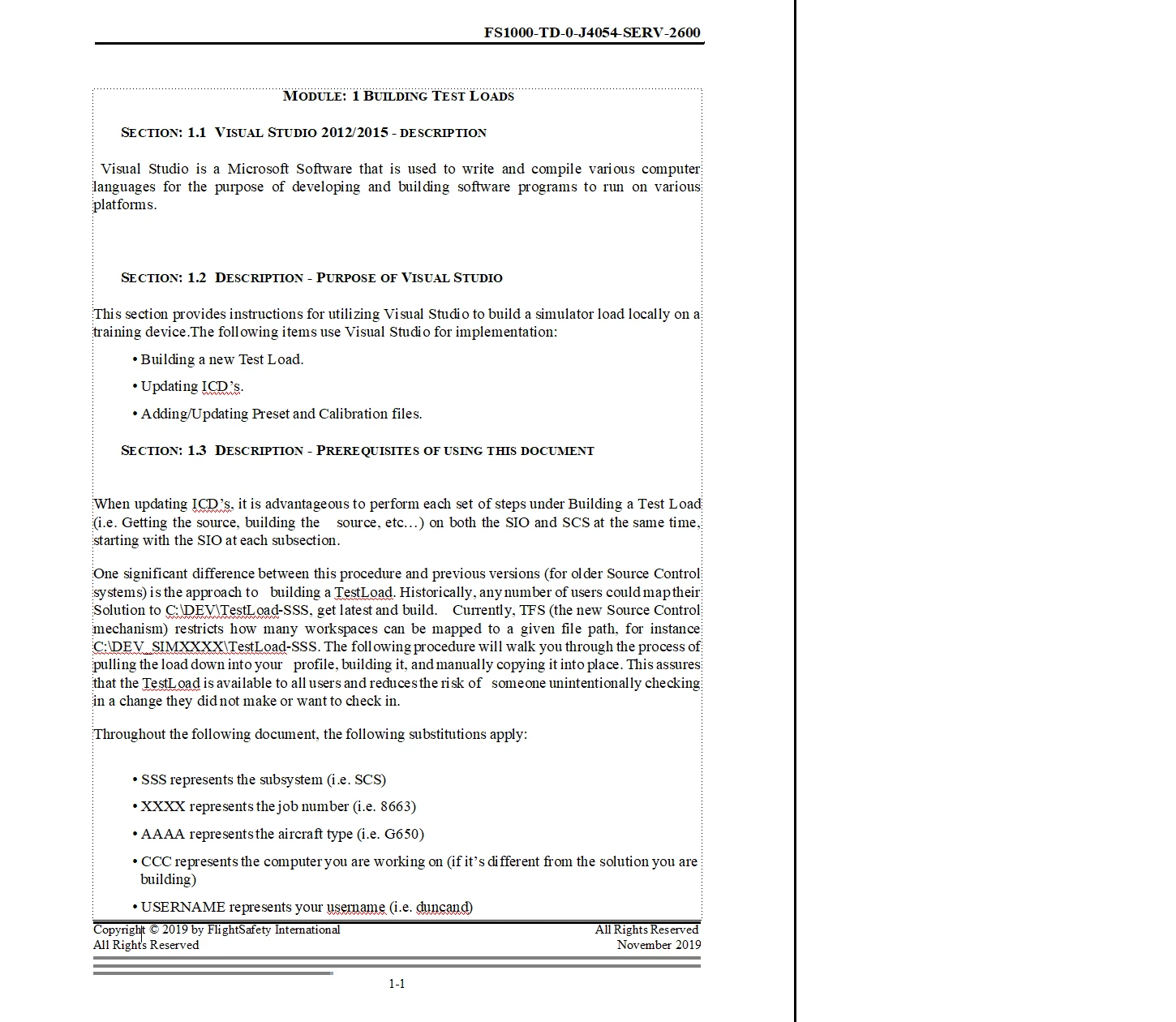
I am having an issue with a document where the text is not continuing to the next page. I am using a template that I created. I have converted (from Word) several documetns already that did not have this problem so I am not sure what I changed or what I doing differently from the previous documents. When importing the document did not work I copied and pasted from the Word document just in case that was the issue but that did not work either. I do not see any other text frames that might cause this either. 
This topic has been closed for replies.
Correct answer frameexpert

Control+click on the text frame, then right-click and choose Object Properties. See if Autoconnect is checked in Text Frame properties part of the dialog box.

1 reply

frameexpert
Community Expert
frameexpertCommunity ExpertCorrect answer
Community Expert
December 9, 2019

Control+click on the text frame, then right-click and choose Object Properties. See if Autoconnect is checked in Text Frame properties part of the dialog box.

www.frameexpert.com