Hi Christopher:
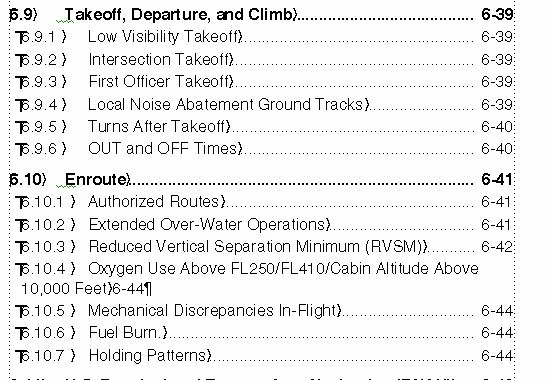
Bernd is correct on needing a left indent on the paragraph style that matches the tab stop—this creates a hanging indent.
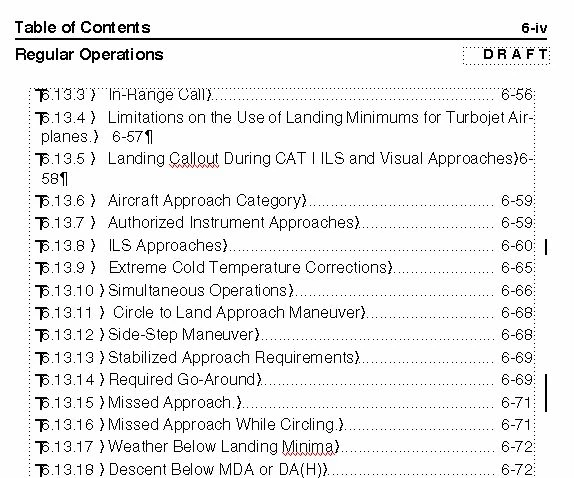
A trick I have used to partially control the TOC breaks is to add a non-breaking space to the text in the body of the document. For example, add a non-breaking space on page 6-57 (not in the TOC) after "for" and "Turbojet" to get Fm to put "for Turbojet Airplanes" together on the next line (use Esc space h or Control+space). This will not work in all situations because it may cause breaks in the document at inappropriate spots. In my experience, it works in many situations, and limits the line breaks added manually after I update the TOC.
InDesign has clever feature that I wish FrameMaker would add—it's called a last-line right indent—and is meant for your specific situation:
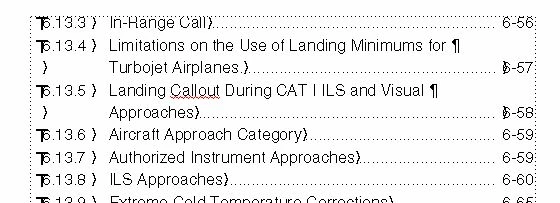
Page numbers get lost in multi-line TOC entries:
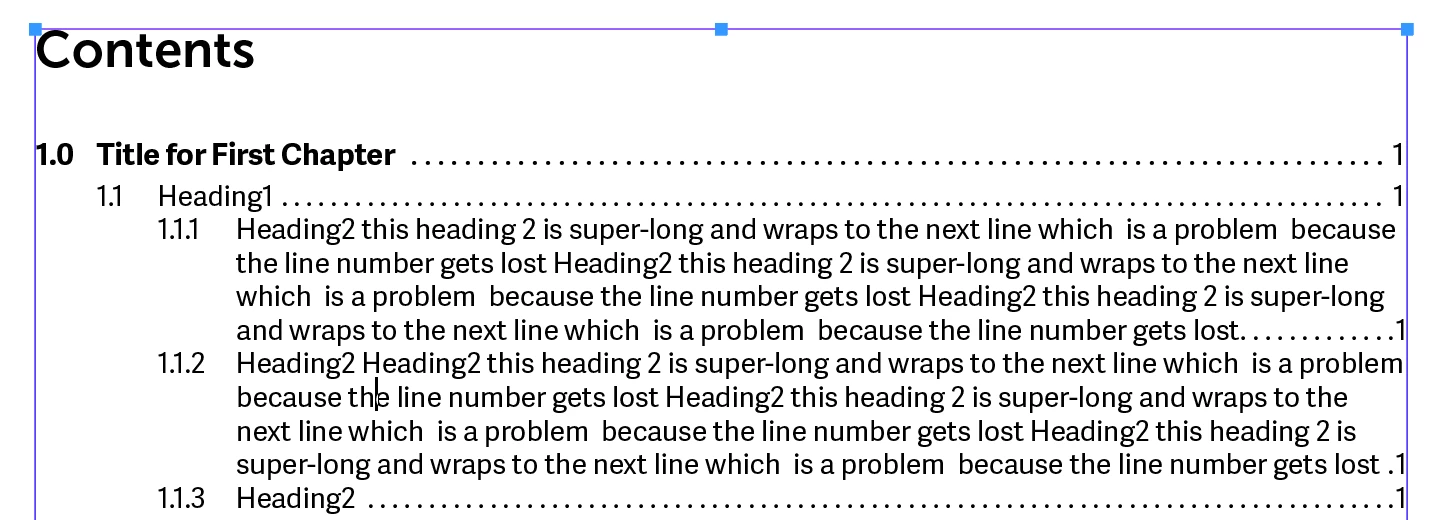
So you can define a right indent pull in all the lines on the right-hand side, and then direct just the last line to go back out.
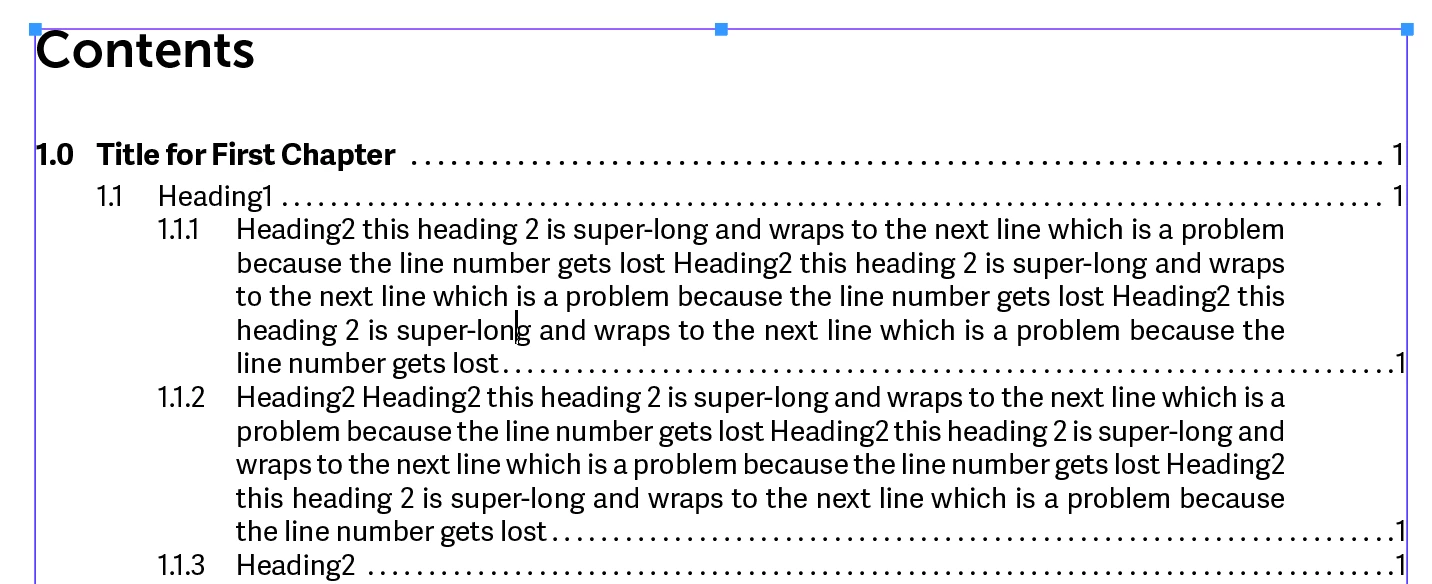
If anyone thinks this would a good addition to FrameMaker, you can put in a feature request here: Tracker. Link back to this page for the example, and add a link to this page so that others can vote it up, if they also see a need. I will vote for it.
Finally, you can use Format > Document > Change bars to clear any existing change bars in your TOC. However, even if I have automatic change bars on in the document and in the TOC, they don't show up in the TOC unless I make a manual change in the TOC entry. (FrameMaker 2019 version 15.0.3.603)
~Barb



 AdChoices