Known Participant
November 22, 2024
Question

Top of text cut off

  • November 22, 2024
  • 4 replies
  • 681 views

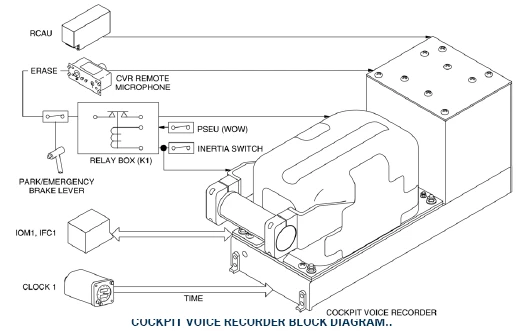
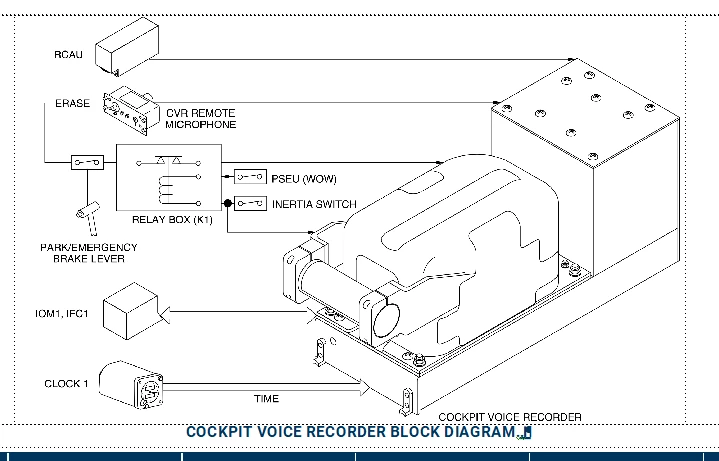
My text is cut off by the anchored frame above it when the graphic in the frame is sized to fit the Frame. If I delete the graphic and leave the anchored frame in place, the text is no longer cut off.

First screen capture from Frame, second from pdf (easier to see the issue)

Any thoughts appreciated.


    This topic has been closed for replies.

    4 replies

    Matt-Tech Comm Tools
    Community Expert
    Community Expert
    November 23, 2024

    Set your anchored frame in the figure title to Below Current Baseline.

    Not only will your problems will go away, but (as a bonus) hyperlinks in PDF and HTML will display the title and graphic when followed by your users, rather than forcing the user to scroll up on the page to view what they need.

    If you truly cannot get buy-in and configure titles above graphics, then use Rick's suggestion of anchoring to an empty paragraph and setting the frame to Below Current Baseline. It acheives most of what you need, but in most instances, still forces your user to scroll after activating a link in published output.


    -Matt Sullivan, FrameMaker Course Creator, Author, Trainer, Consultant
    Bob_Niland
    Community Expert
    Community Expert
    November 23, 2024

    How is that Anchored Frame anchored, and to what paragraph?

    I see an anchor glyph () in the caption para, but FM (alas) doesn't have an Anchoring Position of [Above Current Line], so I'm wondering if it's anchored to the para above.

    Known Participant
    November 23, 2024

    It is anchored to the text being cut. The text is described as Top of Column and so is the anchored frame.


    Known Participant
    November 25, 2024

    Thanks for your help. I will heed from here on. Was trying to avoid visiting every page of each chapter. 

    Much appreciated All. I'm sure I will lean on you again. Thanks for your patience.

    frameexpert
    Community Expert
    Community Expert
    November 22, 2024

    I like to have my anchored frames (and tables) anchored in their own paragraphs so I have more control over the spacing.


    Jeff_Coatsworth
    Community Expert
    Community Expert
    November 22, 2024

    Add some more spacing/increase the line height of the "COCKPIT VOICE RECORDER BLOCK DIAGRAM" line?

    Known Participant
    November 23, 2024

    Not Sure what you mean here. Can you tell me how. Adding space above the paragraph style does not work.

    frameexpert
    Community Expert
    Community Expert
    November 23, 2024

    That's because you have the anchored frame anchored in the title paragraph. See my reply below.