Participant
July 2, 2025
Question

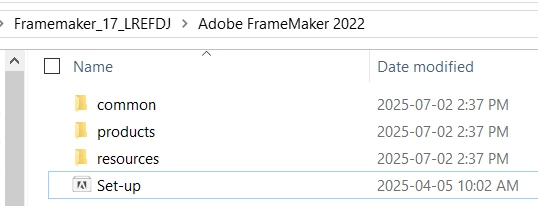
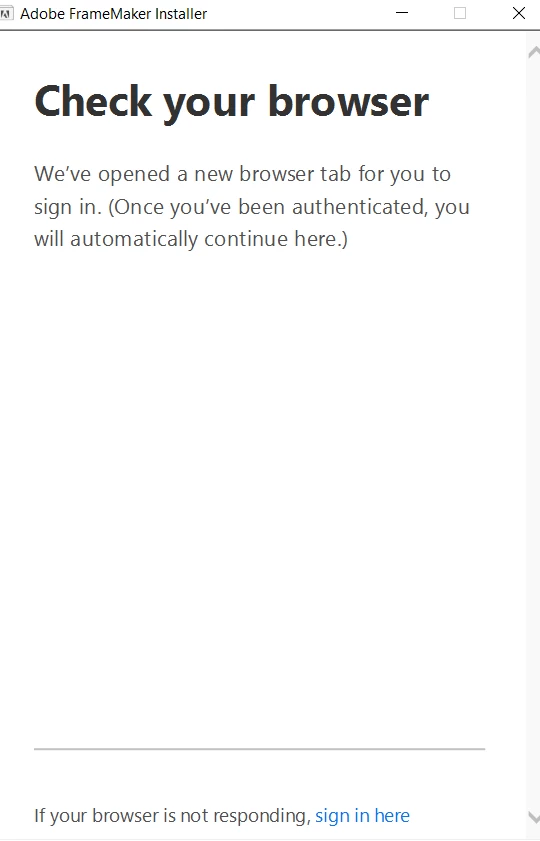
Trying to install Adobe FrameMaker 2022 but it gets stuck at below screen.

  • July 2, 2025
  • 4 replies
  • 228 views

Tried rebooting the computer

Checked processes

Checked Windows Defender protection history

Tried re-downloading the files.

Ran it as Admin. 

Opened CMD as admin and ran it as silent installation.

Nothing works.


4 replies

Matt-Tech Comm Tools
Community Expert
Community Expert
July 22, 2025

You're not logged in. Log in at https://account.adobe.com/ using the Adobe ID you used to download the trial, and try again.

-Matt Sullivan, FrameMaker Course Creator, Author, Trainer, Consultant
Jeff_Coatsworth
Community Expert
Community Expert
July 3, 2025

It's definitely trying to "phone home" to get you to sign in with your Adobe ID. Are you working in a corporate environment? If so, check with your IT to see if they aen't blocking some of the ports that Adobe uses to call out.
Did you try the link in the "If your browser is not responding" message?

Community Expert
July 3, 2025

Hi,

If I would have your issue, I would probably feel lost ;).

And I do not have an idea as well.

I would contact the Adobe support. Here are your support contacts:

https://helpx.adobe.com/contact/enterprise-support.other.html#framemaker

Good luck.

Best regards, Winfried

Bob_Niland
Community Expert
Community Expert
July 3, 2025

FM is likely using whatever is the default browser on your machine (which might not be Edge). Is there anything unusual about it?