
yvese93320583
Participant
June 12, 2019
Question

Trying to install Framemaker 2019 (15)

  • June 12, 2019
  • 2 replies
  • 1239 views

Hello,

We cannot yet use named licence nor creative cloud due to security policies.

We need to install Framemaker 2019 (15) on Windows 10.

Our Adobe contact suggested we download the packages from  the licensing site at Adobe
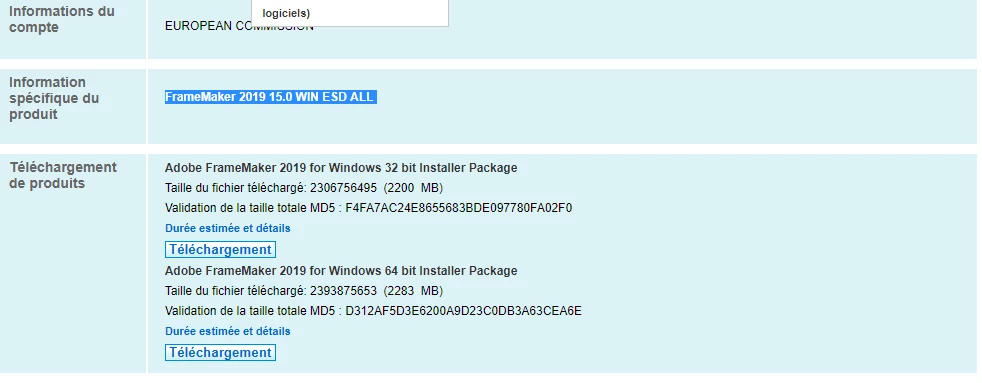
We did it and we were provided with licence nr for Framemaker 19.

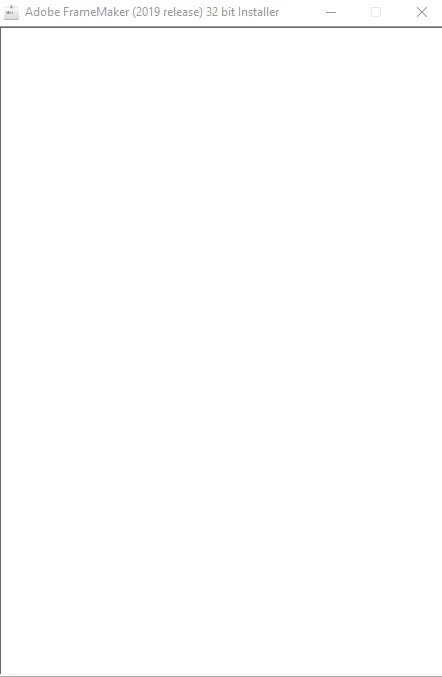
However when I run the setup with admin rights on a test PC using Windows 10

I get a beautiful screen and absolutely nothing happen (see below)
Is there a specific command (setup.exe /something ?) needed to install Framemaker 2019 ?

Thank you

    This topic has been closed for replies.

    2 replies

    yvese93320583
    Participant
    June 12, 2019

    Thank you,

    Yes it was so, unzipped, got some files including setup.exe.

    and then when trying to run the setup.exe I got the screen I show for hours and of course no any documentation anywhere nor log, nor error message, just wasted time

    So as we say here, still in the middle of nowhere :-)

    Thank you

    Jeff_Coatsworth
    Community Expert
    Community Expert
    June 12, 2019

    If you've tried installing it as an administrator user & still aren't getting anywhere (your copy of Windows is running 32 bit, right?) I would contact the FM folks at tcssup@adobe.com.

    Jeff_Coatsworth
    Community Expert
    Community Expert
    June 12, 2019

    Usually it comes as a single zip file that has to be unpacked first. Then there's a setup installer inside that (IIRC).