



Question
Using FM's Project Window
Hi all, has anybody of You ever used the FrameMaker Project feature?
I try to use the Project feature in FM 11 and encounter very dumb behaviour:
- There is no Open > Project. I need to open the project file in the file system
- Using Open and the set the type selection to FrameMaker Project does not yield any results:
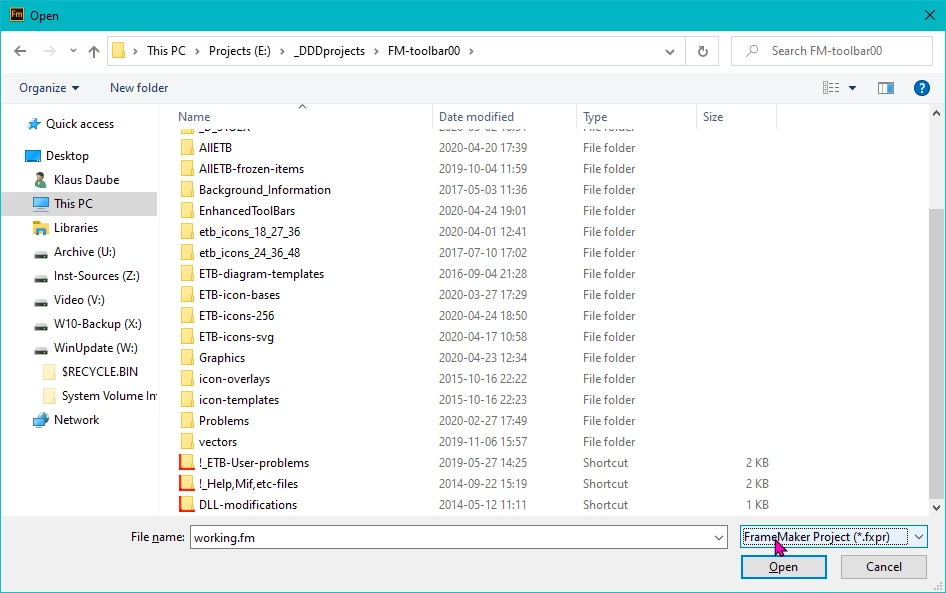
- There is no means to create a new folder (to put in various stuff) if there are already Locations defined. If I just use the Create Folder button then the folder is created in currently selected location (if locations exist, one is always selected).
- Even in a yet empty project it is not possible to define such a folder, the button Add Folder is inactive then.
- The only means to create such a folder is editing the xml file while the Project window is closed (see the first location):
<?xml version="1.0" encoding="utf-8"?>
<project>
<location name="FM-files" src="FM-files" isCloud="0"/>
<location name="ETB-icons-256" src="..\ETB-icons-256" isCloud="0"/>
<location name="Scripts" src="..\AllETB\Scripts" isCloud="0"/>
</project>
- Adding an asset by Add Location and then using the Browse button to find the directory in question always shows the same folder ($HOME) as a starting point- and I need to navigate through the whole system to find what I want:
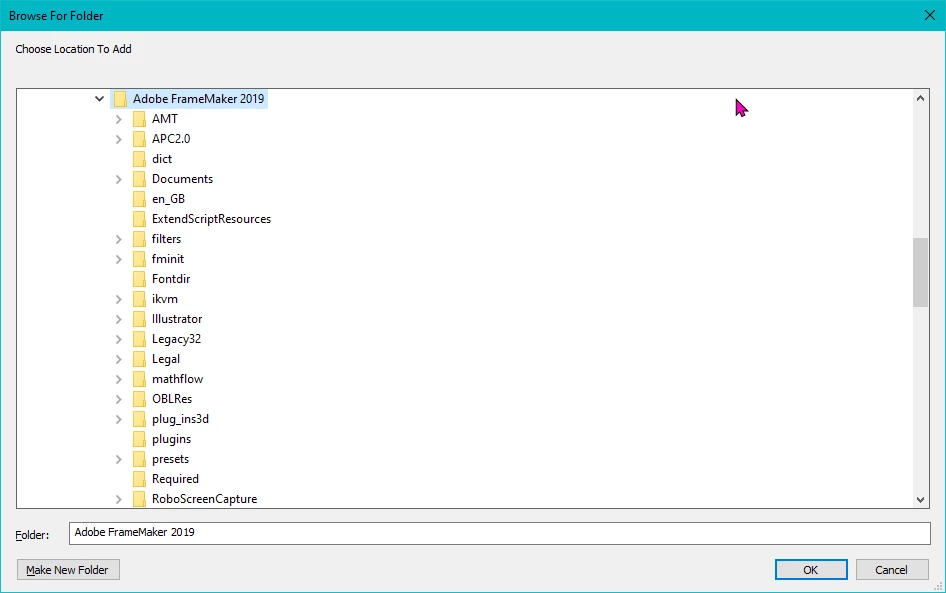
- Thanks my utility DirectFolders it's easy for me to go more directly to the target. But for one not having this utitlity the procedure is tiring.
With all these shortcomings it is my impression that nobody has used this feature yet...


 AdChoices