
Question
Where did my table cell gap go? Object property+Table style+Paragraph style
Good morning all you FrameMaker wizards. I've run into an issue (er, learning opportunity) that I cannot figure out.
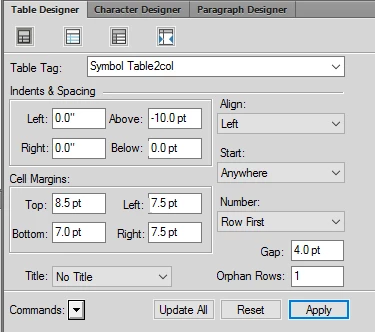
I have a table of format "Symbol Tabl2col." Image of cell margins included.
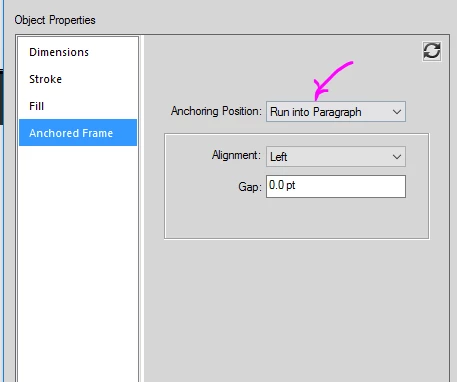
I have an object style "Symbol Frame Large" - anchor type included.
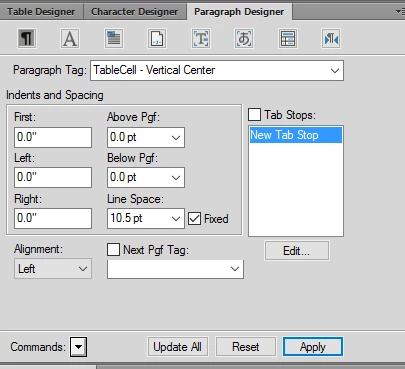
I have a paragraph style where the images are placed called "TableCell - Vertical Center." It is set with alignment = Left.
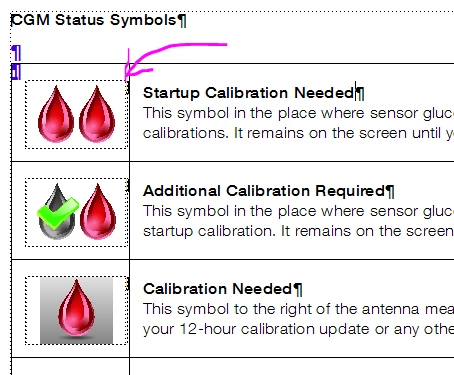
When I put it all together, the gap to the right of my images (which should be 7.5 points) does not exist. I have tried many adjustments on table format, object style, and paragraph style and cannot seem to get the correct gap to appear.
Someone out there knows the answer. (I love the internet.) Thank you in advance for your help!!
Diane


 AdChoices