Inspiring
February 2, 2017
Answered

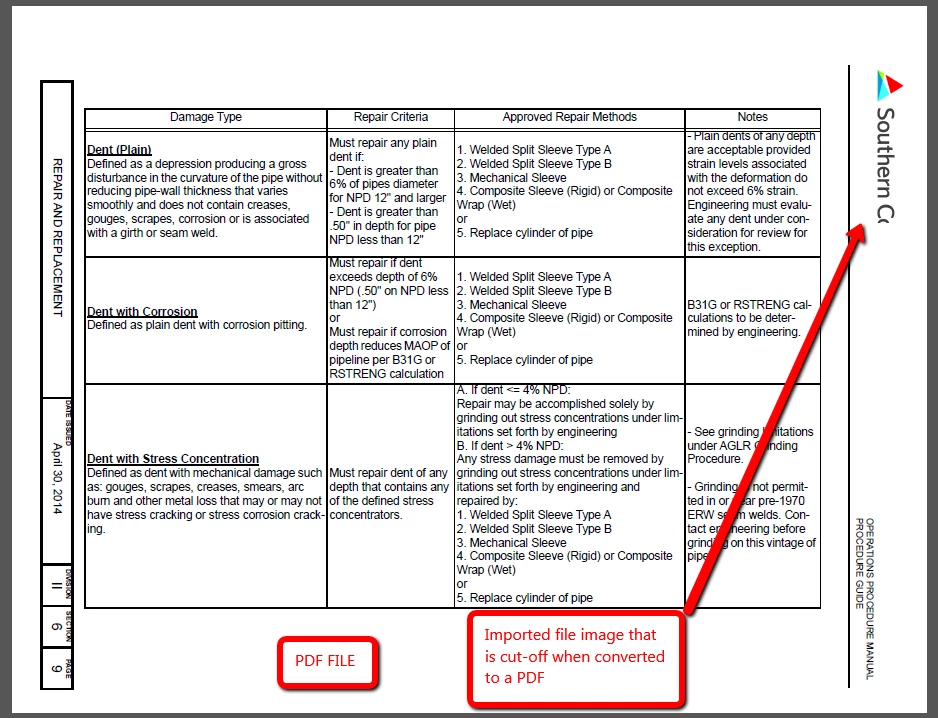
Why is my imported file image getting cut off when converting the fm file to a PDF?

  • February 2, 2017
  • 2 replies
  • 5197 views

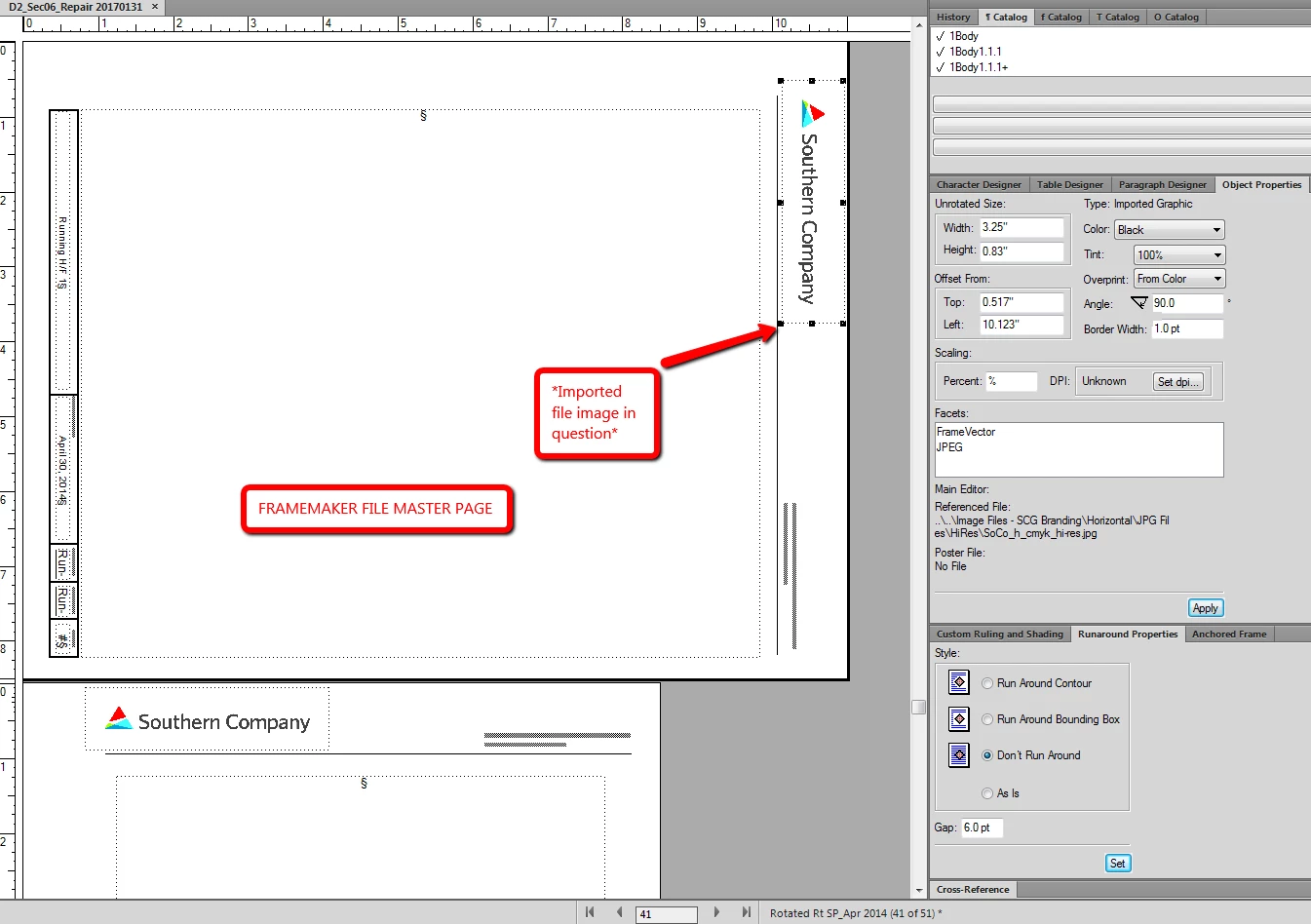
I have a rotated master page with an imported image file placed in the header.  Everything looks fine in both the master page view and the body page view; however, when I save the file as a PDF, the image is getting cut off.  Can someone please advise me on how to fix this issue?

Reference images have been provided below...
    

Thanks and regards,

Matt

    This topic has been closed for replies.
    Correct answer Arnis Gubins

    The "point" release info is what is shown in the Help about after the FM version  number, e.g. FM 13.x.xxx, where "x" is a digit.

    To get around the clipping issue, you can try one of the following:

    1) Try rotating the landscape pages back to the portrait orientation before creating the PDF.

    2) Create a rotated version of the graphic and insert that on the Landscape Master pages.

    2 replies

    Arnis Gubins
    Inspiring
    February 3, 2017

    How did you create the PDF? Was it using the RGB or CMYK mode and which version [including point release]? FM sometimes messes with rotated images in the RGB mode [i.e. your page is rotated for the output].

    Inspiring
    February 3, 2017

    I tried optimizing the file, I tried CMYK and RGB versions all to no avail.  what is point release?

    Arnis Gubins
    Arnis GubinsCorrect answer
    Inspiring
    February 3, 2017

    The "point" release info is what is shown in the Help about after the FM version  number, e.g. FM 13.x.xxx, where "x" is a digit.

    To get around the clipping issue, you can try one of the following:

    1) Try rotating the landscape pages back to the portrait orientation before creating the PDF.

    2) Create a rotated version of the graphic and insert that on the Landscape Master pages.

    Bob_Niland
    Community Expert
    Community Expert
    February 2, 2017

    If you have a vector editor that can open PDF pages (like Illustrator), you might deconstruct that page and see what's going on.

    It  might be some unrelated page element acting as a mask.