
Known Participant
June 16, 2020
Answered

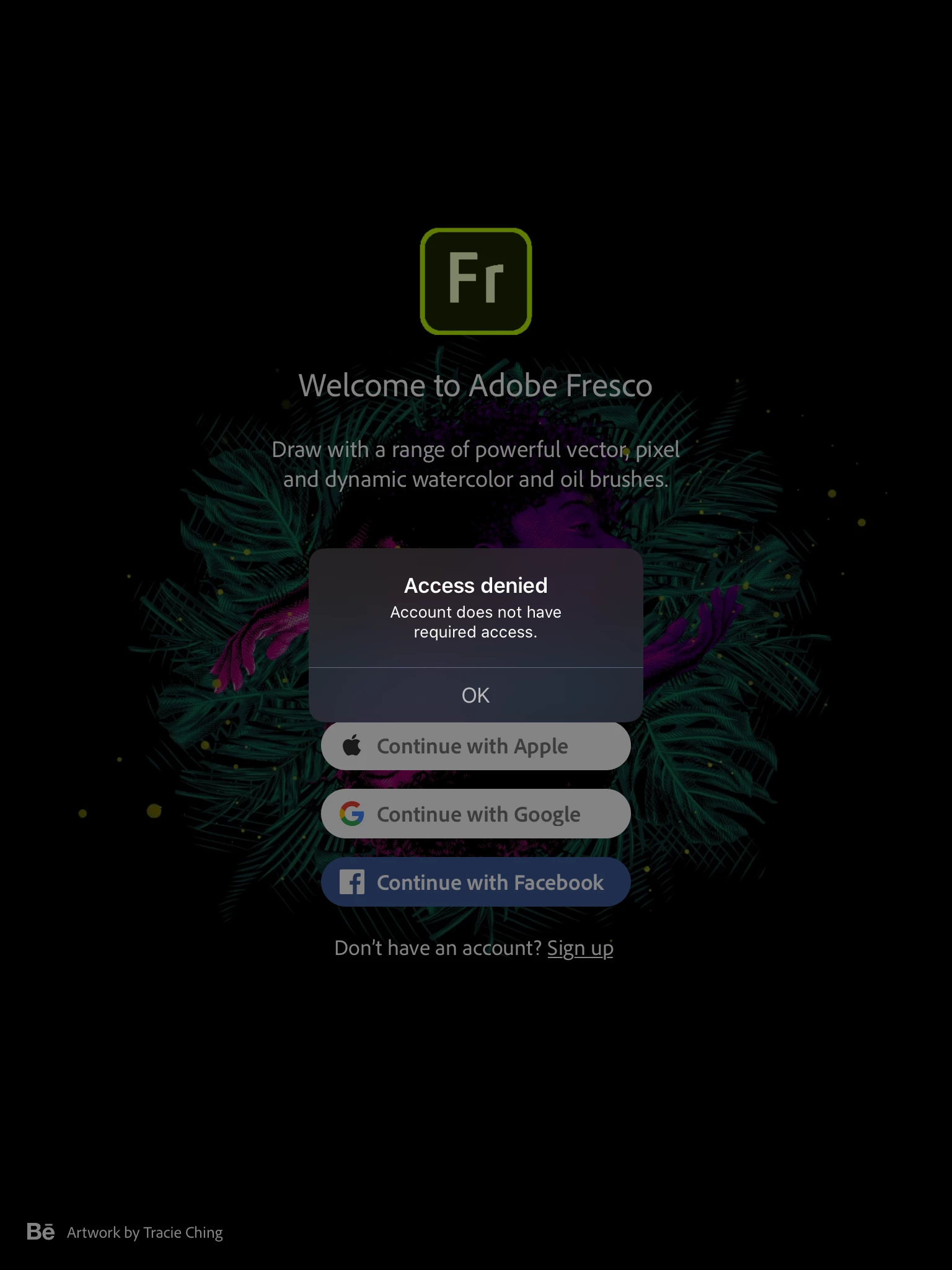
Access Denied: Account does not have required access.

  • June 16, 2020
  • 4 replies
  • 3380 views

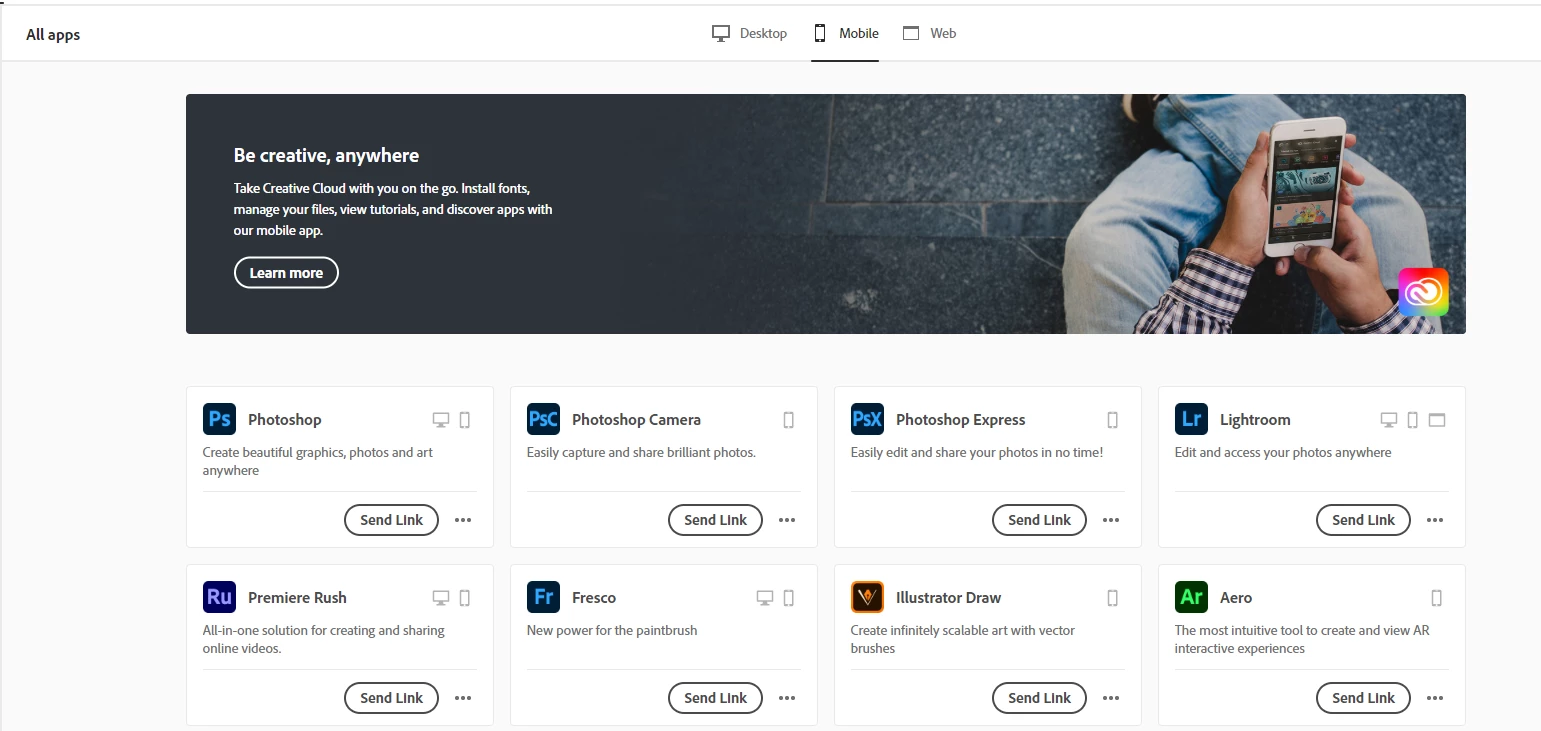
I have the full creative cloud suite access for my Adobe account. I can see Fresco listed as one of the apps in my subscription page.  However when I login with my account it tells me I don't have the required access.  I'm given no way to fix the issue by the app.


I talked to tech support and they said I should have access.  But they also said they couldn't help me and I needed to talk to the Adobe Fresco team to figure out my issue.  I don't see any way to contact a Fresco team, other than this community.


Any ideas?
This topic has been closed for replies.
Correct answer midkn1ght

Had the same issue.
Simply reeboting my iPad worked for me and I succesfully signed in.

4 replies

midkn1ghtCorrect answer
Participant
January 17, 2023

Had the same issue.
Simply reeboting my iPad worked for me and I succesfully signed in.

Participant
November 21, 2020

Hello,

I am having the same issue. I have a student account, downloaded the application through the Creative Cloud App. Tried logging out and back in but I get the same responce.

Participant
July 28, 2020

Hello! I am having the same issue. I do not have an Enterprise account, I have plenty of Cloud storage, I've checked and Cloud Documents are turned on, and I've signed in/signed out. I'm still getting the error message attached. Any suggestions?

Sue Garibaldi
Inspiring
July 28, 2020

Hi Jillian. 


Sorry you're having trouble with Fresco. I have a couple of quick questions:

* You're seeing this alert when you try to create a new canvas, correct?

* What type of account do you have?

* What do you see when you sign in with this same Adobe ID to https://assets.adobe.com/cloud-documents


You can direct message me if you'd prefer (just tap my name then Send Message).


Sue.

Sue Garibaldi
Inspiring
June 16, 2020

Hi Mdentonetc.


I'm on the Fresco product team; I can try helping. And if I can't figure out what's going wrong I'll get help from someone else on the team.  A few things:


* Is your Adobe account an Enterprise account?

* If it is, do you happen to know whether your enterprise uses Creative Cloud Storage (because of Cloud Documents, Creative Cloud Storage is required to use Fresco)?

* An easy way to determine whether you have access to Cloud Documents is to open Photoshop and see if you have access to them from within that app (they are under Your Work). 

* If you're not on an enterprise account and have access to Cloud Documents, have you tried signing out/signing back in to the Creative Cloud Desktop App?


Let me know and we'll go from there. 


Sue. 


Known Participant
June 19, 2020

Ok, so I figured it out.  I needed to have the Creative Cloud App installed on my iPad.  Once I installed than and signed in, Fresco worked on my iPad.


Your last bullet point gave me the hint that I needed, so thanks for you help.

Sue Garibaldi
Inspiring
June 21, 2020

Mdentonetc.


Thanks for letting me know what eventually worked for you. Although, since I have to admit that I'm not aware of a Creative Cloud Mobile App requirement for Fresco to install/work correctly, I'll mention this to the team. 


The app is a great companion to Fresco though so there's value in having both installed. 


Sue.