
Participant
September 18, 2024
Question

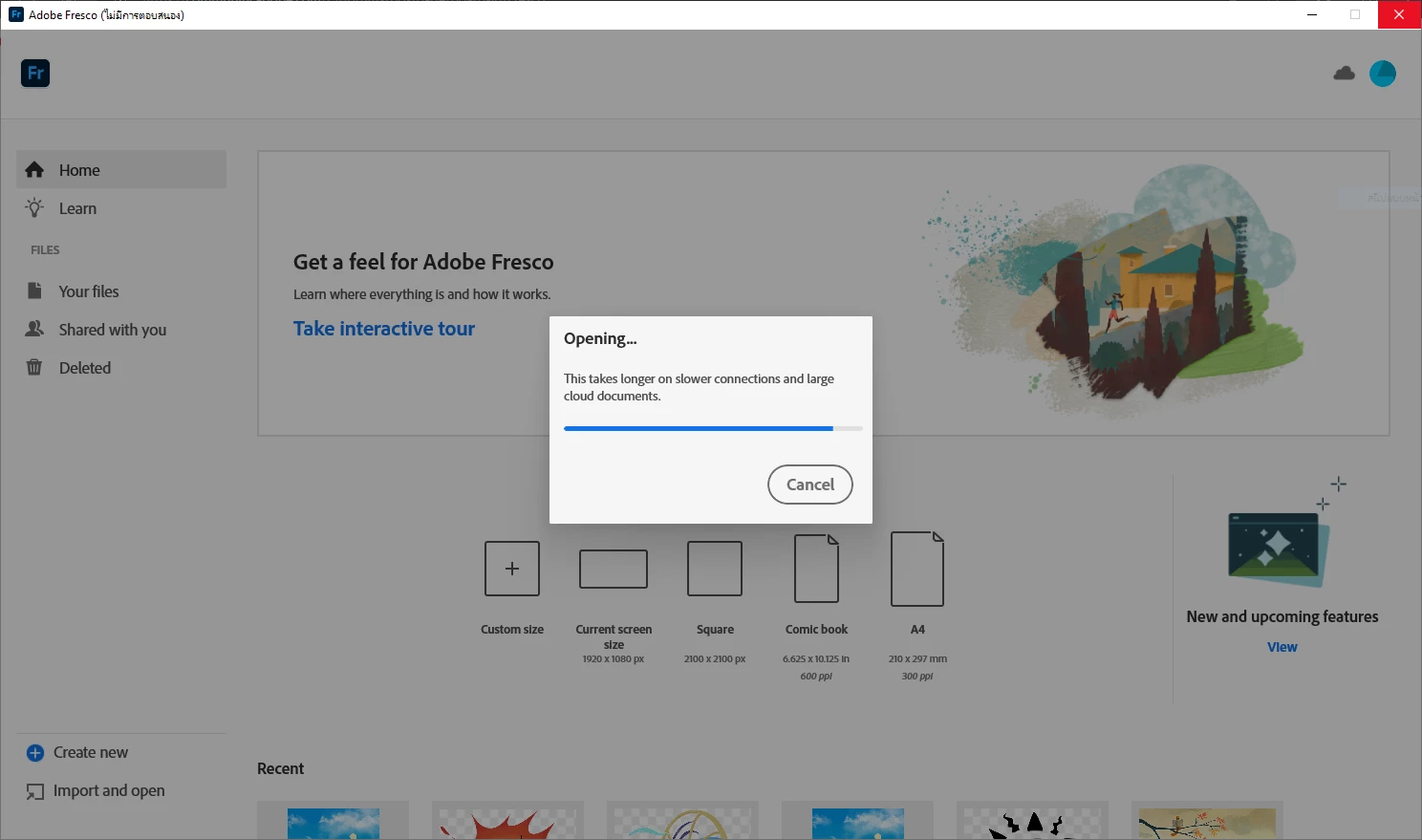
Adobe Fresco pc version It has hang and no response / I want to try the old version

  • September 18, 2024
  • 1 reply
  • 723 views

Hello, I am having problems using Adobe Fresco pc version. The program will freeze and not respond when opening or creating files (from the same file in the cloud, it can still be opened in the iPad version of the app, updated Windows10 with the latest graphics card drivers). So I want to try the old version of Adobe Fresco (someone recommended it). Does the support team have a link to install this program? Maybe it will solve this problem.
 

This topic has been closed for replies.

1 reply

Anubhav M
Community Manager
Community Manager
September 18, 2024

Hello @Thawatchai_Klompong5930,

We understand how frustrating it can be to experience technical issues. Would you mind trying the following steps and checking if they help:

1. Go to Creative Cloud Desktop Application

2. Press Ctrl+Alt+R

3. It will show a dialog to Relaunch

4. Click Continue and wait for 2-3 minutes

5. Launch Fresco


Additionally, check if all of your work is synced online (https://adobe.ly/4enORT6). If yes, please try resetting Fresco (https://adobe.ly/4grEuzF...) and share your observations.


If the issue persists, kindly try the steps shared here (https://adobe.ly/4etDd9r) to install an older version of Fresco.


Looking forward to hearing from you.


Thanks,

Anubhav

Participant
September 19, 2024

First of all, thank you for your help.


Based on your advice, I tried pressing Ctrl+Alt+R in Creative Cloud Desktop Application, but no dialog box popped up.


So I skipped the step to check if all my files are online. I clicked on the link you provided, and all my files were there (does that mean my files are online?).

Then I reset Fresco as you provided, but the problem I was having still persisted.


As for the method you suggested to install the old version of fresco, on the app list page, in the fresco app, I clicked on the three dots to open the "Other versions" option, but there was no such option (I only saw "View product details" and "Get mobile app").

What do you think if I try to reinstall windows os and reinstall Creative Cloud and fresco?

Anubhav M
Community Manager
Community Manager
September 19, 2024

Hello @Thawatchai_Klompong5930,

Would you mind navigating to Apps > All Apps > Scrolling down to find Fresco, and then selecting the 3 dots to check if the option is present?


Looking forward to hearing from you.


Thanks,

Anubhav