
traceorozco
Participant
February 22, 2024
Question

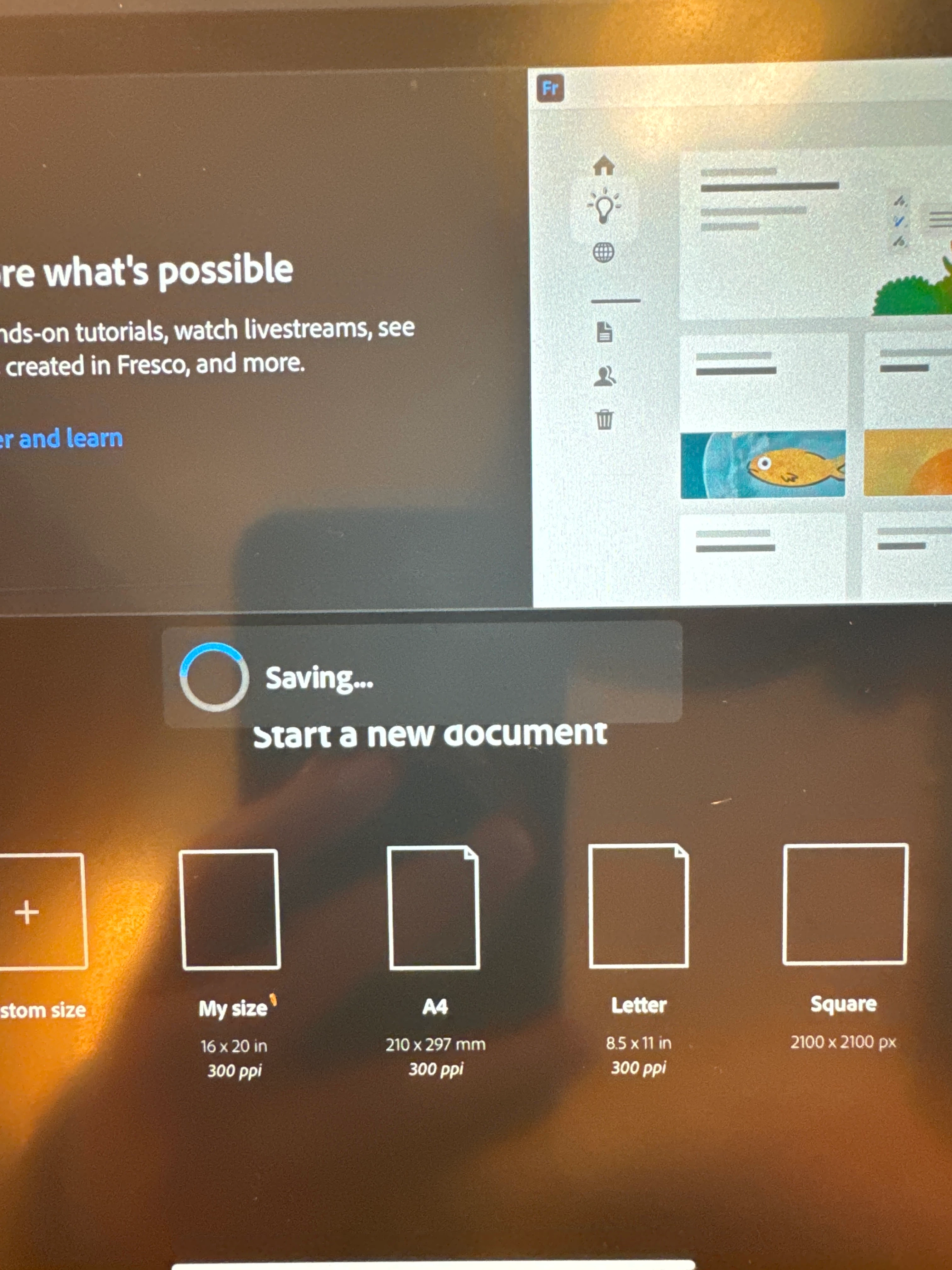
Adobe Fresco stuck on “Saving…” when first opened
  • February 22, 2024
  • 1 reply
  • 233 views

 I've tried restarting the app and also tried restarting the iPad. iPad software is up to date running on OS 17.3.1 and so is Fresco on version 5.3.0. Even if I wait it out the screen eventually goes to sleep with fresco still stuck on "Saving..." even though there's nothing to save as it's just been launched. This has been going on for a week now.

This topic has been closed for replies.

1 reply

Anubhav M
Community Manager
Community Manager
February 22, 2024

Hello @traceorozco,

We understand how frustrating it can be to experience technical issues in Fresco, especially in the middle of work. Would you mind checking if all of your work is synced online (https://adobe.ly/49E3oIJ)? If yes, try deleting Fresco, restarting your device, and then reinstalling the app to check if it helps.


Looking forward to hearing from you.


Thanks,

Anubhav