


Question
Adobe Fresco Thumbnails smaller than normal.
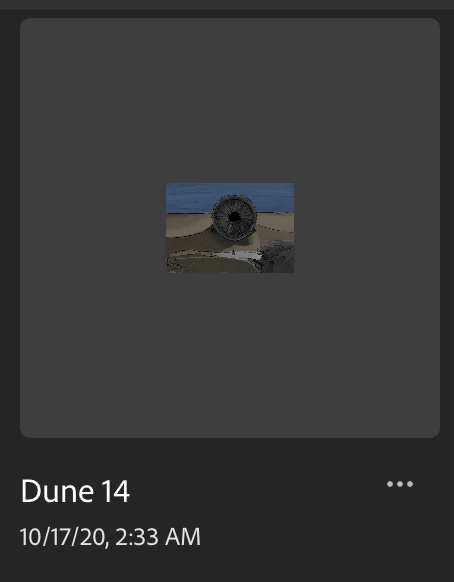
I got the iPad Pro over the summer and began using this app around then on my personal account. Since then I have canceled my subscription because my school offers the same package for free. I signed in on my school account to start transferring projects in and noticed this bug where the images are much smaller than they normally are. I realize it's not a big deal but like it is just something that annoys me so I thought I'd post it here rather try and get rid of it than keep noticing it. I've tried just uninstalling and reinstalling and I've searched my settings and here but haven't found an easy fix. Reference image attached below of what the file looks like now. Sorry to take up time from more important bugs with this trivial one.
 AdChoices