
Participant
May 7, 2023
Question

Adobe photoshop on ipad

  • May 7, 2023
  • 1 reply
  • 218 views

I've always used Adobe Fresco and recently whenever I hit print, nothing happens. So I switched over to Adobe Photoshop and now the issue I'm having is it won't let me change the paper size. I only print on legal paper and it don't give me any other options in the print settings. Help! This is literally my livelihood!
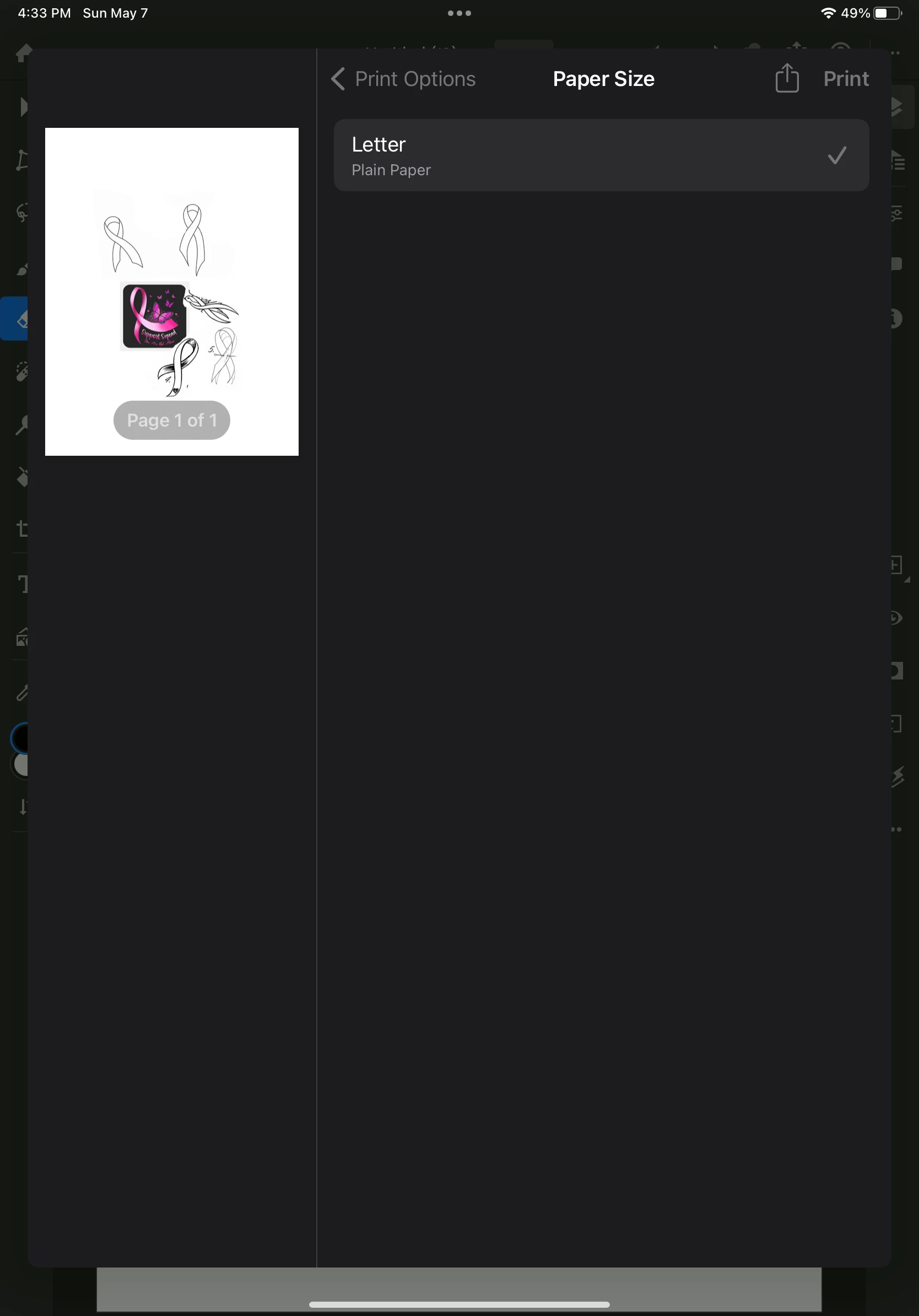
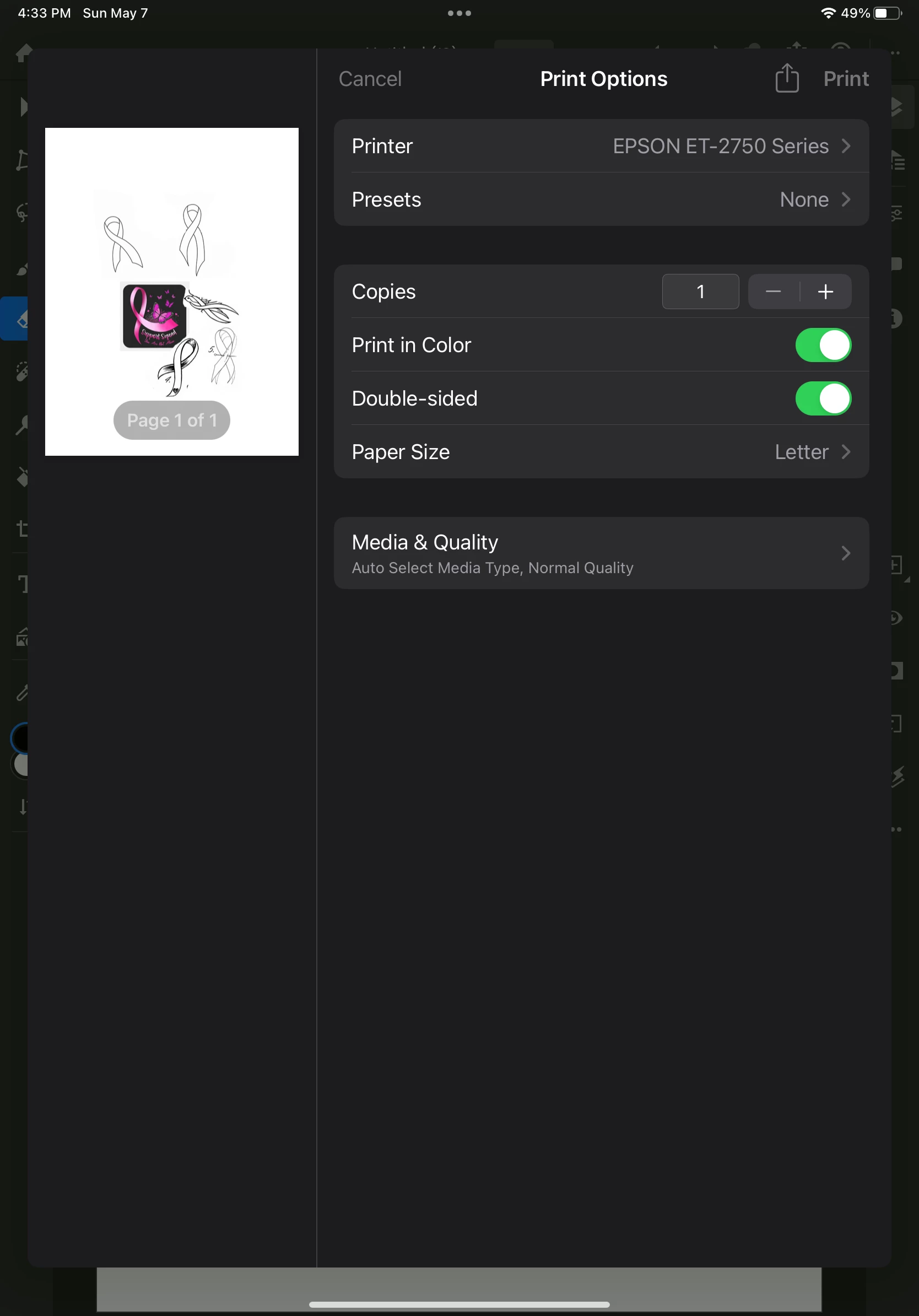
This topic has been closed for replies.

1 reply

Community Manager
June 12, 2023

Hello @Elaine297718944sav,


Sorry for the delayed response. I hope the problem is resolved by now. If not, kindly try switching to the Print Center after trying to print from Fresco (https://support.apple.com/en-us/HT201387#:~:text=View%20or%20cancel%20your%20print%20job) to check if it shows any errors.


Also, check if your work is synced online (https://assets.adobe.com/cloud-documents). If yes, kindly try deleting Fresco, restarting your device, reinstalling the app, and checking if the OS installed is up to date (https://support.apple.com/en-us/HT204204), and share your observations.


Looking forward to hearing from you.


Thanks,

Anubhav