Question
Brush
- Hi,
How to turn off the direction and working area indication when painting with brushes?
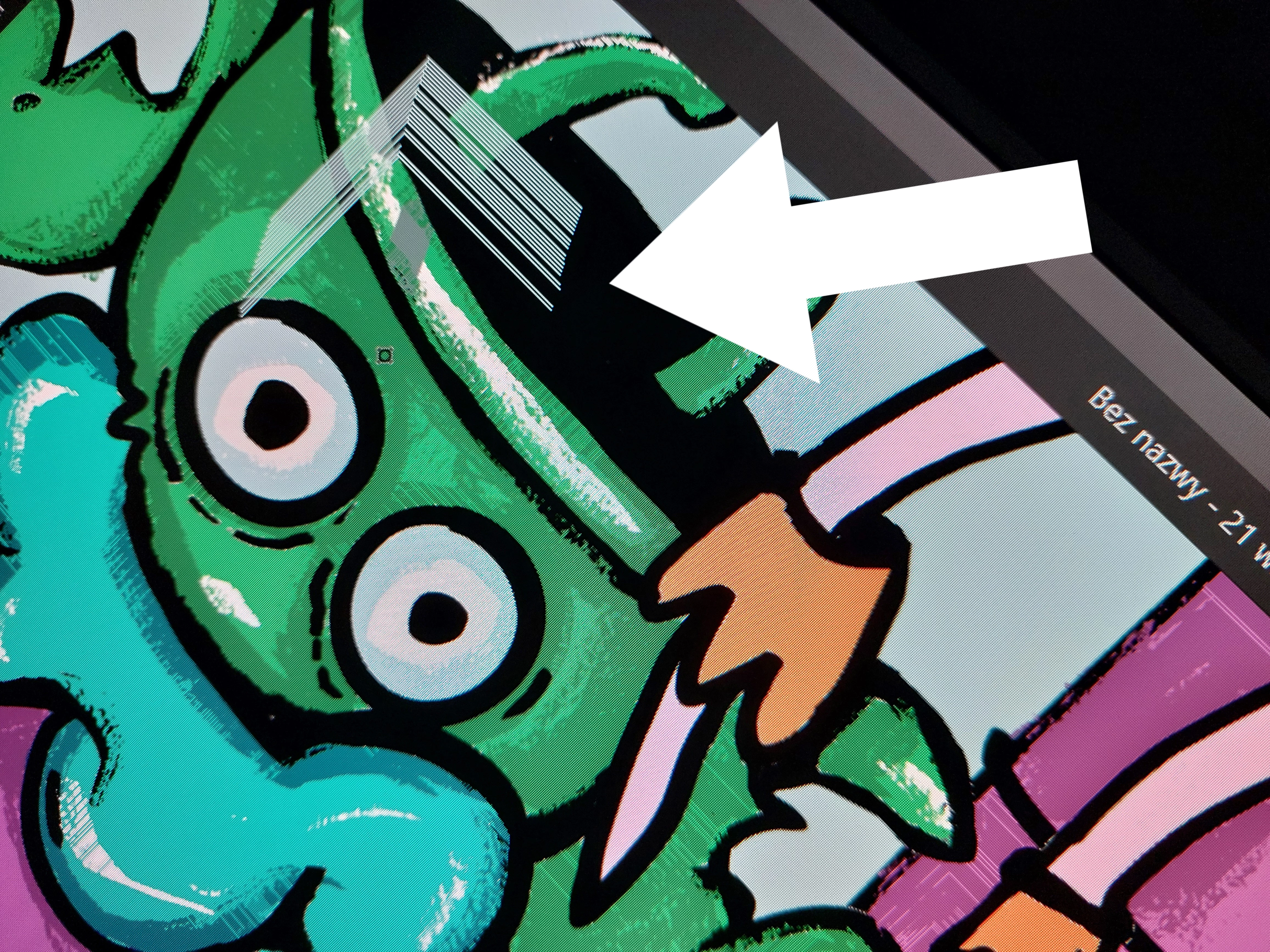
How to turn off the direction and working area indication when painting with brushes?
How to turn off the direction and working area indication when painting with brushes?
How to turn off the direction and working area indication when painting with brushes?Already have an account? Login
Enter your E-mail address. We'll send you an e-mail with instructions to reset your password.


 AdChoices