
Answered
Brush tool options tab not appearing
Hello,
I'm a Windows 11 Fresco user and use a laptop with a small screen. This means I have trouble accessing the tools at the bottom of the screen (colour wheel and brush tool options) as they are below my screen, and I can't click them.
I accidentally dragged the brush tool options tab down below my screen and now can't access it. I tried hiding my taskbar in settings and relaunching Fresco, but I still can't use or drag the brush tool options up.
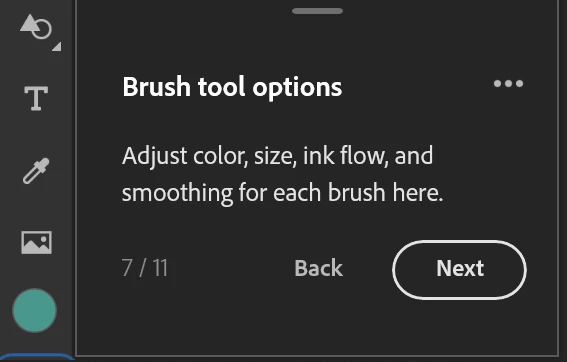
As shown in the screenshot above, there is a blue border around the brush tool options tab, but I cannot click the tab as it is too far below.
This is what the brush options tab should look like.

Sorry for the long paragraphs in advance.


 AdChoices