



Bug Report - IPad VS Fresco on Desktop, Ipad layers disapeared
So a weird thing happened yesterday when I was drawing on My Ipad and all of the sudden after painting a layer with a watercolour brush, all my canvas + layers disappeared.
See how it looks on my Ipad
No canvas, all the layers are blank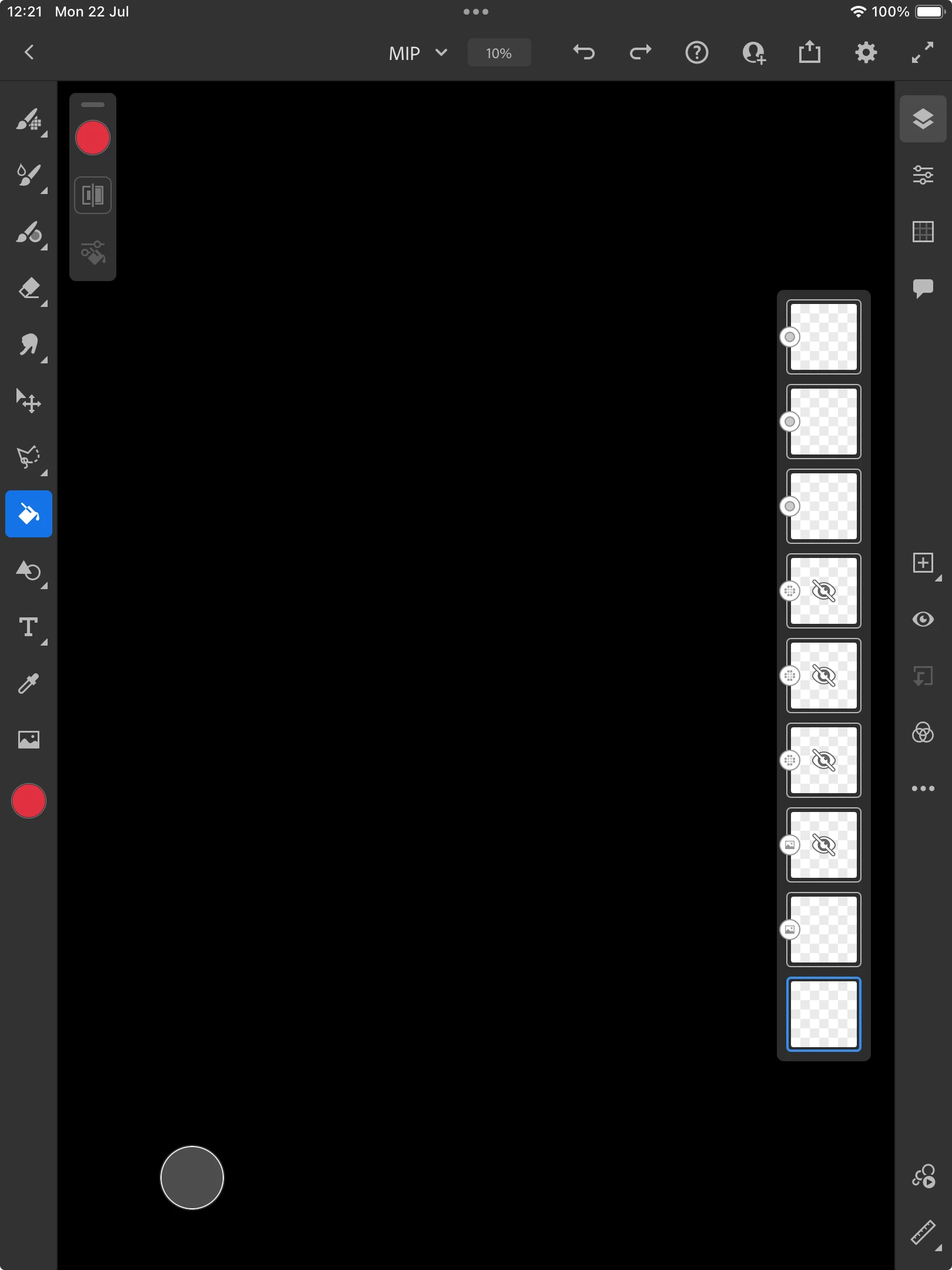
In contrast, see how it looks on Fresco on my Desktop (same file)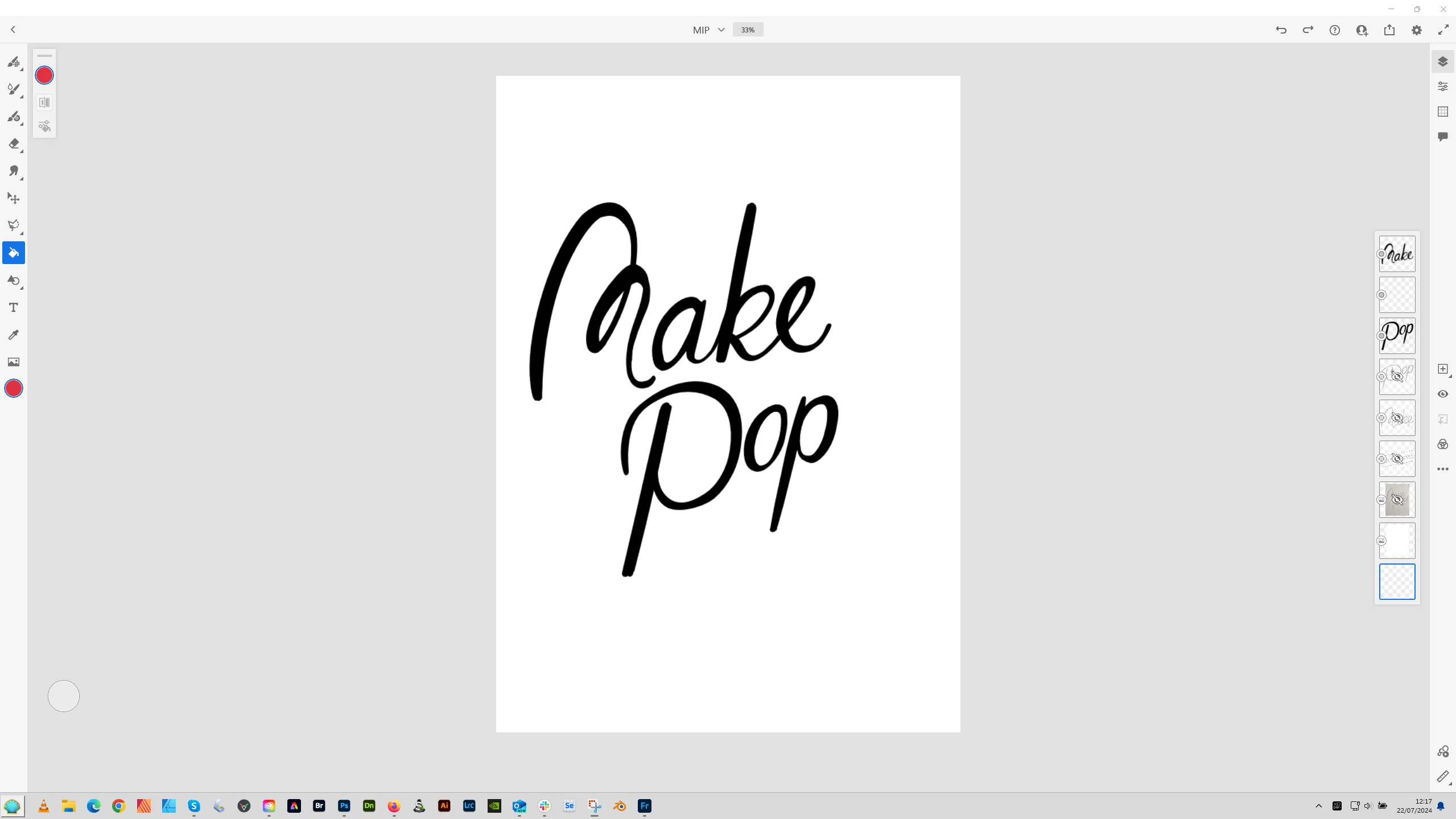
There is a canvas, the layers are filled. (same when I opened in Photoshop)
Here is the thumbnail in the CC app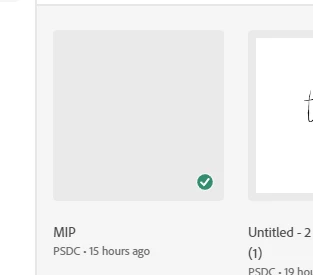
Nothing in there...
The exact sequence of events: I added a mask to smooth out some curves on the top layer (Make). I added a vector fill on a new layer on top of the white background layer that came as default.
Then I grouped all the line work layers, and added a clipped layer to that group to tried to add a watercolour style gradient to the lettering.
In the middle of painting, it stopped working. No error message, nothing, just that no colour was applied when I was painting. I tried a new brush type, a new layer (unclipped), other colours, nothing worked. Then the screen sort of blanked, and I was left with the app in the state of my first screenshot.
I went to Photoshop, tried to open it, and it opened in the state as seen in screenshot 2, I then opened it in the desktop Fresco, it was a blank canvas with no layer. I opened it this morning and saw it as screenshot 2 (So I am assuming it's a sync issue)
On the Ipad, I can export a timelapse and it stops short when the painting failed. (available if needed)
Unfortunately no timelapse available on Photoshop or Fresco desktop app.
I hope I have been thorough enough in my explanation!


 AdChoices